- Meta Business Suite is free on desktop and mobile and needs a business portfolio.
- Its planner schedules Facebook and Instagram posts; A/B tests compare two versions.
- Without Open Graph tags, Facebook guesses your title, description and image.
- Facebook caches images by URL: upload a new file when you change one.
- Paid boosts are optional; use them for one measurable goal.
The best Facebook tools for bloggers are mostly free and made by Meta: Meta Business Suite to plan, schedule and test posts, reply to messages and read insights; the Sharing Debugger and Open Graph tags to control how your articles look when shared; your Page’s insights to see what works; Facebook groups for community; and boosting or Ads Manager for the occasional paid push. This guide explains what each one does and how a blogger uses it, from Meta’s own help and developer pages, checked on 12 October 2026.
Setting up from scratch? First create a Facebook business Page. For the posting strategy itself, see our guide on getting website traffic from Facebook. This page is about the tools.

1. Meta Business Suite: plan, publish and reply in one place
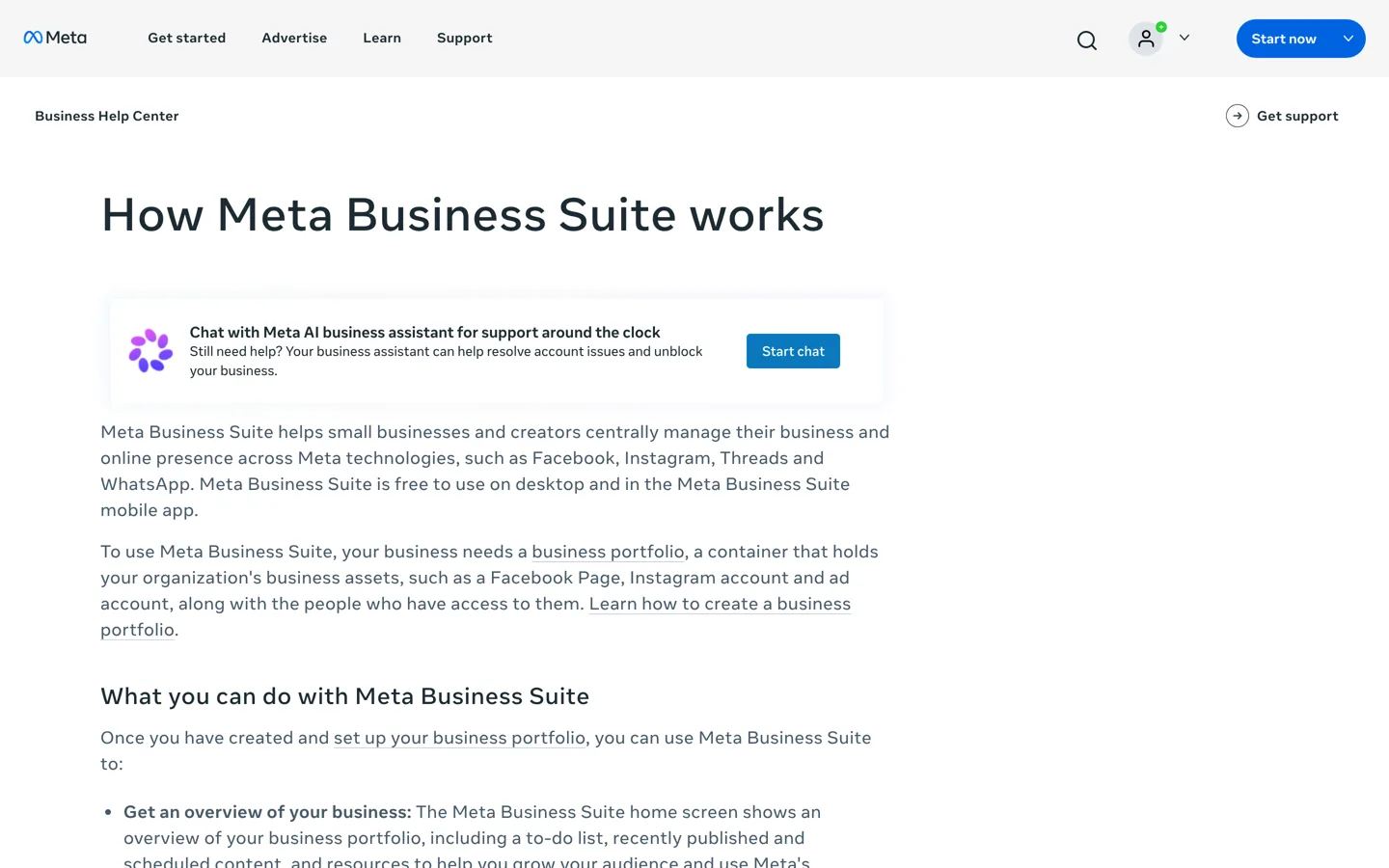
Meta Business Suite is Meta’s free tool for managing a business presence across Facebook, Instagram, Threads and WhatsApp, on a computer or in its mobile app. Meta’s help page says it needs a business portfolio, which holds your Page, Instagram account and ad account along with the people who can access them. Once that’s set up, the parts bloggers use most are:
- Planner and calendar: create, schedule and manage Facebook and Instagram content, then see it in a calendar view. Write a week of posts in one sitting and let them go out on schedule.
- A/B tests: Meta says you can show the same content in two versions to compare which performs better. Test two headlines or two images for an article you share often.
- Inbox: read and reply to messages and comments from your Page, Messenger, Instagram and WhatsApp Business in one place, with automations for common questions.
- Insights: trends, activity on your content and information about your audience.
- Ads: quick ads and boosted posts, tracked in the Ads tab.
How a blogger uses it
- Every Monday, open the planner and schedule a mix of posts for the week: one or two new articles, a tip, a question, an older guide re-shared.
- Each day, check the Inbox and answer comments and messages, linking a relevant article when it genuinely helps.
- Once a month, look at Insights: which posts reached and engaged people, and which articles sent visitors?
Run a simple A/B test
Pick an article you share regularly. Write two versions of the post that differ in one thing only: the opening line, the image, or the angle (“save time” versus “avoid a mistake”). Run them as an A/B test in Meta Business Suite, let it run long enough for both versions to reach a fair number of people, and keep the winner as your template for that topic. Testing one change at a time is what makes the result useful; change everything at once and you won’t know why one version won.
Use the Inbox well
Messages and comments are where readers ask the questions your next article should answer. Reply in your own words, link to an article only when it answers the question, and save frequent replies as automations, which Meta says can save time on common questions. Keep a running list of questions you’re asked more than once: each one is a topic readers have already told you they want.
2. Open Graph tags and the Sharing Debugger: control your link previews
When anyone shares your article on Facebook, the preview (title, description and image) decides whether people click. Meta’s developer documentation says most content is shared as a URL, so you should mark up your site with Open Graph tags to control how it appears; without them, Facebook’s crawler makes “a best guess” about the title, description and image.
- The tags:
og:url(the canonical address),og:type(articlefor blog posts),og:title,og:descriptionandog:image. Meta recommends a title without branding such as your site name. - On WordPress: SEO plugins such as Rank Math and Yoast add these tags from each post’s title, description and featured image; check their social settings. Our Yoast SEO setup guide covers this.
- The Sharing Debugger: enter a URL to see which tags Facebook’s crawler reads, with any errors or warnings. Meta says it also triggers a fresh scrape, so you can use it after fixing a problem.
One detail catches many bloggers: Meta says images are cached by URL and won’t update unless the URL changes. If you replace an article’s featured image, upload it as a new file rather than overwriting the old one, then run the debugger.

3. Page insights: learn what your followers want
Your Page’s insights, in Meta Business Suite or on the Page, show how posts perform and who your audience is. Meta’s help centre covers Page views, reach and impressions, post insights and follower demographics. Use them for three questions:
- Which topics get the most engagement? Write more about them.
- Which link posts led to clicks? Compare with your website analytics.
- Do posts on certain days or times do better? Schedule more for those.
Insights only show what happens on Facebook. To see what visitors did on your site, tag shared links with campaign parameters and check your analytics, as our Facebook traffic guide explains.
4. Facebook groups: build a community around the blog
A Page broadcasts; a group lets readers talk to each other. Meta describes groups as places to communicate about shared interests, with privacy settings you choose, and its help centre explains how to create a group as your Page, so the group is linked to your brand rather than your personal profile. A group works well for a blog with an engaged audience: a weekly question thread, members sharing their progress, and you answering in depth. Write clear rules from the start, including whether and when members can share links.
5. Boosting and Ads Manager: the occasional paid push
Meta Business Suite lets you boost a post or create a quick ad; for detailed campaigns with advanced targeting, Meta points to Ads Manager. For most bloggers, paid reach is optional. It can make sense for a specific goal you can measure, such as promoting a free checklist that grows your email list, but test a small budget first and compare the cost per sign-up with what each subscriber is worth to you.
Let a helper use the tools safely
If a virtual assistant or co-author helps with your Page, you don’t need to share your password. Meta’s help centre explains that people can be given task access, which lets them manage content, messages, ads and insights through tools such as Meta Business Suite or Ads Manager, without switching into the Page on Facebook. Full control, by contrast, gives someone the same access as you, including removing you. Give helpers task access where you can, and review who has access every few months, removing anyone who no longer helps.
Use it on your phone too
Meta Business Suite has a mobile app as well as the desktop version, so you can answer messages and check scheduled posts away from your desk. Do the planning on a computer, where writing and reviewing posts is easier, and use the app for quick replies and checks during the day.
Which Facebook tools for bloggers to start with
- Open Graph tags and the Sharing Debugger: fix how your articles look when shared, before anything else.
- Meta Business Suite planner and inbox: post consistently and answer readers.
- Insights: once a month, decide what to make more of.
- A group: when your Page has an engaged core of readers.
- Ads: only for a measurable goal.
A weekly routine with these tools
- Monday, 30 minutes: schedule the week’s posts in the planner, mixing new articles with tips and questions.
- Before sharing any new article: paste its URL into the Sharing Debugger and fix the preview if needed.
- Daily, 10 minutes: answer the Inbox and comments.
- Weekly, in your group: post one discussion question and reply to members.
- Monthly: review insights and your analytics, and plan next month’s topics around what worked.
Most of this fits in about two hours a week, and it keeps the Page active without taking over your writing time.
Common problems
- The wrong image appears when you share a post: check the featured image and
og:image, upload a new image file if you changed it, and re-scrape in the Sharing Debugger. - You can’t find Meta Business Suite features: make sure your Page is in a business portfolio and you have access to it.
- Scheduled posts didn’t appear on Instagram: check the Instagram account is connected in Meta Business Suite.
- The preview title shows your site name twice: remove the site name from
og:title, as Meta recommends.
What these tools can’t do for you
None of Meta’s tools makes an article worth sharing. Scheduling keeps you consistent, insights show what’s working and good previews earn clicks, but people share and follow pages that help them. Use the tools to save time and learn, and spend the time you save on the articles. For other tools across your blog, see our guide to the essential blogging tools.
Questions people ask
What is Meta Business Suite?
Meta's free tool for managing a business presence across Facebook, Instagram, Threads and WhatsApp: planning and scheduling content, A/B tests, an inbox for messages and comments, insights and ads.
Is Meta Business Suite free?
Yes. Meta says it's free to use on desktop and in the Meta Business Suite mobile app. You need a business portfolio to use it.
How do I fix the image Facebook shows for my link?
Set the featured image and Open Graph tags, upload a new image file if you changed it (Facebook caches images by URL), then re-scrape the URL in the Sharing Debugger.
What are Open Graph tags?
Meta tags such as og:title, og:description, og:image, og:url and og:type that tell Facebook how to show your page when it's shared. SEO plugins add them for you.
Can I schedule Facebook posts for free?
Yes, with Meta Business Suite's planner, which also shows scheduled Facebook and Instagram content in a calendar.
Should bloggers pay to boost posts?
Only for a specific goal you can measure, such as email sign-ups from a free checklist. Start with a small test budget.
Sources
- About Meta Business Suite (Meta Business Help) www.facebook.com · checked October 12, 2026
- A guide to sharing for webmasters (Meta for Developers) developers.facebook.com · checked October 12, 2026
- Facebook Page insights (Facebook Help) www.facebook.com · checked October 12, 2026
- Differences between profiles, Pages and groups (Facebook Help) www.facebook.com · checked October 12, 2026
- Facebook Page access levels www.facebook.com · checked October 12, 2026

Building websites since 2006: 500+ web projects of every size and $300K+ in website deals sold or brokered. Founder of A Digital Motive and DigiFlippers. I share the whole process here, plainly.
Founder of A Digital Motive and DigiFlippers