Some links on this page are affiliate links. If you buy through them I may earn a commission, at no extra cost to you. It never changes a rating. Read the disclosure
- Cloudways roughly doubles the price of the DigitalOcean server it manages for you.
- Fully managed hosts like Kinsta and Rocket.net price by site and need no server work.
- A control panel on your own server keeps the Cloudways model for less, but you watch the server.
- Budget hosts look cheap at first; always compare the renewal price.
- Kinsta and Rocket.net migrate sites for free, so moving is low-risk.
The best Cloudways alternatives depend on why you’re leaving. If you want someone else to handle everything, Kinsta and Rocket.net are fully managed WordPress hosts. If you like Cloudways’ “your own cloud server” model but not its price, a server control panel such as RunCloud, SpinupWP or GridPane on a DigitalOcean server does the same job for less. If you simply want cheaper hosting, Hostinger Cloud and SiteGround cost a fraction of either, with some trade-offs.
This guide starts with what you’re actually paying for at Cloudways, because that decides which alternative makes sense. Then it covers each option with its current price from its own website, and finishes with how to move without downtime.
What you pay for with Cloudways
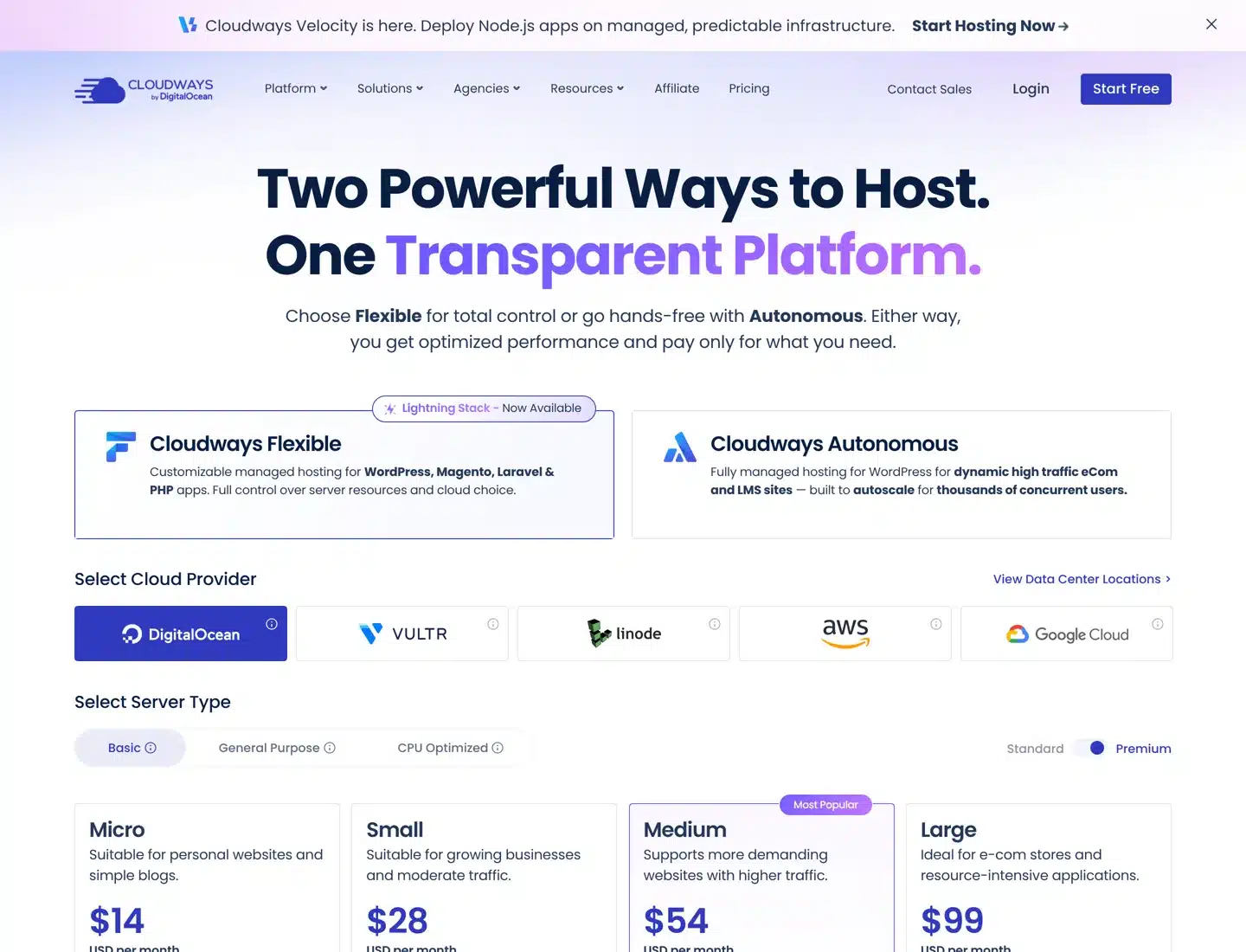
Cloudways is part of DigitalOcean. It rents you a cloud server from DigitalOcean, Vultr, Linode, AWS or Google Cloud and manages the software on it: the web server, caching, security patches, backups and 24/7 support. Its Flexible plans start at $14 a month for a 1 GB server.
Here’s the same size server bought directly from DigitalOcean, next to the Cloudways price on a DigitalOcean server:
| Server | DigitalOcean directly | Cloudways (Flexible) | Difference |
|---|---|---|---|
| 1 GB RAM, 1 vCPU, 25 GB | $6 a month | $14 a month | $8 for management |
| 2 GB RAM | $12 a month | $28 a month | $16 |
| 4 GB RAM, 2 vCPU | $24 a month | $54 a month | $30 |
| 8 GB RAM, 4 vCPU | $48 a month | $99 a month | $51 |
DigitalOcean Basic (Regular) Droplets and Cloudways Flexible Basic servers, from each company’s pricing page when this guide was updated. Prices exclude tax.
So Cloudways roughly doubles the price of the server in return for managing it. For many sites that’s a fair deal: you never touch a command line, and support is included. But the gap grows with every server size, and some things cost extra on top: off-site backup storage ($0.033 per GB per server), email (Rackspace mailboxes at $1.50 each a month), Cloudflare Enterprise (from $4.99 per domain a month) and an Advanced Support add-on ($100 a month) if you want help with plugins and themes.

Why people look for a Cloudways alternative
The reasons usually fall into one of three groups, and each points to a different kind of host:
- “I don’t want to manage anything.” Cloudways still leaves you choosing server sizes, watching resources and deciding when to scale. A fully managed WordPress host sells plans by site and handles the server for you.
- “I like the model, but it costs too much.” If you’re comfortable picking a server and following a guide, a control panel gives you most of Cloudways’ tools for a flat fee per server, and you pay DigitalOcean or Vultr directly.
- “I just need a cheap, reliable home for a small site.” A single blog doesn’t need its own server. Cloud and shared hosting plans cost a few dollars a month at first.

The best Cloudways alternatives at a glance
| Host | Type | Starting price | Good to know |
|---|---|---|---|
| Kinsta | Managed WordPress | $35 a month (1 site), $30 paid yearly | First month free; unlimited free migrations |
| Rocket.net | Managed WordPress | $30 a month (1 site) | $1 first month; no price rise at renewal |
| WP Engine | Managed WordPress | From $28 a month (first year) | Renewal price can change |
| Liquid Web | Managed or self-managed VPS | From $5 a month (1 GB) | Choose self or fully managed |
| RunCloud | Control panel on your server | From $9 a month + server | Server billed by your cloud provider |
| SpinupWP | Control panel on your server | From $12 a month + server | Built for WordPress only |
| GridPane | Control panel on your server | Free Core plan + server | Up to 25 sites on your own Vultr server |
| Hostinger Cloud | Cloud hosting | $7.99 a month (48-month term) | Renews at $25.99 a month |
| SiteGround | Shared WordPress hosting | $2.99 a month (first year) | Renews at $17.99 a month |
Fully managed WordPress hosts
These hosts sell plans by the number of sites, not by server size. You don’t choose RAM or CPU; they keep the site fast and secure and scale it for you. The price per site is higher than a Cloudways server, but there’s nothing to manage.
Kinsta
Kinsta is the closest premium alternative. Its single-site plan costs $35 a month, or $30 a month paid yearly, and includes 20 GB of server bandwidth, 10 GB of storage, 125 GB of CDN bandwidth and 14 days of backups. Multi-site plans start at $70 a month for two sites ($59 a month paid yearly). The first month is free on select plans, paying yearly gives you two months free, and every plan has a 30-day money-back guarantee after any free period.
Every plan includes unlimited free migrations, unlimited users, a managed firewall with DDoS protection, free malware removal, a CDN with edge caching, a built-in performance monitoring tool and 24/7 support in eight languages. The Kinsta review goes deeper, and Kinsta with Cloudflare explains how its edge caching works.

Rocket.net
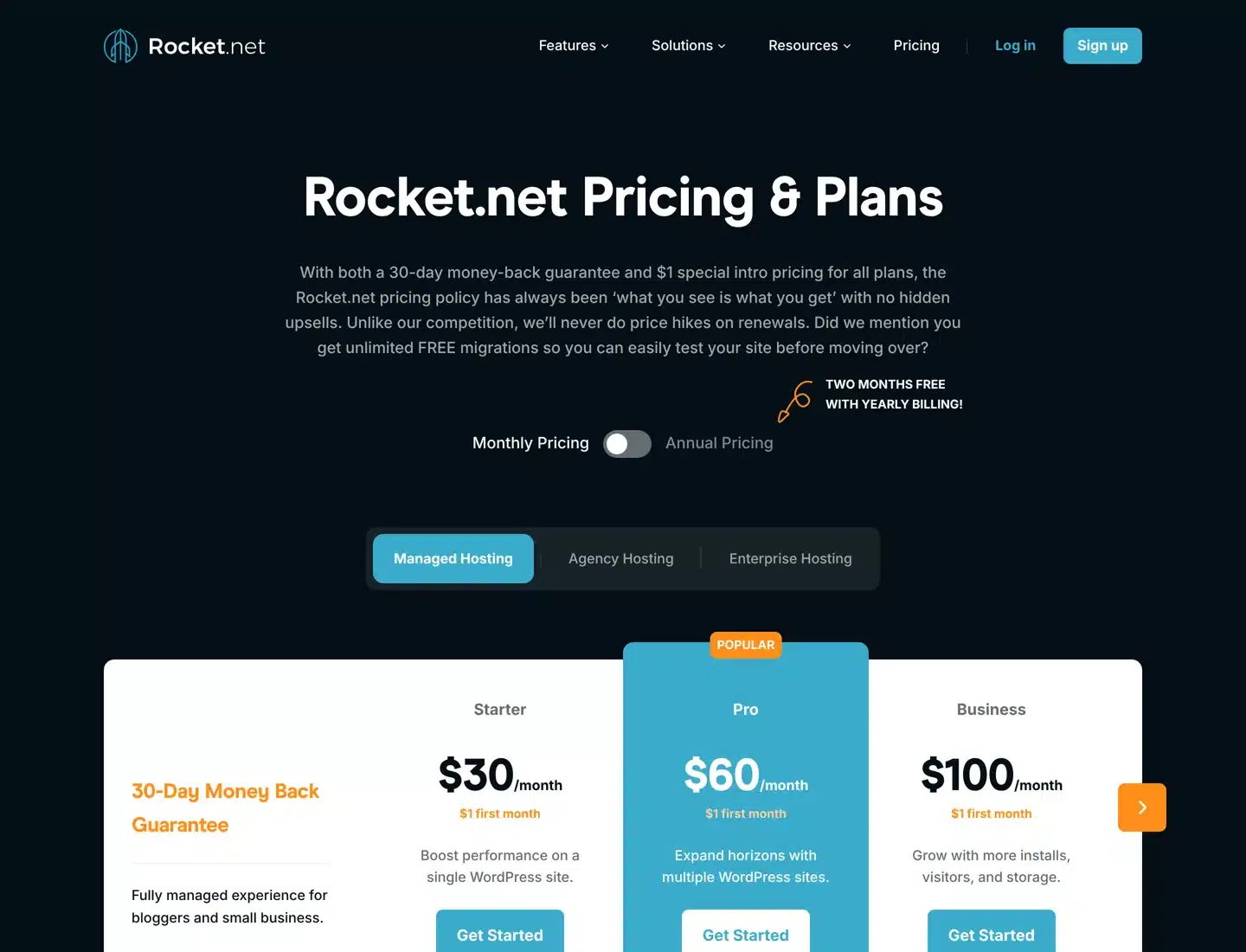
Rocket.net costs $30 a month for one site, a little less than Kinsta’s monthly price, with a $1 first month on every plan and a 30-day money-back guarantee. The Starter plan includes 10 GB of storage and 50 GB of bandwidth with unmetered visitors, an enterprise CDN, a web application firewall, malware protection and daily backups kept for 30 days.
Its main selling point against Cloudways is predictability: Rocket.net says it never raises prices at renewal and has no hidden upsells. It also offers unlimited free migrations. The Pro plan covers 3 sites for $60 a month.
WP Engine
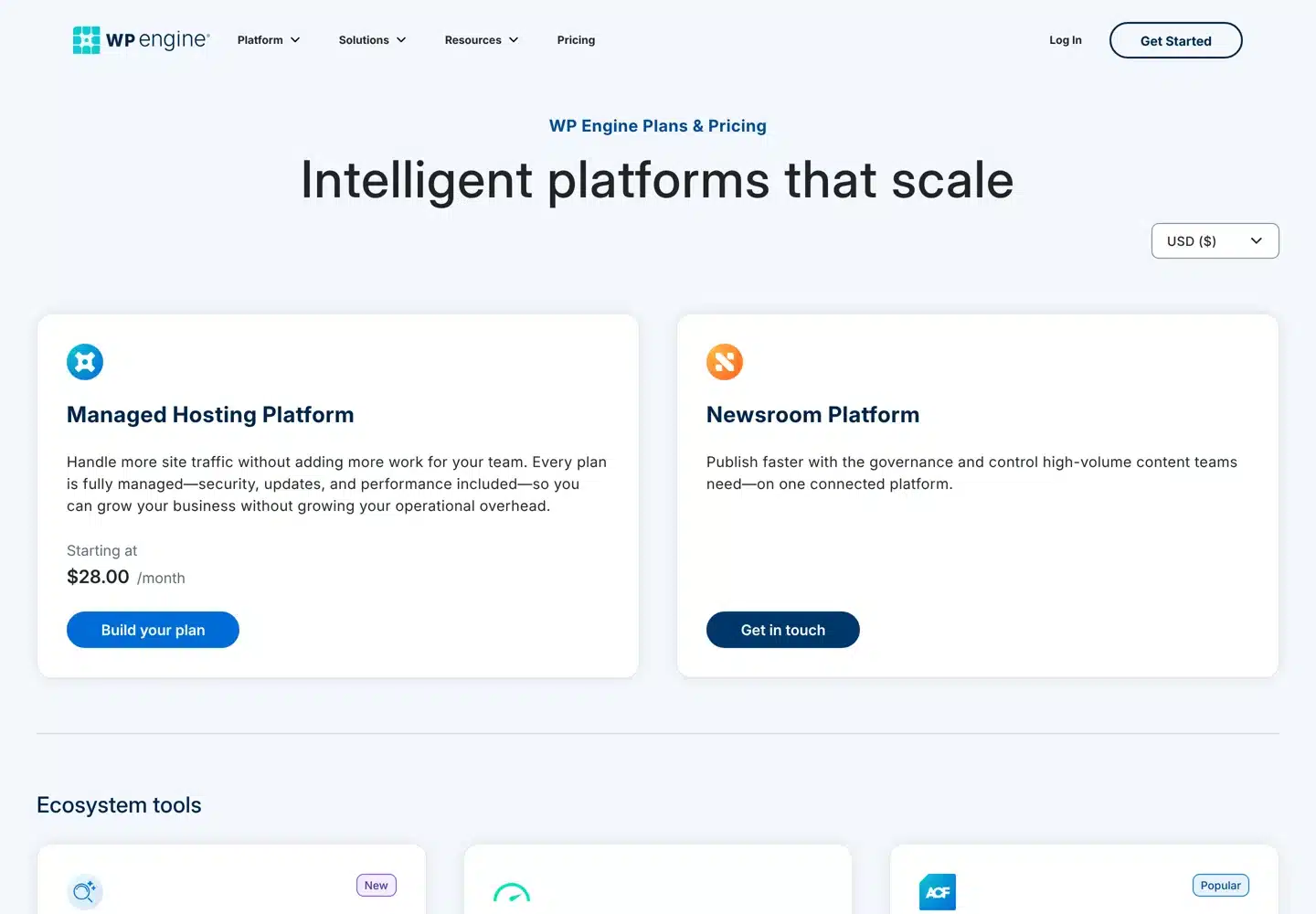
WP Engine is one of the oldest managed WordPress hosts. Its plans start at $28 a month, but its pricing page notes that this is a first-year price for new customers on Essential plans and that renewal pricing can change. Every plan is fully managed, including security, updates and performance. Check the renewal price before you compare it with the others here.
For a wider comparison of managed hosts, see the best managed WordPress hosting guide and Kinsta vs SiteGround.
Liquid Web
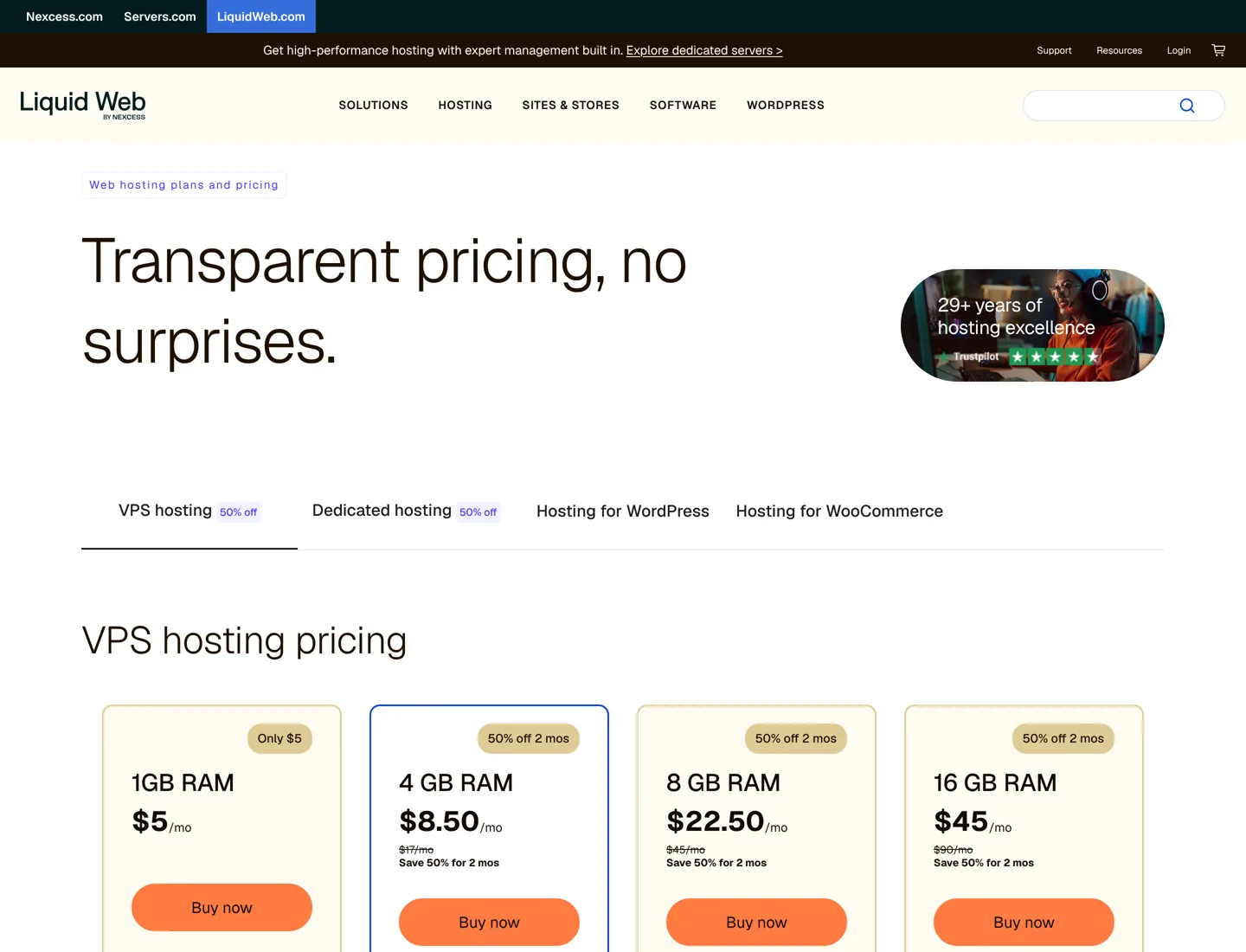
Liquid Web sits between Cloudways and a managed host. It sells VPS servers you can run yourself or have fully managed, starting at $5 a month for 1 GB of RAM, with 4 GB at $17 a month and 8 GB at $45. If you want a server with a company that will manage it for you, rather than a platform on top of someone else’s cloud, it’s worth comparing. The Liquid Web review covers its plans in detail.
Keep your own server, pay less for management
If what you like about Cloudways is having your own server, you can keep that and cut the cost. A server control panel connects to a server you rent from DigitalOcean, Vultr, Hetzner or another provider, sets up a WordPress-ready stack and gives you a dashboard for sites, SSL, backups and staging. You pay the panel a flat fee and the cloud provider for the server.

RunCloud
RunCloud works with WordPress and other PHP apps. According to RunCloud’s own site, the Essentials plan costs $9 a month for one server and Professional costs $19 a month for up to 50 servers, with the server itself billed separately by your cloud provider. One 2 GB DigitalOcean server ($12) plus RunCloud Essentials ($9) comes to $21 a month, against $28 for the same server at Cloudways. On a 4 GB server the gap widens: $33 against $54.

SpinupWP
SpinupWP is built only for WordPress, which keeps it simpler. Its site lists an Essentials plan at $12 a month and Advanced at $19 a month, each including one server, with a 7-day free trial. It sets up server caching and backs your sites up to your own cloud storage.

GridPane
GridPane has a free Core plan that hosts up to 25 websites on your own Vultr server, with server page caching, Redis object caching, a firewall and SSL included. If you’d rather not manage the server, its PeakFreq plans put your sites on fully managed servers from $19 a month.

Cheaper hosting for smaller sites
If you have one or two small sites, a server of your own may be more than you need. These plans cost far less at first, but check the renewal price: the low price is for the first term only.
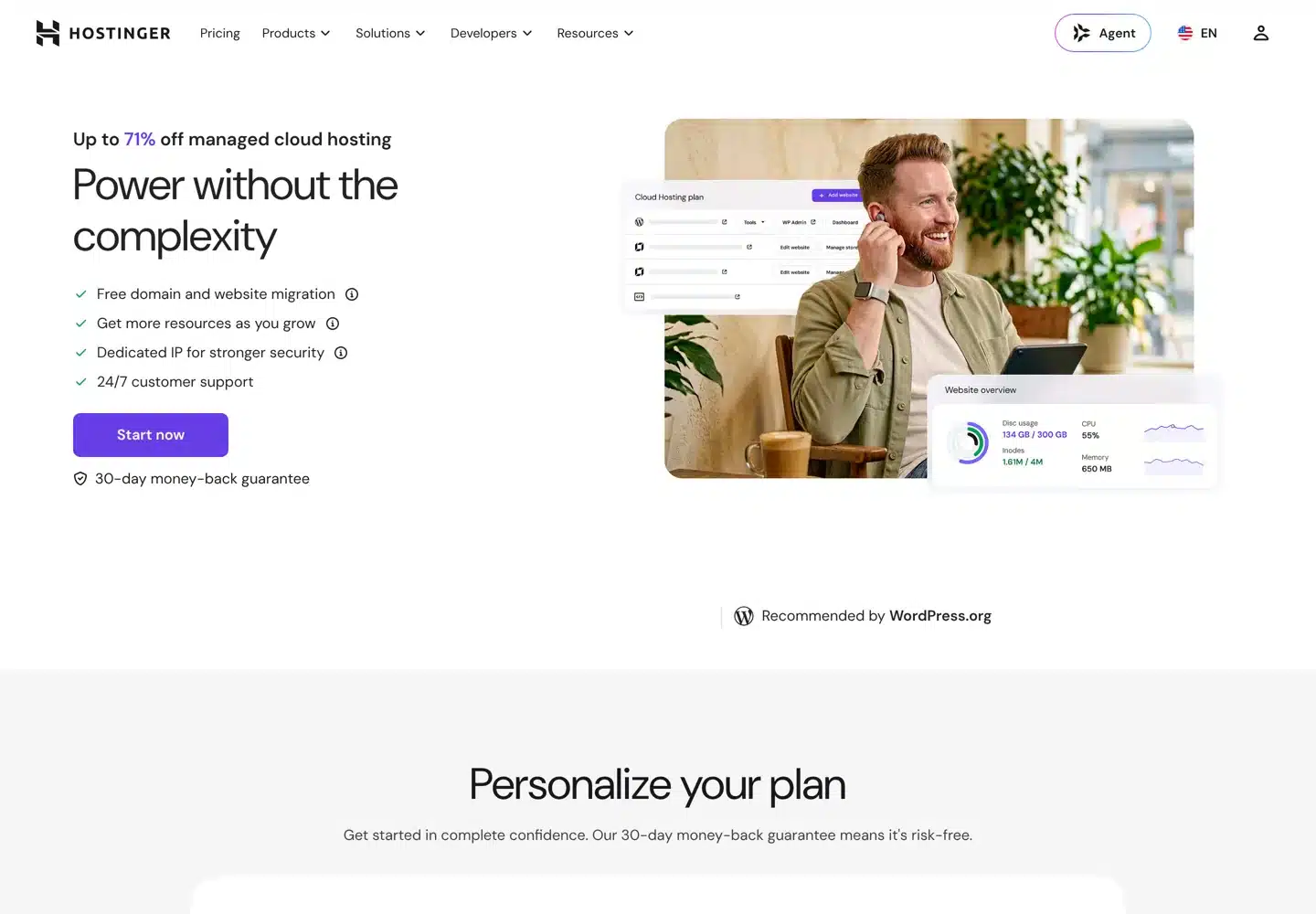
- Hostinger Cloud: the Cloud Startup plan costs $7.99 a month on a 48-month term and renews at $25.99 a month. It includes 100 GB of NVMe storage, unlimited websites, a free domain for the first year, free website migration and a 30-day money-back guarantee.
- SiteGround: the StartUp plan costs $2.99 a month for the first 12 months, prepaid, then renews at $17.99 a month. It hosts one site with 10 GB of storage and includes free SSL, CDN, backups and email. GrowBig ($4.99, renewing at $29.99) allows unlimited sites.
- Hosting.com (formerly A2 Hosting): offers shared hosting, managed and unmanaged Linux VPS servers and dedicated servers on one platform, so you can start small and move up. Its prices didn’t load for this guide, so check them on its site; the A2 Hosting review covers the company.
The cheap WordPress hosting guide compares more low-cost options.

How to move off Cloudways without downtime
Moving a WordPress site is routine if you do it in the right order. Most managed hosts above will migrate it for you for free; Kinsta and Rocket.net both offer unlimited free migrations. If you move it yourself, follow these steps:

- Take a fresh backup on Cloudways and download a copy, so you have one outside both hosts.
- Lower your domain’s DNS TTL to five minutes a day before the move, so the switch spreads quickly.
- Copy the site to the new host, using its migration service or plugin.
- Test it before switching on the new host’s temporary address: log in, open key pages, submit a form and place a test order if you sell anything.
- Point the domain to the new host and set up SSL there.
- Keep the Cloudways server for a week, then cancel it once traffic, email and forms all work on the new host.
If you’d rather have someone handle the move, website work like this is part of what my agency, A Digital Motive, does for clients.
Which Cloudways alternative should you choose?
- You want zero server work: Kinsta or Rocket.net. Choose Rocket.net if fixed renewal pricing matters most, Kinsta for its tools and support.
- You want your own server for less: RunCloud or SpinupWP on a DigitalOcean server, or GridPane’s free plan on Vultr if you’re confident with servers.
- You want a managed server from one company: Liquid Web.
- You run one or two small sites: Hostinger Cloud or SiteGround, after checking the renewal price.
- You’re happy with Cloudways but want it cheaper: a smaller server or fewer add-ons may be the simplest fix. Check what you actually use before you move.
Questions people ask
What is the best alternative to Cloudways?
For hands-off hosting, Kinsta (from $35 a month for one site, $30 paid yearly) or Rocket.net (from $30 a month), both with free migrations. To keep your own server for less, RunCloud, SpinupWP or GridPane on a DigitalOcean or Vultr server. For one small site, Hostinger Cloud or SiteGround.
Is there anything cheaper than Cloudways?
Yes. The same 2 GB DigitalOcean server costs $12 a month directly against $28 at Cloudways; adding a control panel such as RunCloud Essentials ($9) brings it to $21. Shared and cloud hosting plans like SiteGround and Hostinger cost less still in the first term, but renew higher.
Who owns Cloudways?
Cloudways is part of DigitalOcean. It runs servers on DigitalOcean, Vultr, Linode, AWS and Google Cloud and manages the software on them.
Is Kinsta better than Cloudways?
It's simpler rather than better or worse. Kinsta prices by site and manages the whole server, starting at $35 a month for one site ($30 paid yearly). Cloudways starts at $14 a month for a server you size yourself and can host many sites on it. Kinsta suits people who don't want to manage resources.
How do I move my site off Cloudways?
Take a backup, lower your DNS TTL a day before, copy the site with the new host's migration service or a plugin, test it on the temporary address, then point your domain to the new host and set up SSL. Keep the Cloudways server for a week before cancelling.
What is a server control panel?
A service like RunCloud, SpinupWP or GridPane that connects to a server you rent, installs a WordPress-ready stack and gives you a dashboard for sites, SSL and backups. You pay the panel a monthly fee and the cloud provider for the server.
Sources
- Cloudways pricing www.cloudways.com · checked October 11, 2026
- DigitalOcean Droplet pricing www.digitalocean.com · checked October 11, 2026
- Kinsta pricing kinsta.com · checked October 11, 2026
- Rocket.net pricing rocket.net · checked October 11, 2026
- WP Engine plans wpengine.com · checked October 11, 2026
- Liquid Web pricing www.liquidweb.com · checked October 11, 2026
- RunCloud pricing runcloud.io · checked October 11, 2026
- SpinupWP pricing spinupwp.com · checked October 11, 2026
- GridPane plans gridpane.com · checked October 11, 2026
- Hostinger cloud hosting www.hostinger.com · checked October 11, 2026
- SiteGround WordPress hosting www.siteground.com · checked October 11, 2026
- Hosting.com hosting.com · checked October 11, 2026

Building websites since 2006: 500+ web projects of every size and $300K+ in website deals sold or brokered. Founder of A Digital Motive and DigiFlippers. I share the whole process here, plainly.
Founder of A Digital Motive and DigiFlippers