
Some links on this page are affiliate links. If you buy through them I may earn a commission, at no extra cost to you. It never changes a rating. Read the disclosure
- One plugin per job is enough; never run two SEO or two caching plugins.
- Rank Math (4M+) and Yoast SEO (10M+) are the most used SEO plugins.
- Check what your host already includes (caching, backups, firewall) before adding plugins.
- Site Kit by Google shows Search Console and Analytics stats in WordPress.
- Judge a plugin by last update, tested version, installs and support replies.
The best WordPress plugins for a blog or business website cover six jobs: SEO, security, backups, speed, forms and analytics. One good plugin for each, plus anti-spam and redirects, is all most sites need. Add email marketing, a shop or a page builder only when your site actually needs them.
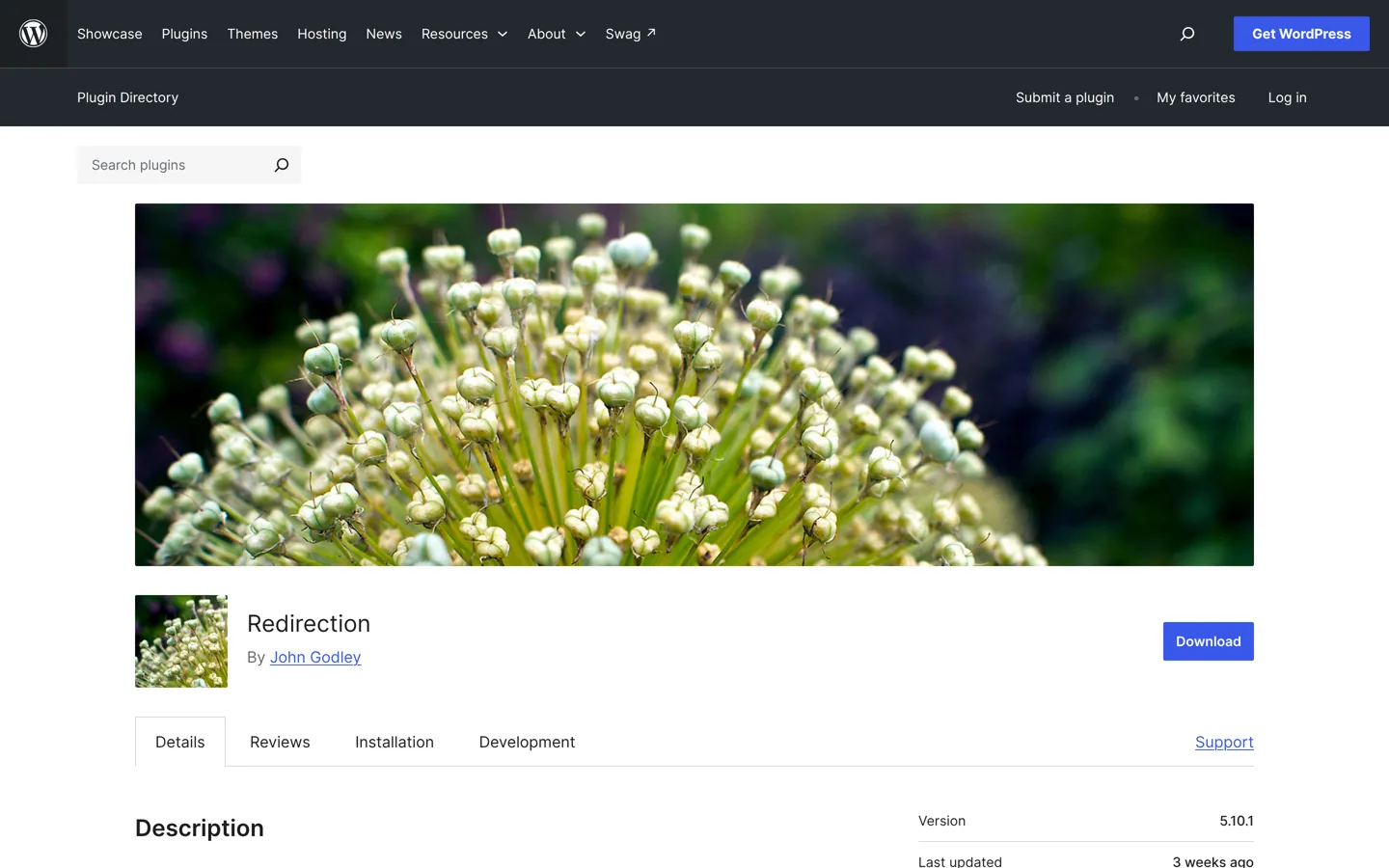
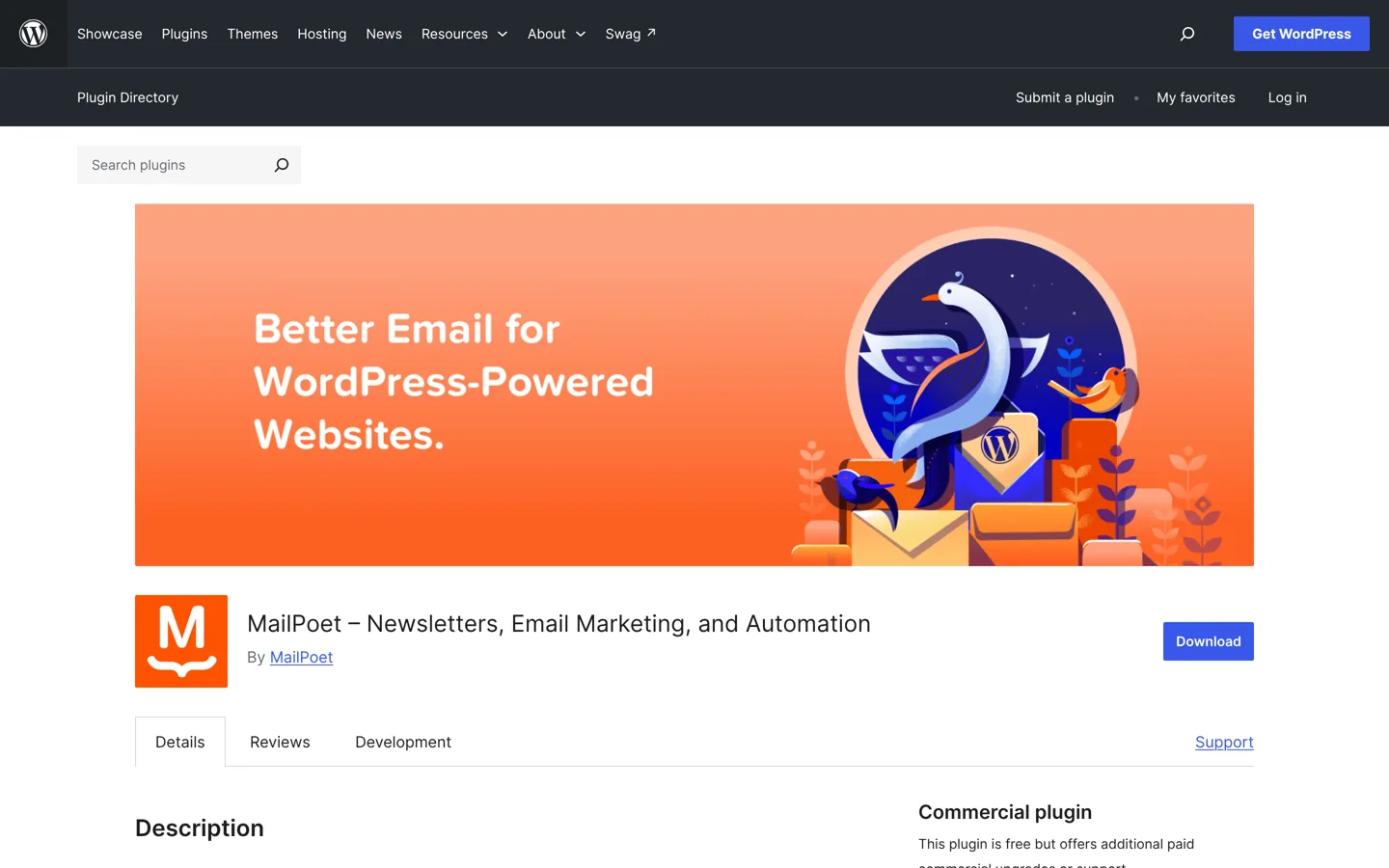
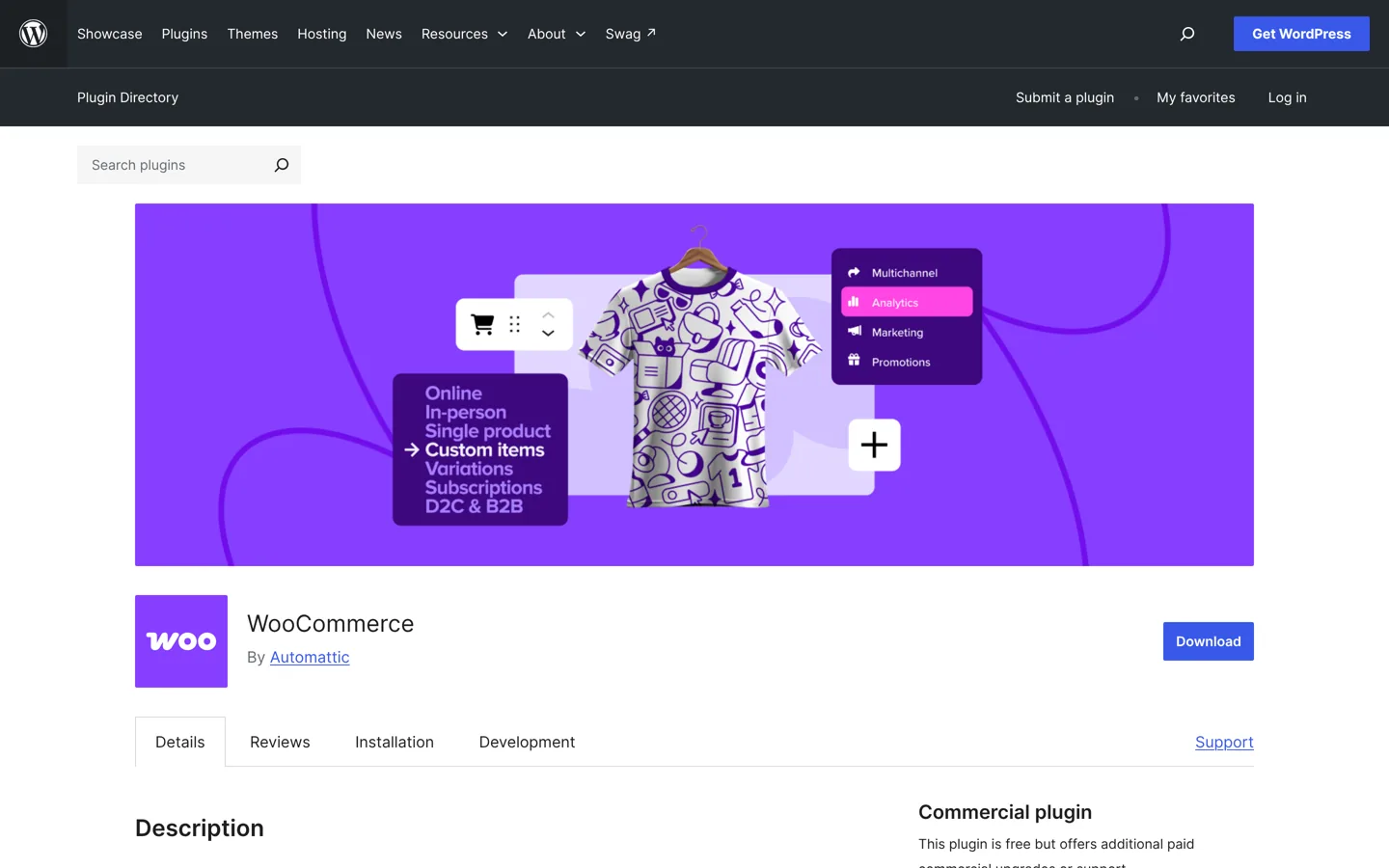
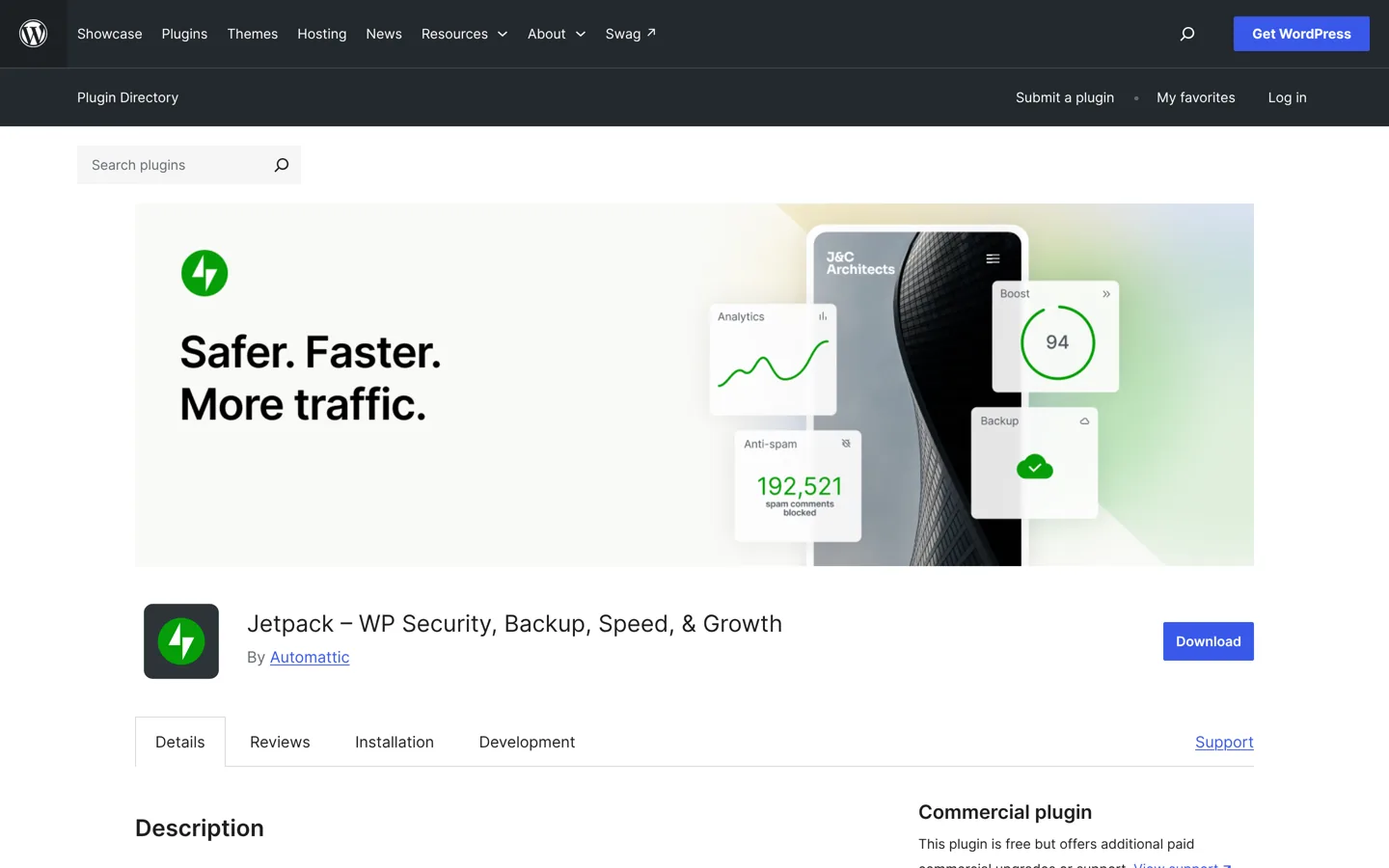
Below are the best plugin for each job, with a free alternative or upgrade where it helps, each plugin’s active installations from WordPress.org, and a screenshot of every plugin’s page. All counts and features come from the plugins’ own WordPress.org pages, checked on the date at the end.
Best WordPress plugins at a glance
| Job | Best plugin | Active installs | Also good |
|---|---|---|---|
| SEO | Rank Math | 4+ million | Yoast SEO (10+ million) |
| Security | Wordfence | 5+ million | Your host’s firewall |
| Backups | UpdraftPlus | 4+ million | Your host’s backups |
| Speed | LiteSpeed Cache (on LiteSpeed hosting) | 7+ million | WP Super Cache; WP Rocket (from $59.95/year) |
| Images | Smush | 1+ million | – |
| Forms | WPForms Lite | 5+ million | Contact Form 7 (10+ million) |
| Analytics | Site Kit by Google | 5+ million | MonsterInsights (2+ million) |
| Anti-spam | Akismet | 5+ million | – |
| Redirects | Redirection | 2+ million | Your SEO plugin’s redirects |
| Email list | MailPoet | 500,000+ | OptinMonster for pop-ups (1+ million) |
| Online store | WooCommerce | 7+ million | – |
| All-in-one | Jetpack | 3+ million | – |
Active installations from each plugin’s WordPress.org page when this guide was updated.

Essential plugins for every site
SEO: Rank Math (or Yoast SEO)
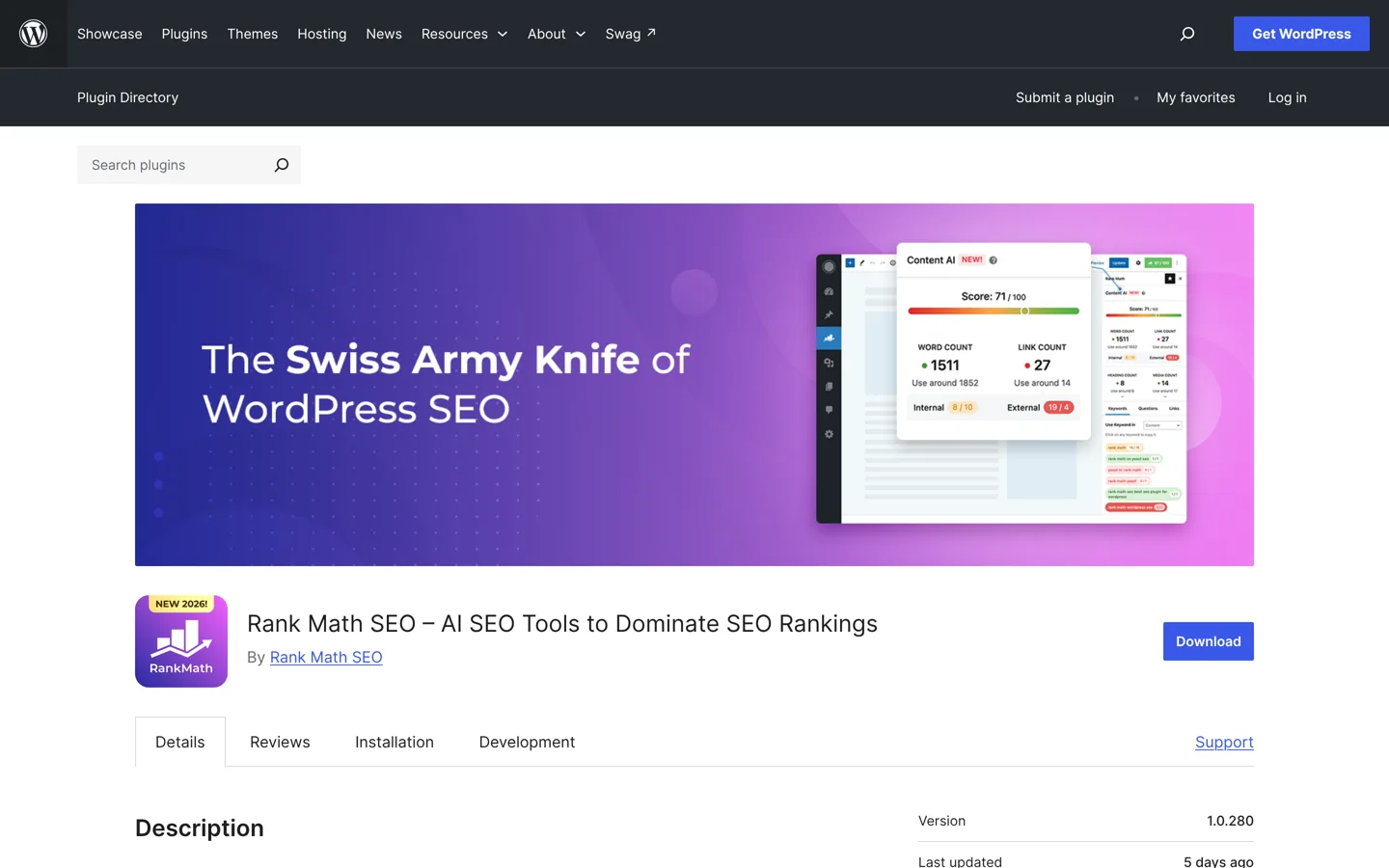
An SEO plugin lets you write a title and description for each page, creates your XML sitemap and adds schema. Rank Math (4+ million installs) includes a setup wizard and schema markup, and can import settings from Yoast and other SEO plugins in one click. Yoast SEO (10+ million) is the most installed and has been around since 2008. Pick one, never both. The WordPress SEO tutorial shows how to set it up.
Security: Wordfence
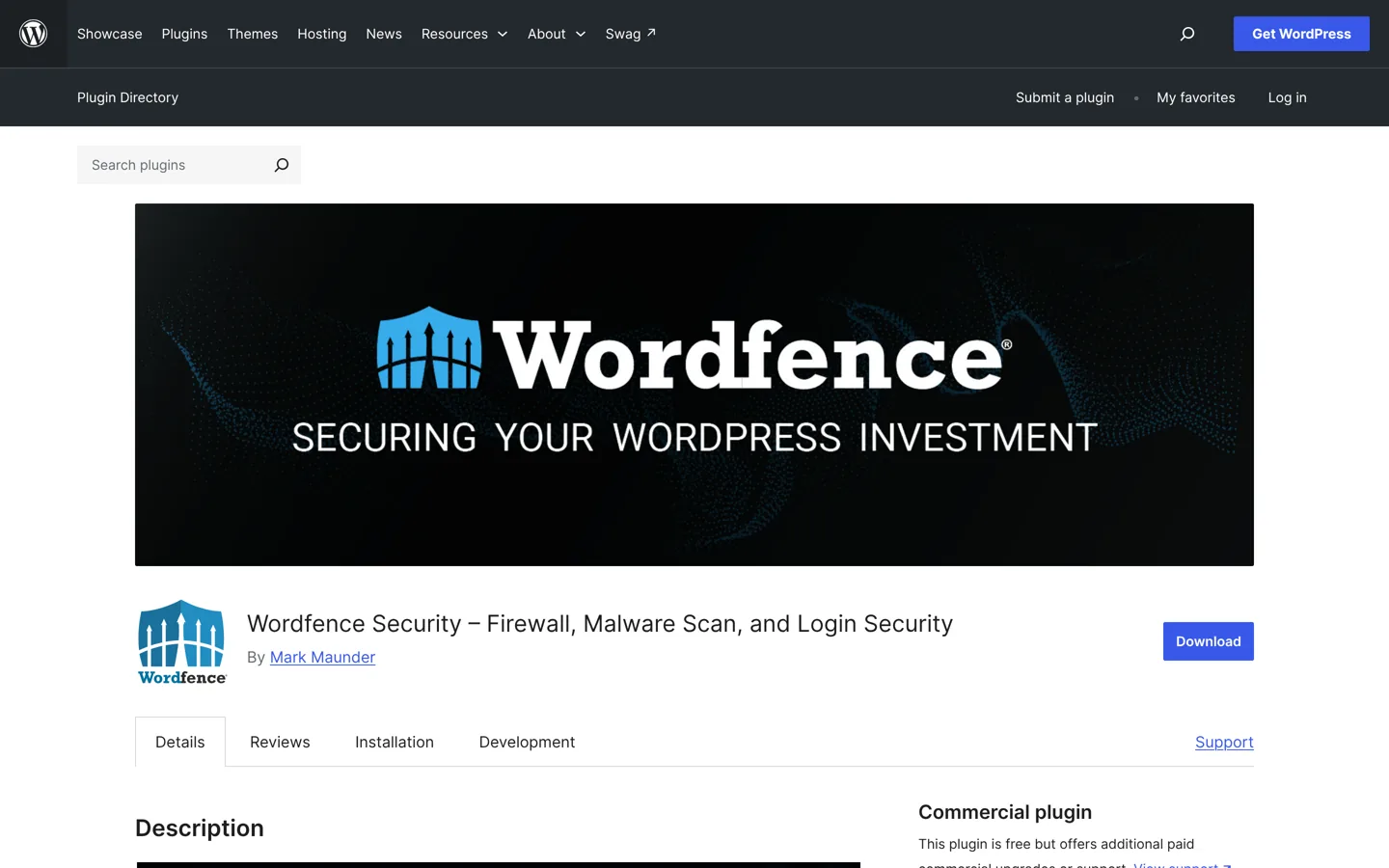
Wordfence (5+ million installs) is a firewall and malware scanner, powered by its own security research team that turns new threats into firewall rules and malware signatures. It comes as Wordfence Free, with Premium, Care and Response plans for more protection and support. If your host already runs a strong firewall and malware scanning, check what it covers before adding another layer.
Backups: UpdraftPlus
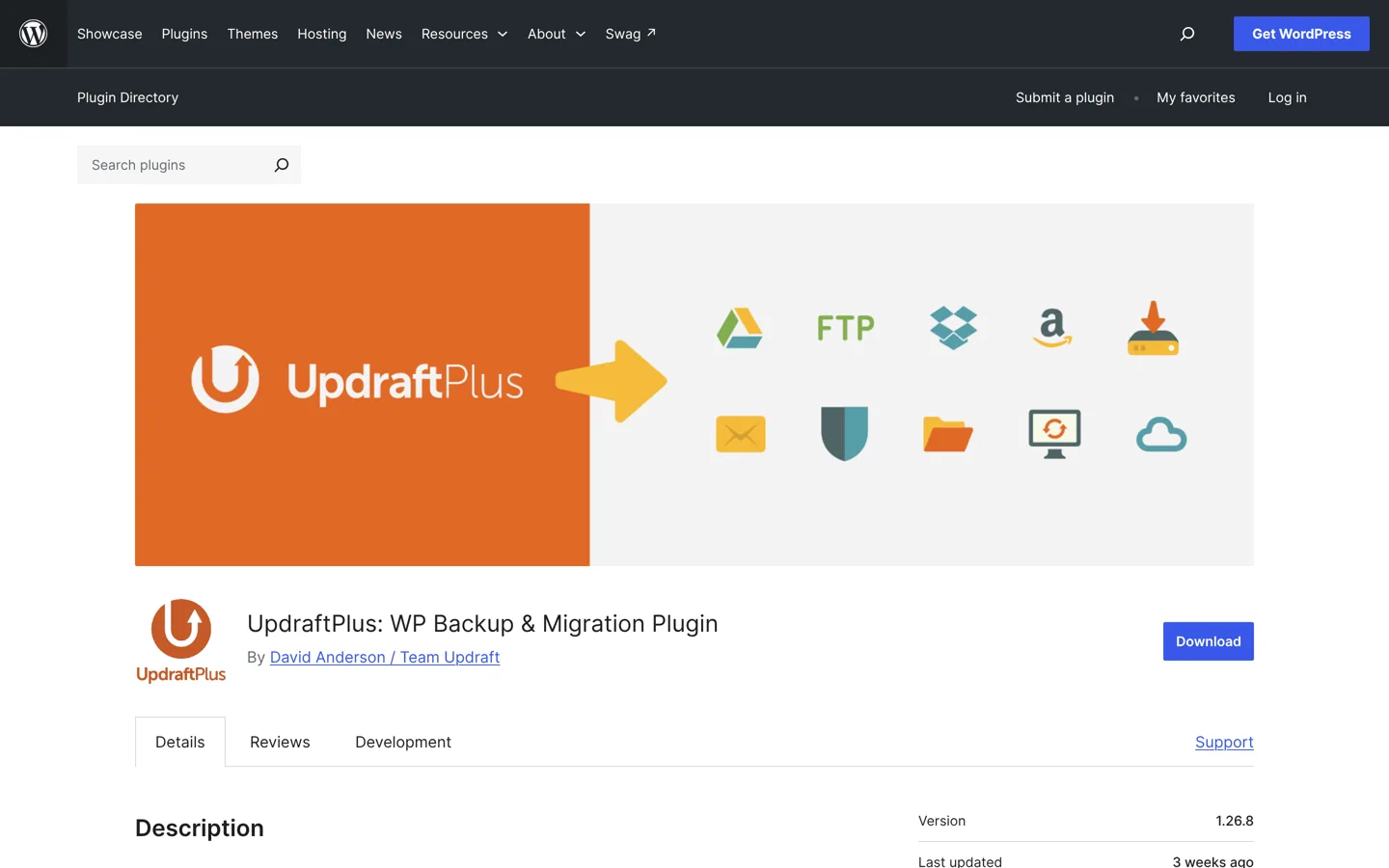
UpdraftPlus (4+ million installs) schedules backups and restores your site in a few clicks. The free version backs up to Dropbox, Google Drive, Amazon S3, FTP, email and more; the paid version adds options such as OneDrive, Backblaze B2 and SFTP. Keep at least one copy away from your host, so a problem with the host doesn’t take your backups with it.
Speed: LiteSpeed Cache, WP Super Cache or WP Rocket
A caching plugin serves ready-made pages instead of building each one for every visitor, which makes pages much faster. Which one depends on your hosting:
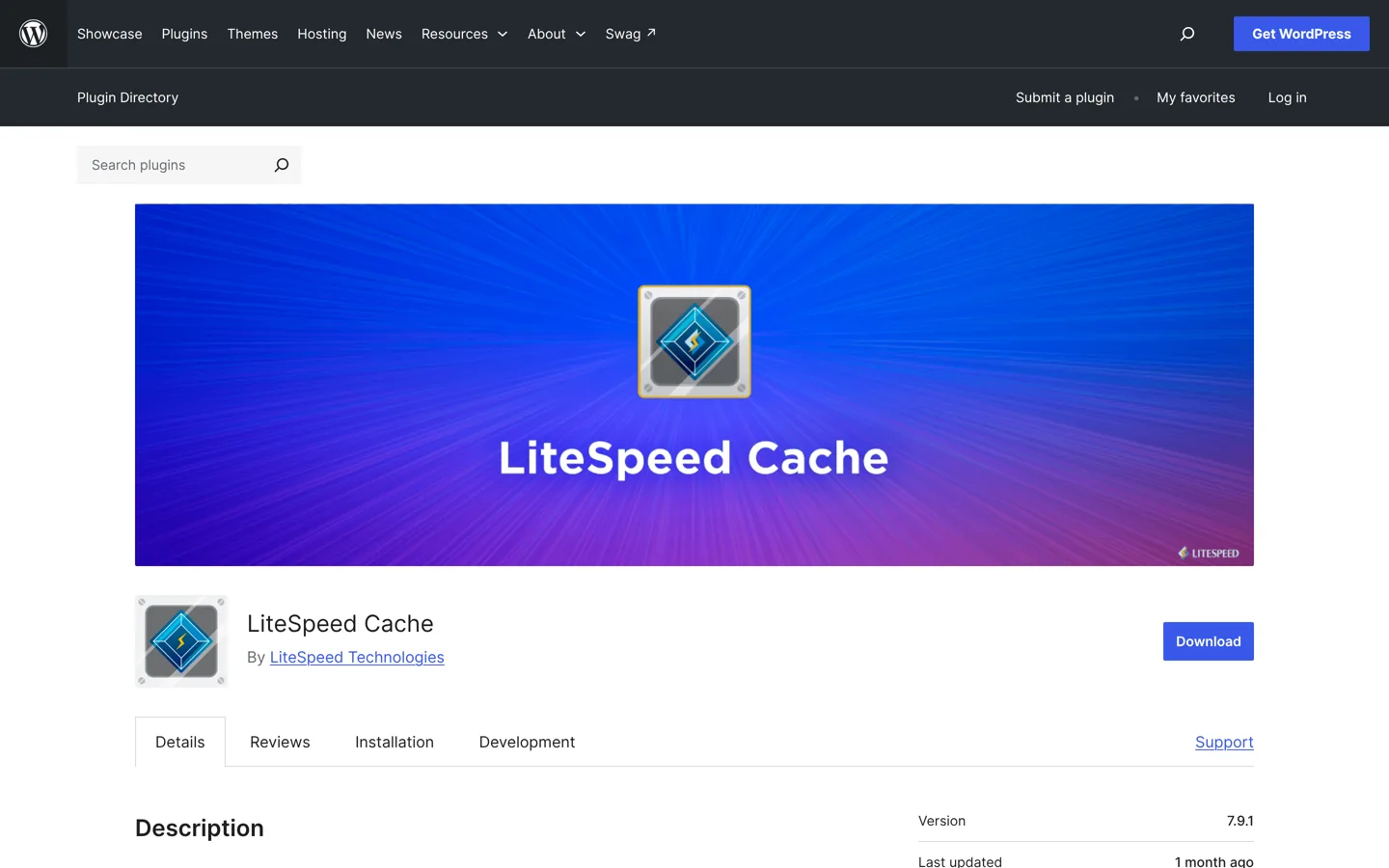
- LiteSpeed Cache (7+ million installs) is an all-in-one speed plugin with server-level caching on LiteSpeed servers, plus optimisation features any server can use. Its server-level cache needs LiteSpeed hosting.
- WP Super Cache (1+ million) turns your pages into static HTML files that your server sends instead of running WordPress for each visit; simple and free.
- WP Rocket is a paid caching plugin that applies most speed best practices automatically, with caching, lazy loading, preloading, delayed JavaScript and removal of unused CSS. Licences cost $59.95 a year for one site, $119.95 for 3 sites and $299.95 for 50, and you can try it free for 14 days or get a full refund.
Many managed hosts include caching already; in that case, follow your host’s advice rather than adding a second cache.
Images: Smush
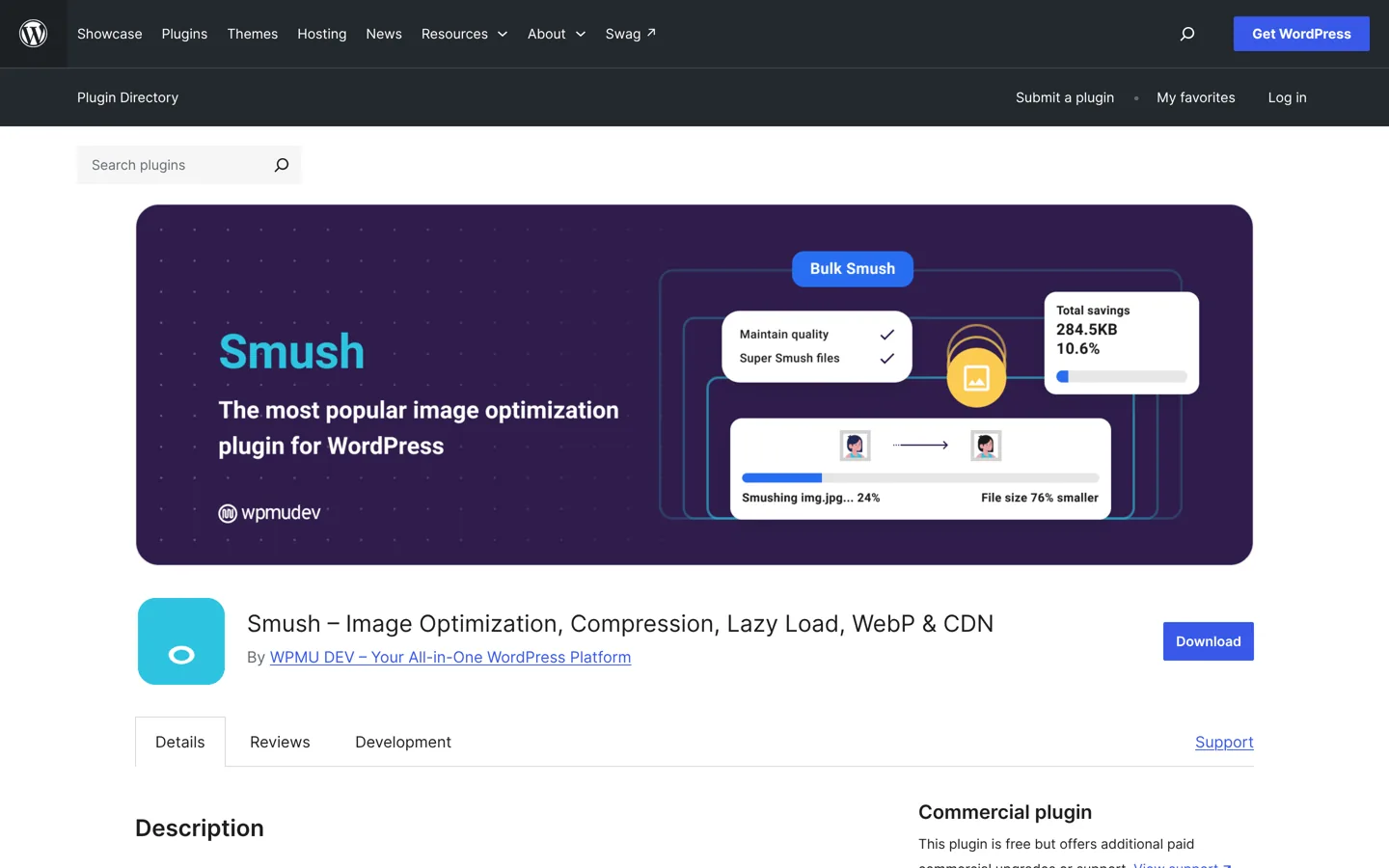
Large images are the most common reason a blog loads slowly. Smush (1+ million installs) compresses images without visible loss, turns on lazy loading and serves modern formats like WebP and AVIF, with no complicated setup.
Forms: WPForms Lite (or Contact Form 7)
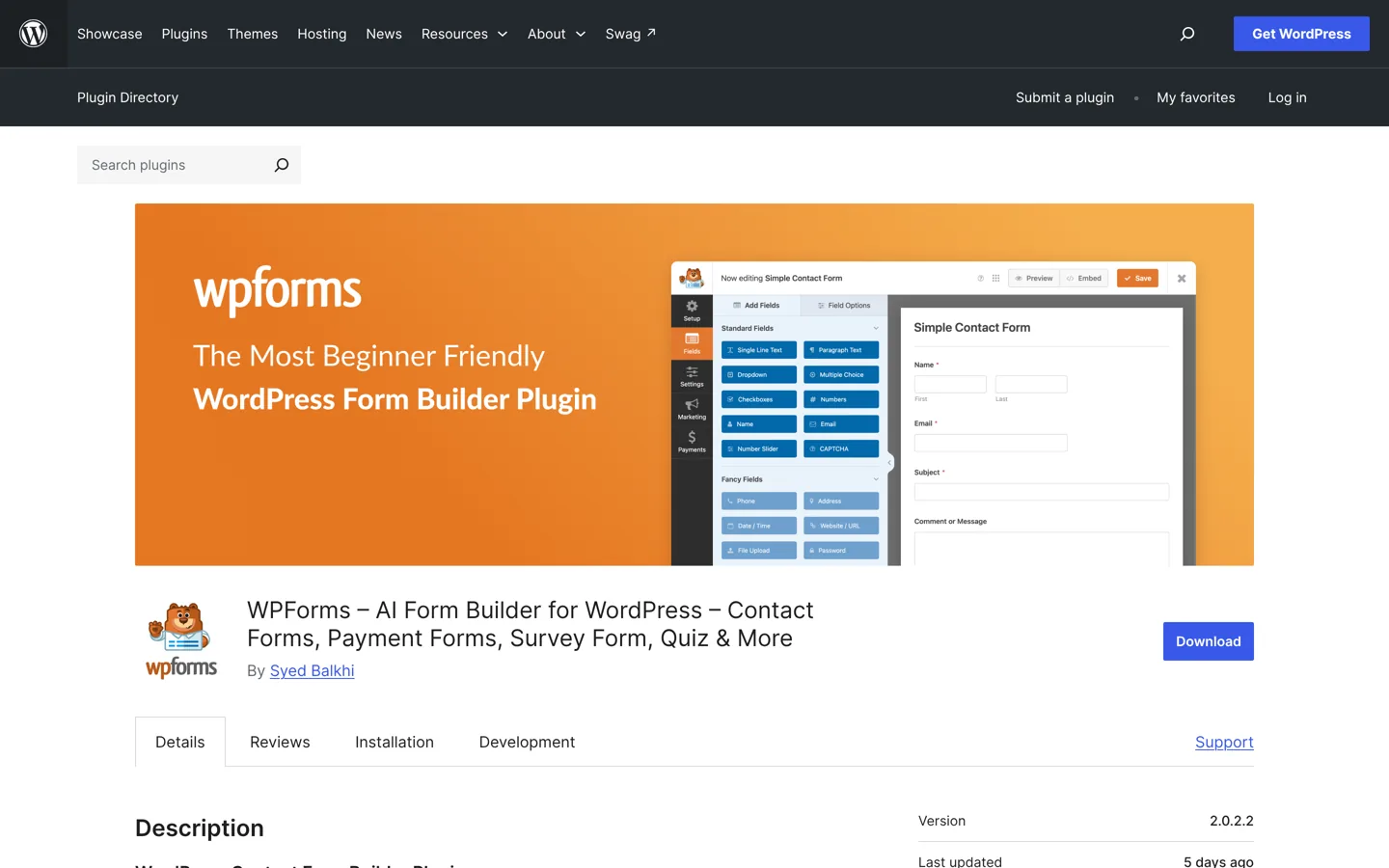
WPForms Lite (5+ million installs) is a drag-and-drop form builder with templates for contact, feedback, subscription and payment forms (Stripe, Square and PayPal), and can build a form from a description with AI. The Pro version adds multi-page forms, file uploads and conditional logic. Contact Form 7 (10+ million) is the long-standing free, open-source option, with less visual form building.
Analytics: Site Kit by Google
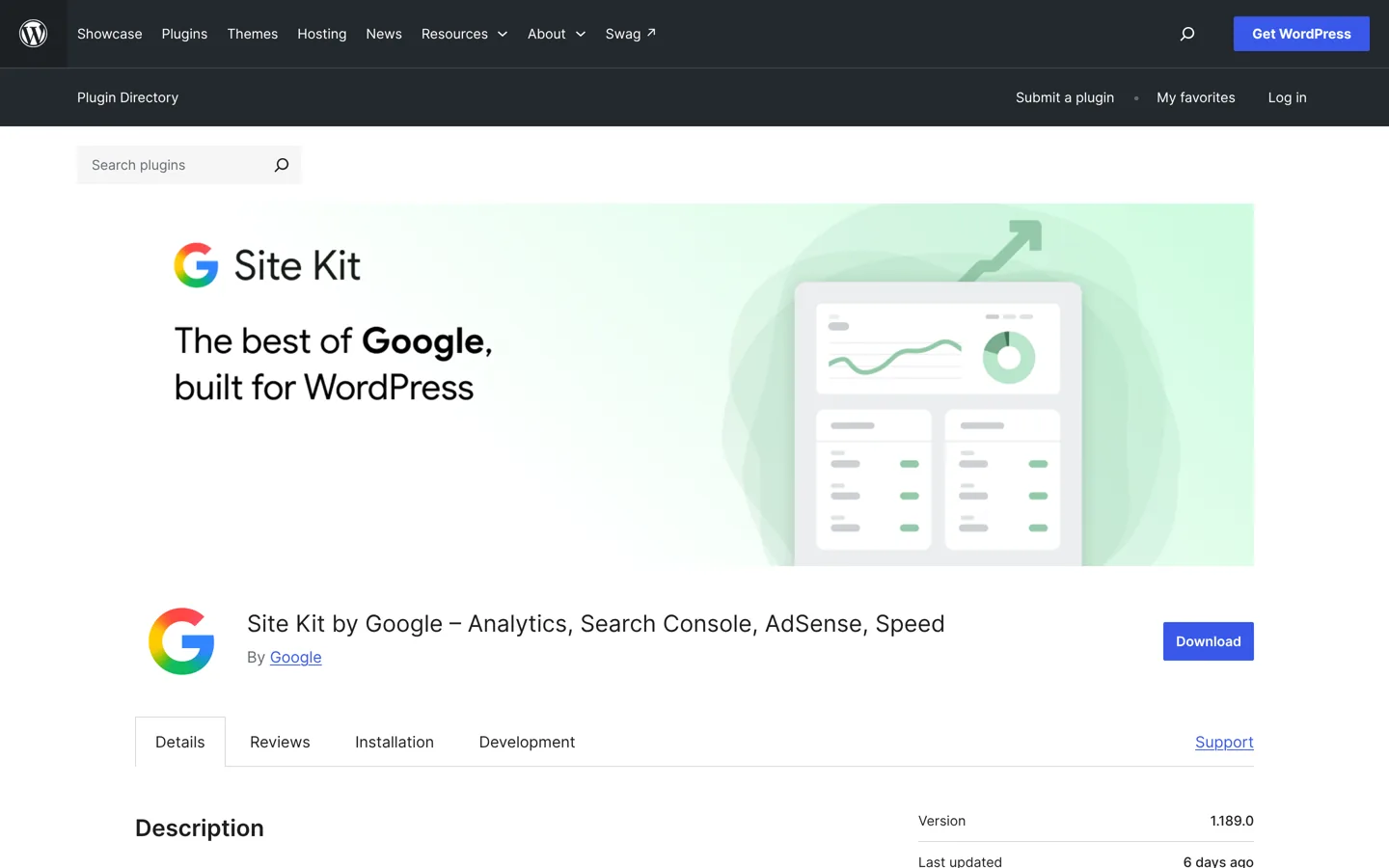
Site Kit by Google (5+ million installs) is Google’s official WordPress plugin. It connects Search Console, Analytics and other Google tools and shows their stats in your WordPress dashboard, so you can see how people find and use your site without leaving WordPress. MonsterInsights (2+ million) is an alternative focused on Google Analytics, with advanced tracking turned on in a few clicks.
Anti-spam: Akismet
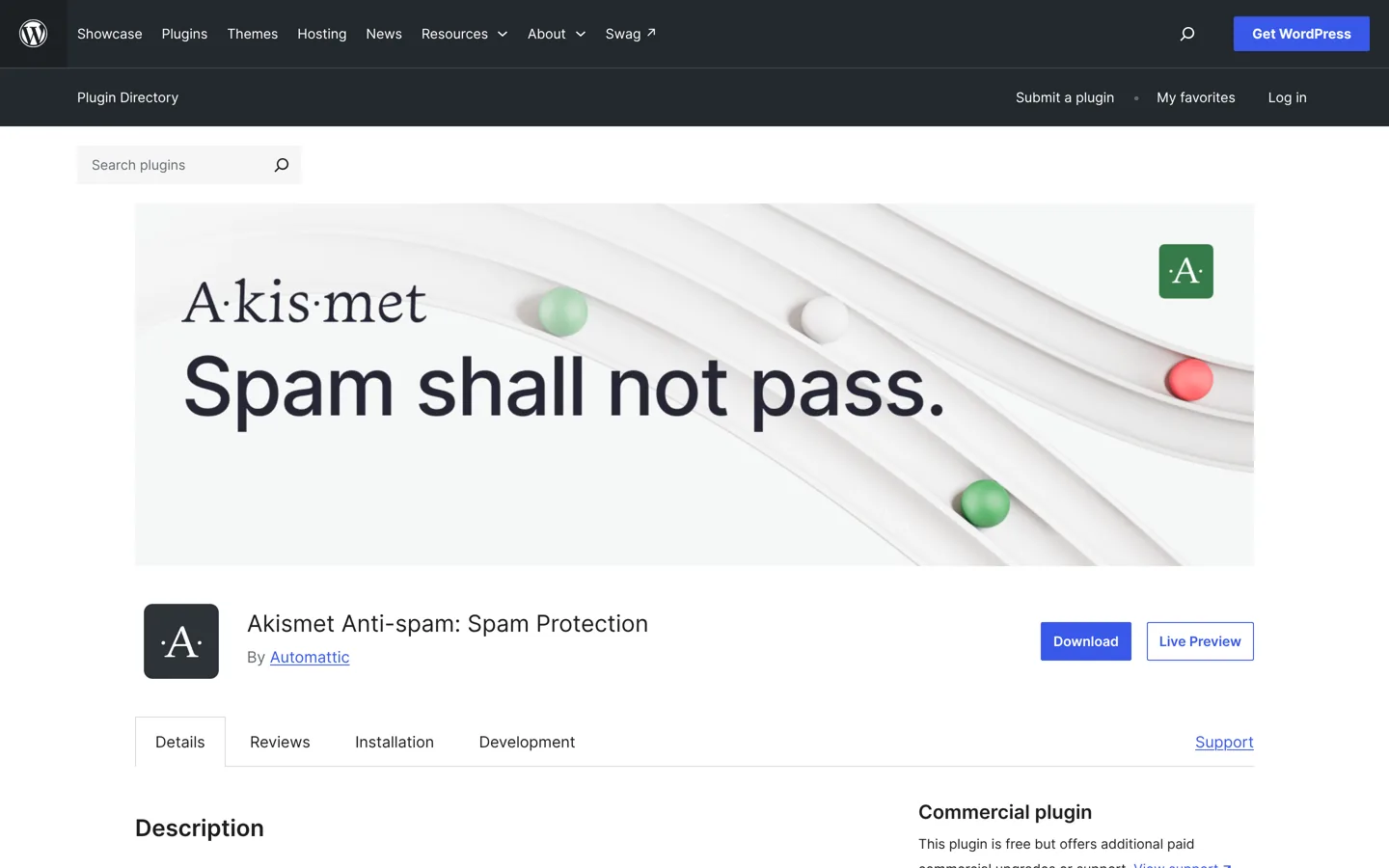
Akismet (5+ million installs) checks comments and contact form submissions against its global spam database and filters out the ones that look like spam, with a history for each comment so you can see what was caught.
Redirects: Redirection
When you change a post’s address or merge two posts, a 301 redirect sends readers and search engines to the new page. Redirection (2+ million installs) manages 301 redirects, tracks 404 errors and handles anything from a few redirects to thousands, for free. Some SEO plugins include a redirect manager too.
Plugins to add when you need them
Email list: MailPoet (and OptinMonster)
MailPoet (500,000+ installs) lets you create and send newsletters from inside WordPress, with responsive templates and automatic new-post emails; it has a free plan to start and paid plans as your list grows. To collect more sign-ups, OptinMonster (1+ million) builds pop-ups and opt-in forms. Use pop-ups sparingly; they can annoy readers and slow pages.
Online store: WooCommerce
WooCommerce (7+ million installs) is the free, open-source ecommerce platform for WordPress. It turns your site into a store for physical or digital products, and because it’s open source you keep full ownership of your store’s content and data.
All-in-one: Jetpack
Jetpack (3+ million installs) bundles stats, security, performance, newsletter and growth tools in one plugin. Setup is free; paid plans add more robust security, design and growth tools. It’s convenient, but if you already use separate plugins for these jobs, you don’t need Jetpack as well.
What your host may already include
Before installing caching, backup or security plugins, check your hosting plan. Many hosts include some of these jobs:
- Kinsta includes edge caching, a CDN, daily backups kept for 14 days, a firewall with DDoS protection and malware removal on every plan.
- SiteGround includes daily backups, a smart firewall and its own Speed Optimizer and Security Optimizer plugins.
- IONOS WordPress plans include automatic updates for WordPress, plugins and themes, and daily backups kept for up to 7 days.
If your host covers a job, you don’t need a plugin for it, and running two caching or two firewall layers can cause conflicts. The Kinsta review and IONOS review list what each plan includes.
Setting up plugins on a new blog, in order
- Backups first, so you can undo anything that goes wrong while you set up.
- SEO plugin, and run its setup wizard.
- Anti-spam and a contact form, so readers can reach you without filling your inbox with spam.
- Caching and image optimisation, unless your host provides them; then test your speed.
- Analytics, so you can see what’s working from your first visitors.
- Everything else later, when a real need appears.
Keeping plugins up to date
Out-of-date plugins are a common way into WordPress sites. Since version 5.5, WordPress lets you switch on automatic updates for each plugin from the Plugins screen (“Enable auto-updates”). Turn it on for well-maintained plugins, keep backups running, and check your site after major updates. Remove any plugin you’ve deactivated and no longer need, rather than leaving it installed.
How to choose plugins safely
Every plugin page on WordPress.org shows the information you need to judge it:
- Last updated: prefer plugins updated in the last few months.
- Tested with: it should list a recent WordPress version.
- Active installations and reviews: large numbers and a good rating show many people rely on it.
- Support forum: check whether questions get answers.
Only install plugins from WordPress.org or the developer’s own site, never “free” copies of paid plugins, which can carry malware.
Extra plugins for a business website
A business site needs the same essentials as a blog, plus a few jobs aimed at enquiries and sales: a form plugin with spam protection for contact and quote requests, analytics to see which pages bring leads, WooCommerce if you sell online, and an email plugin to follow up with customers. Keep a simple list of every plugin, why it’s installed and who looks after it, so nothing is forgotten when someone else takes over the site.
How many plugins should a WordPress site have?
There’s no fixed number. A site with fifteen well-made plugins can be faster than one with five badly made ones. What matters is that each plugin does a job you need, is kept up to date and doesn’t overlap with another. For most blogs, the essentials above (SEO, security, backups, caching, images, forms, analytics, anti-spam and redirects) are enough to start, and some of those may already come with your hosting.
Choosing hosting with built-in caching, backups and security means fewer plugins to manage; see managed WordPress hosting and cheap WordPress hosting. For the rest of your blogging toolkit, the best keyword research tools help you choose what to write.
Questions people ask
What are the must-have WordPress plugins?
An SEO plugin (Rank Math or Yoast SEO), a backup plugin (UpdraftPlus), anti-spam (Akismet) and a form plugin (WPForms Lite or Contact Form 7). Add caching, security and image optimisation unless your host already provides them.
What is the best free WordPress SEO plugin?
Rank Math and Yoast SEO are the two most used; both free versions cover titles, descriptions, sitemaps and schema. Use only one.
How many plugins should I install on WordPress?
As many as you need and no more. Quality matters more than the number: keep plugins updated, avoid overlaps and remove ones you don't use.
Do I need a caching plugin?
Usually yes, unless your host already caches pages. LiteSpeed Cache suits LiteSpeed hosting; WP Super Cache works on most servers; WP Rocket is a paid option.
Is Jetpack worth installing?
It's convenient if you want stats, security and growth tools in one plugin. If you already use separate plugins for those jobs, you don't need it as well.
Are free plugins safe?
Plugins from WordPress.org with recent updates, many installs and active support are generally safe. Avoid unofficial copies of paid plugins, which can carry malware.
Sources
- Rank Math (WordPress.org plugin directory) wordpress.org · checked October 11, 2026
- Wordfence (WordPress.org plugin directory) wordpress.org · checked October 11, 2026
- UpdraftPlus (WordPress.org plugin directory) wordpress.org · checked October 11, 2026
- LiteSpeed Cache (WordPress.org plugin directory) wordpress.org · checked October 11, 2026
- Smush (WordPress.org plugin directory) wordpress.org · checked October 11, 2026
- WPForms (WordPress.org plugin directory) wordpress.org · checked October 11, 2026
- Site Kit by Google (WordPress.org plugin directory) wordpress.org · checked October 11, 2026
- Akismet (WordPress.org plugin directory) wordpress.org · checked October 11, 2026
- Redirection (WordPress.org plugin directory) wordpress.org · checked October 11, 2026
- MailPoet (WordPress.org plugin directory) wordpress.org · checked October 11, 2026
- WooCommerce (WordPress.org plugin directory) wordpress.org · checked October 11, 2026
- Jetpack (WordPress.org plugin directory) wordpress.org · checked October 11, 2026
- Yoast SEO (WordPress.org plugin directory) wordpress.org · checked October 11, 2026
- WP Super Cache (WordPress.org plugin directory) wordpress.org · checked October 11, 2026
- Contact Form 7 (WordPress.org plugin directory) wordpress.org · checked October 11, 2026

Building websites since 2006: 500+ web projects of every size and $300K+ in website deals sold or brokered. Founder of A Digital Motive and DigiFlippers. I share the whole process here, plainly.
Founder of A Digital Motive and DigiFlippers