Some links on this page are affiliate links. If you buy through them I may earn a commission, at no extra cost to you. It never changes a rating. Read the disclosure
- Free tools split into two groups: owner tools for sites you can verify, and capped checkers for any site.
- Search Console is the only tool that shows links from Google's own crawl, but it is a sample.
- Bing Webmaster Tools is free and also shows backlinks to other sites, so it doubles as a competitor checker.
- Merging the free exports from Google, Bing and Ahrefs gives you a fuller list than any one tool.
- Most spammy links need no action; Google says disavow is for links that caused or may cause a manual action.
A free backlink checker can tell you who links to a website, which pages they link to and what words they use in the link. What it can’t do is show you every link. Each free tool shows a different slice, and the size of that slice depends mostly on one question: is the website yours?
If it is, you can get a surprisingly complete picture without paying anything. Google, Bing and Ahrefs all give site owners free backlink reports, and together they cover far more than any single paid tool’s free version. If the site belongs to someone else (a competitor, a site you want a link from, or a site you’re thinking of buying), the free options get much thinner. You see the top links and some totals, and that’s about it.
This guide covers nine free backlink checkers. For each one you’ll see what the free version actually shows, where the limit is, and which job it suits. After that there’s a five-step method for combining the free exports into one clean list, and a section on what to do with what you find.
First question: your site or someone else’s?
Most comparisons of backlink checkers mix two very different jobs. Splitting them makes the choice easy.
Checking your own site. You can prove you own it, so search engines and tool makers give you more data for free. Google Search Console, Bing Webmaster Tools and Ahrefs Webmaster Tools all work this way. You verify the site once, and the reports keep updating in the background.
Checking any other site. Nobody has to verify anything, so tool makers cap what they show. You get a sample of the strongest links, a few totals and a daily or monthly allowance. That is enough to spot a competitor’s best links, or to sanity-check a site before you buy it. It isn’t enough to audit a large site link by link.

Most people need both. You watch your own site with the free owner tools, and you look up other sites now and then with the free checkers.
The free backlink checker tools compared
Here is the short version. Each tool is covered in more detail below. Free limits change often, so each one comes from the tool’s own pages (see the sources at the end) and is worth a quick look before you rely on it.
| Tool | Whose site | Account needed | What you see free | Main limit |
|---|---|---|---|---|
| Google Search Console | Yours (verified) | Free Google account | Top linking sites, top linked pages, link text, exports | A sample of links; no nofollow label |
| Bing Webmaster Tools | Yours, plus any site | Free account | Your backlinks; compare with up to two other sites | A representative set, not every link |
| Ahrefs Webmaster Tools | Yours (verified) | Free Ahrefs account | Backlinks, referring domains, anchors | Up to 1,000 rows on screen at a time |
| Ahrefs Backlink Checker | Any site | None | Totals, Domain Rating, top backlinks | A capped top list |
| Semrush (free account) | Any site | Free account | Backlink Analytics reports | 10 lookups a day, 10 rows each |
| Moz Link Explorer | Any site | Free Moz account | Domain Authority, Spam Score, sample links | 10 lookups a month, 50 rows each |
| Majestic | Any site; more for your own | Free account | Trust Flow, Citation Flow, top links | A preview of the data |
| Ubersuggest | Any site | Free sign-up | Backlink overview | Free account limits |
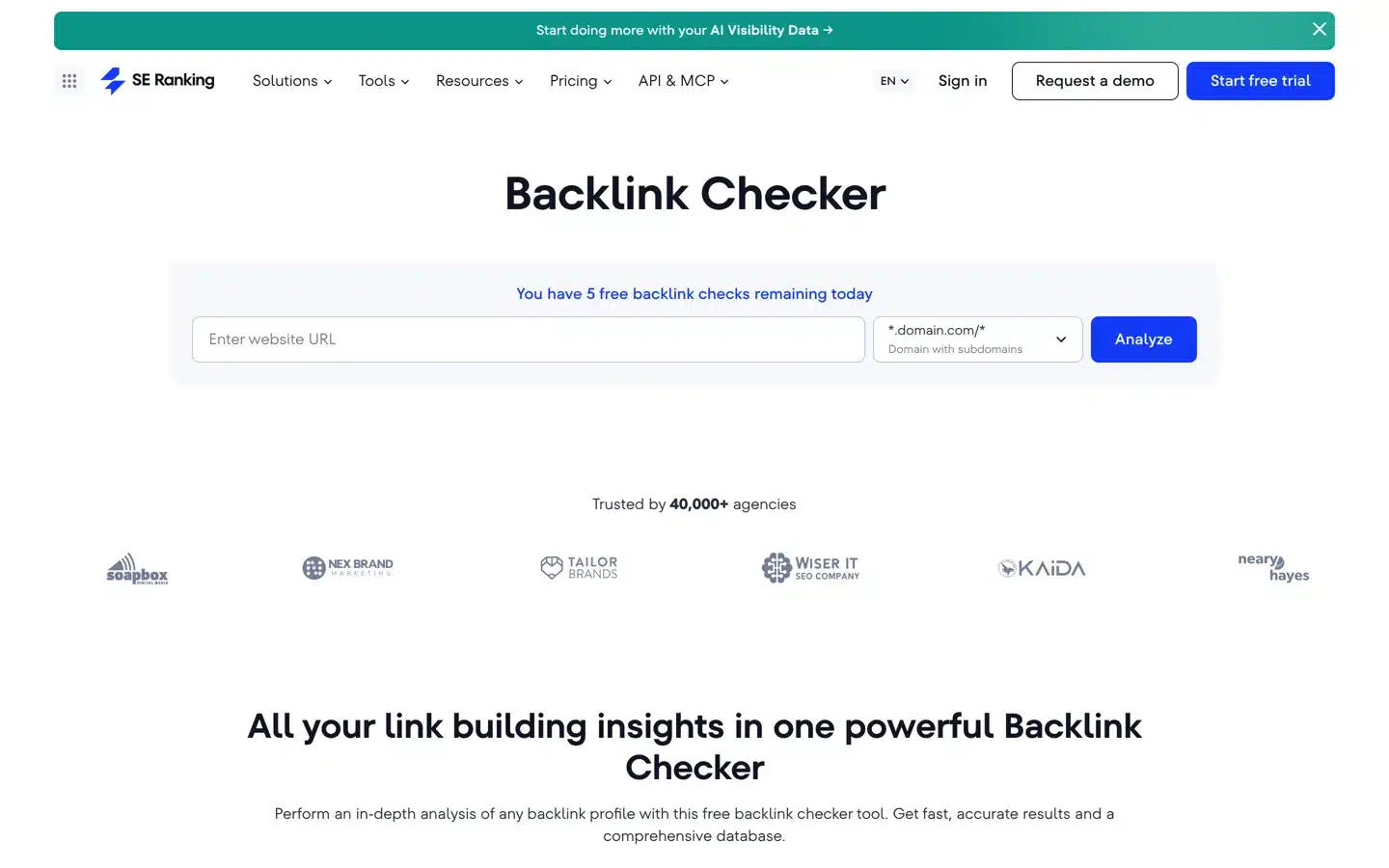
| SE Ranking | Any site | None for 5 checks a day; trial for the full tool | A free checker; the full tool during the trial | No free-forever plan for the full tool |
Limits as listed on each tool’s own pages when this guide was updated. Tools change their free plans without notice, so check the source links if a number matters to your decision.
Free backlink checkers for your own website
Start here if the site is yours. These three tools cost nothing, have no daily search limits for your own site and keep collecting data while you’re not looking.
1. Google Search Console: the links Google itself has found
Google Search Console is the only tool on this list that shows links from Google’s own crawl. Every other tool runs its own crawler and builds its own index, so Search Console is your best guide to what Google has actually seen.

Open your property and choose Links in the left menu. The external links part has three reports:
- Top linked pages: your pages, ranked by how many external links point to them. Click a page to see which sites link to it.
- Top linking sites: the domains that link to you most.
- Top linking text: the anchor text other sites use for you. Links without text are grouped as “(empty)”.
Use Export external links at the top of the report to download them. “Latest links” gives you the most recently found links, and “More sample links” gives you a wider sample. Each export can hold up to 100,000 rows, far more than the on-screen tables, which stop at 1,000.
Know the limits before you draw conclusions:
- Google calls the report a sample. It’s meant to show the shape of your link profile, not every link.
- It doesn’t say whether a link is nofollow.
- Links stay listed for a while after they’re removed, and links you’ve disavowed still show up.
- It updates slowly, not daily. Use it for the big picture, not to confirm that a link built yesterday has been counted.
2. Bing Webmaster Tools: your links, plus any other site’s
Bing Webmaster Tools is the most underrated free backlink checker. It’s free, it covers your own site, and unlike Google it also lets you look at backlinks to other sites.

Setup takes about two minutes if you already use Search Console. On the My Sites page, choose Import and sign in with the Google account that owns your Search Console properties. Bing adds and verifies the sites for you, and data starts to appear within a day or two.
The Backlinks report shows the domains that link to you and, for each domain, the pages that link and the anchor text they use. It lists up to 1,500 linking domains and up to 10,000 backlinks for each, and Download all exports them as a CSV file. The Backlinks to any site tab lets you compare your profile with up to two other sites. That’s the useful part for competitor research, because it’s free, it isn’t a daily-capped demo, and the data comes from a real search engine’s crawl.
Bing describes the list as a representative set of links, not a complete one. It also removed its disavow tool in October 2023, saying its systems now discount unnatural links on their own. The backlink reports are still there.
3. Ahrefs Webmaster Tools: a full link tool for sites you own
Ahrefs Webmaster Tools (often shortened to AWT) is Ahrefs’ free account for site owners. Once you verify a site (the quickest way is to import it from Search Console; a DNS record also works), you get the same Site Explorer that paying customers use, limited to your own verified sites.

For backlinks you get the Backlinks, Referring domains and Anchors reports, each with Ahrefs’ filters (new, lost, dofollow and nofollow, by Domain Rating and more). The free plan shows up to 1,000 rows at a time, which is plenty for most small and medium sites. AWT also includes a site audit, so it’s worth setting up even if backlinks aren’t your main concern.
What you can’t do with the free account is look at competitors. For that, Ahrefs has the separate free checker covered below, or its paid plans. If you’re weighing those up, the comparison of Ahrefs with a dedicated rank tracker in AccuRanker vs Ahrefs shows what the paid tool adds.
Free backlink checkers for any website
These tools work on any domain. Expect a sample of the strongest links rather than the full list. That’s fine for spotting what a competitor is doing well, and not enough to audit a big site.
4. Ahrefs Backlink Checker: the quickest free look at any site
Type a domain or a single URL into Ahrefs’ free Backlink Checker and you get the total number of backlinks and referring domains, the site’s Domain Rating and a list of its top backlinks (the linking page, the anchor text and the page it points to). No account is needed.

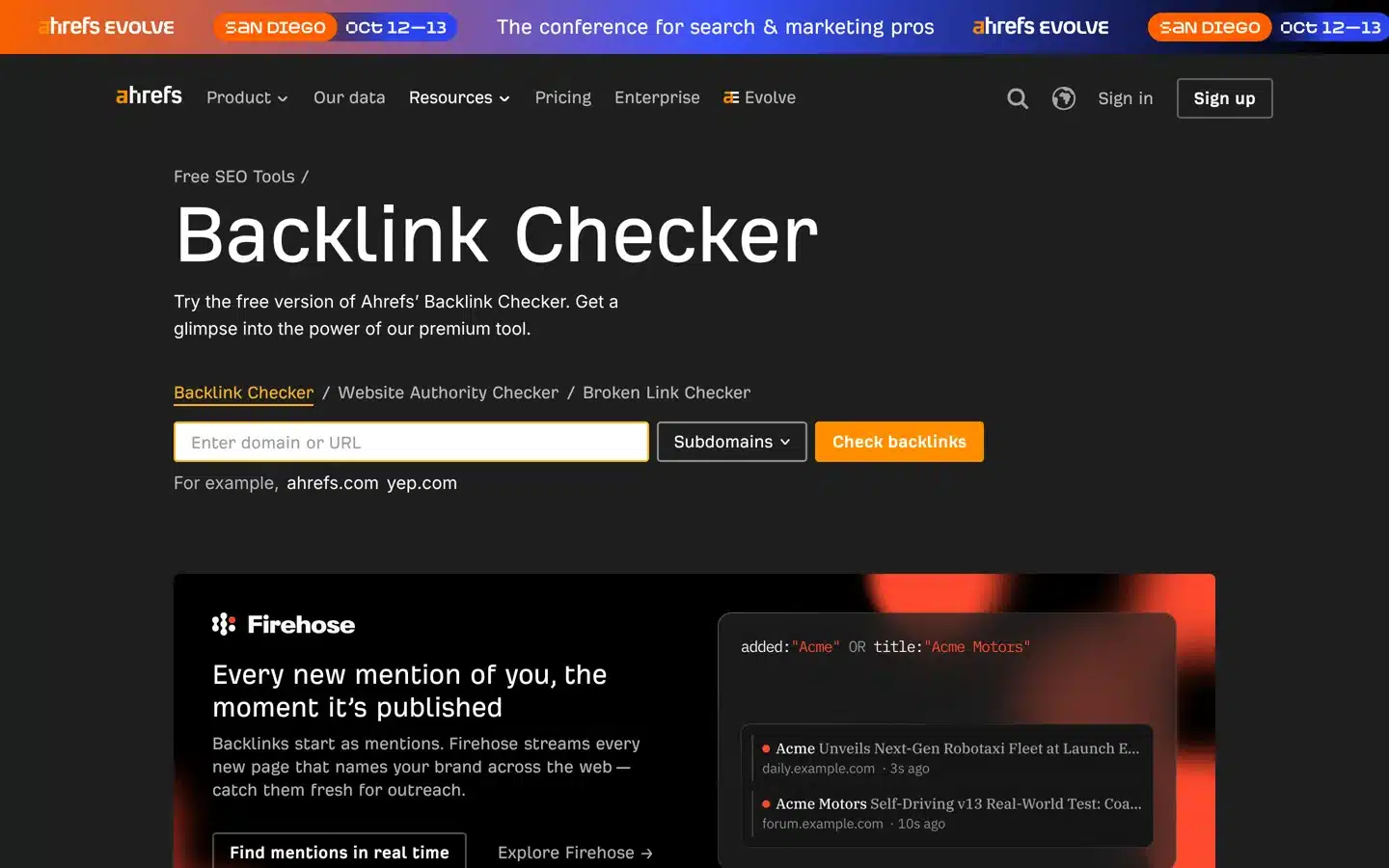
The top list is the valuable bit. It’s sorted by strength, so you see the links that matter most first. Look at what kind of page earned each one: a free tool, a statistics page, a guide that other writers cite. That tells you what earns links in your niche far better than any total does.
5. Semrush free account: ten backlink lookups a day
A free Semrush account gives you a limited number of requests in its Backlink Analytics tool (Semrush’s help pages list 10 requests a day, with up to 10 results in each report). Each lookup shows the referring domains, backlinks, anchor text and Authority Score, Semrush’s own measure of a domain’s strength.

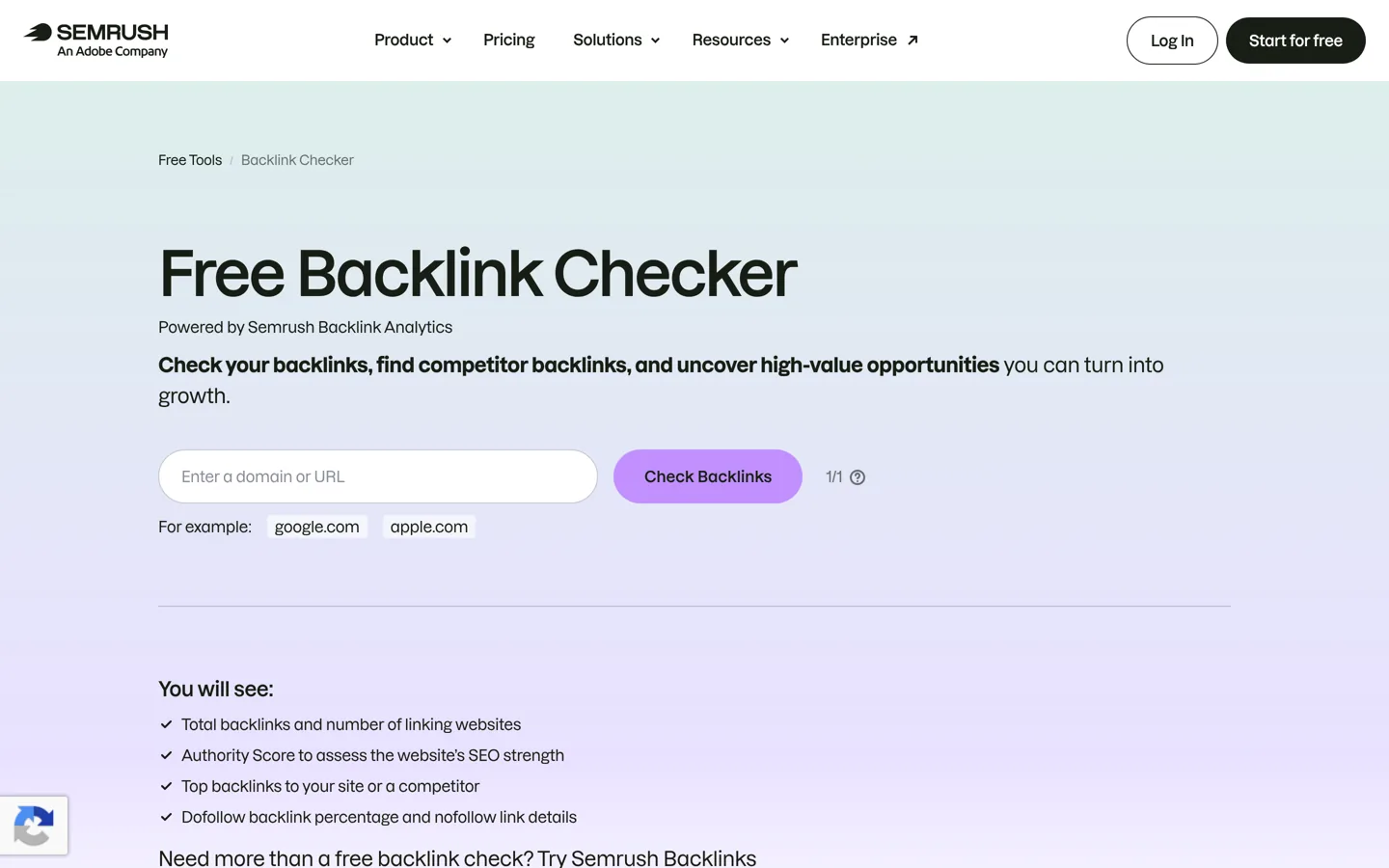
Ten rows per report is only a taste, but it shows a competitor’s strongest referring domains, which is often all you need for a quick check. Semrush also has a no-sign-up checker on its website: one check a day, showing up to 15 backlinks sorted by Authority Score.
If you end up needing more, Semrush’s paid plans remove the cap. Current offers and how the trial works are on the Semrush discount page.
6. Moz Link Explorer: Domain Authority and Spam Score
Moz Link Explorer works on any site with a free Moz account: 10 link queries a month, with up to 50 rows of data in each. Its main draw is two metrics many people already use: Domain Authority (Moz’s 1–100 score for how strong a domain’s link profile is) and Spam Score (how much a site has in common with sites Moz has seen penalised).

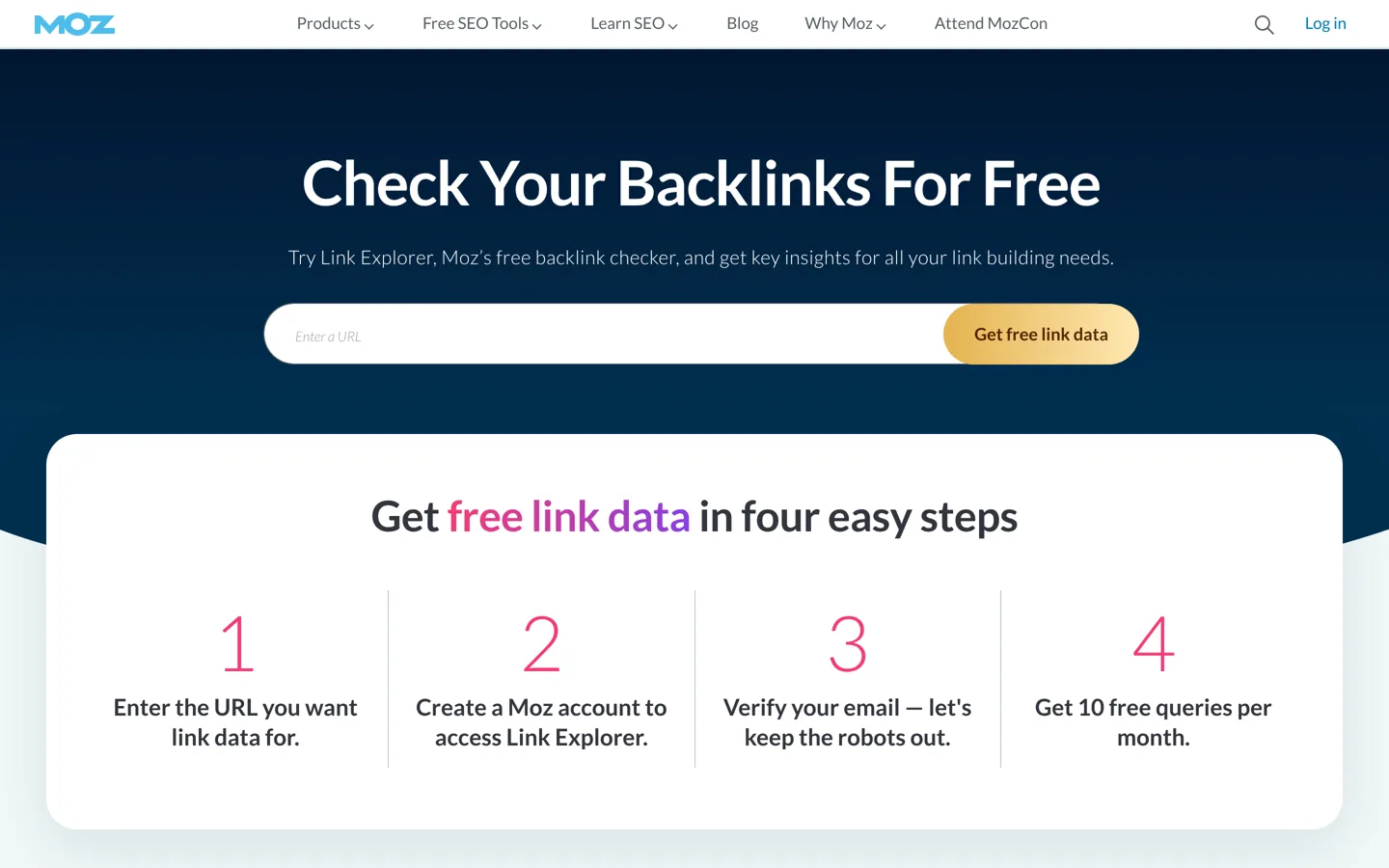
Spam Score is handy for a quick check of a site you’re thinking of getting a link from. Treat it as a reason to look closer, not as a verdict.
7. Majestic: Trust Flow and Citation Flow
Majestic is a long-standing link-only index. Its two scores are Citation Flow (roughly, how much link weight points at a URL) and Trust Flow (how close the URL is, in links, to a set of trusted seed sites). A site with high Citation Flow but very low Trust Flow often has lots of weak links, which is a pattern worth noticing.

A free account gives you a preview of any site: its top links, recent new and lost links and the two scores. You get fuller data for sites you verify as your own.
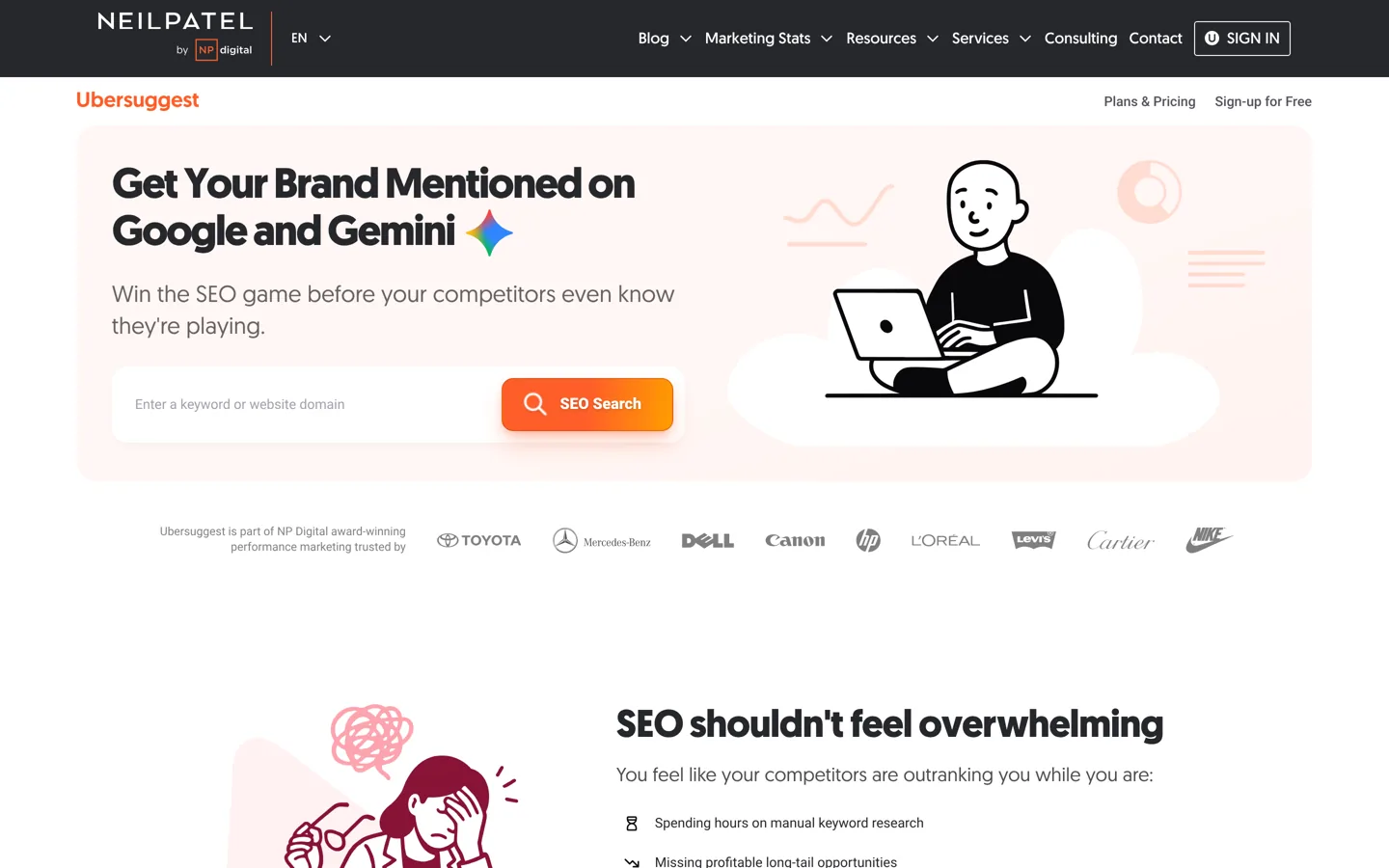
8. Ubersuggest: a simple overview for beginners
Ubersuggest lets you sign up for free and run limited searches; paid access is a one-off lifetime plan. The backlink report shows totals, referring domains and a list of links in a clean, simple layout. It’s a gentle start if the bigger tools feel overwhelming, but you’ll hit the daily limit quickly.

9. SE Ranking: free during the trial, not after
SE Ranking doesn’t have a free-forever plan for its full tool. Its website has a free backlink checker that allows a few checks a day without an account (5 when this guide was updated), and a 14-day free trial, with no card needed, that unlocks the full backlink tool. The free checker is enough for a quick look; the trial is useful when you need a one-off deep audit: start it, run the reports and export what you need before it ends.

Why every free tool shows different numbers
Put the same domain into three tools and you’ll get three different backlink counts, sometimes very different. None of them is lying.
- Each tool has its own crawler. Ahrefs, Semrush, Moz and Majestic each crawl the web themselves and keep their own index. They find different pages, at different times.
- They count differently. One tool may count a link in a site-wide footer once per domain, another once per page. That alone can turn 50 links into 50,000.
- They keep links for different lengths of time. Some drop a link as soon as it disappears; others keep it until the page is crawled again.
- Free versions show a sample. Search Console and Bing say so plainly, and the free checkers cap the list.
The practical rule: compare a site with itself over time, and compare sites using the same tool. Referring domains (the number of different websites linking) is a steadier number than total backlinks, so use that when you compare.
A free backlink audit in five steps
The free owner tools each miss links that the others find. Merging their exports gives you a fuller list than any of them alone, still for free. Here’s how to do it in a spreadsheet in about thirty minutes.

Step 1: Export from each tool
- Search Console: Links → Export external links → Latest links (and More sample links if you have many).
- Bing Webmaster Tools: Backlinks → Download all.
- Ahrefs Webmaster Tools: Site Explorer → Referring domains → Export.
Step 2: Put each export in its own tab
Create a Google Sheet with three tabs named GSC, Bing and AWT and paste each export into its tab. Leave the original columns as they are.
Step 3: Reduce every link to its domain
You’re interested in which websites link to you, not every individual page. In an empty column next to the linking-page URLs (column A in this example), add this formula and fill it down:
=IFERROR(REGEXEXTRACT(A2, "^(?:https?://)?(?:www\.)?([^/:]+)"), "")Do the same in each tab. The AWT export already has a domain column, so you can use that directly.
Step 4: Build one list and count where each domain was found
In a fourth tab called All, list every domain once. If the domains are in column B of each tab:
=SORT(UNIQUE(FILTER({GSC!B2:B; Bing!B2:B; AWT!B2:B}, {GSC!B2:B; Bing!B2:B; AWT!B2:B} <> "")))Then, in B2, count how many of the three tools found each domain:
=(COUNTIF(GSC!B:B, A2) > 0) + (COUNTIF(Bing!B:B, A2) > 0) + (COUNTIF(AWT!B:B, A2) > 0)Here’s what the result looks like. The domains below are made up to show the method; your sheet will have your real ones.
| Domain | Found by | What it tells you |
|---|---|---|
| nichetoolsblog.example | 3 of 3 | A solid, well-known link. Keep it in mind for future outreach. |
| weekly-roundup.example | 2 of 3 | Probably real. Open it and check the link is still there. |
| free-dir-links.example | 1 of 3 | Only one crawler saw it. Look at the page before worrying about it. |
Step 5: Review the list, starting at the top
Sort by the “Found by” column and open the linking pages for your most important domains. You’re checking three things: the link is still there, it’s on a real page that people read, and it points to a page of yours that still works. The next section covers what to do with each kind of link.
What to do with the links you find
A backlink check is only useful if it changes what you do next. Most links fall into one of three groups.

Good links: learn from them. Look at which of your pages attract links and why. Usually it’s a page with something others want to cite: original data, a free tool, a clear definition or a checklist. Make more pages like that, and keep those pages up to date.
Lost and broken links: win them back. If a site that linked to you now points at a page that returns a 404, redirect that address to the best live page (a 301). If a link disappeared because the other site updated its article, a short, polite email offering your updated page sometimes brings it back.
Spammy links: usually, leave them alone. Every site picks up junk links from scraper sites and random directories. Google’s guidance is that it can usually work out which links to trust without help, and that the disavow tool is only for sites with a lot of spammy, artificial links that have caused, or are likely to cause, a manual action. If you didn’t buy or build those links, you rarely need to do anything.
The links that really do cause trouble are the ones built to manipulate rankings: paid links that aren’t marked rel="sponsored" or rel="nofollow", large-scale link swaps and automated link building. Google’s spam policies list all three. If an offer to “boost your backlinks” sounds like one of them, it is. The guide on the hidden dangers of backlink exchange programs explains why link swaps backfire.
Checking backlinks before you buy a website
If you buy websites, a free backlink check is part of due diligence. You can’t verify a site you don’t own yet, so you’re limited to the free any-site tools: Bing’s comparison report, the Ahrefs checker and a free Semrush account. Used together, they’re enough to spot the warning signs:
- A sudden jump in referring domains shortly before the sale, with no matching piece of content that would explain it.
- Anchor text that reads like keywords (“best cheap hosting”, “buy shoes online”) instead of the site’s name or a natural phrase. Real links mostly use the brand name or the page title.
- Links from sites that look alike: the same design, thin posts and outbound links to unrelated businesses. That’s often a private blog network, and it can collapse without warning.
- Links mostly from the seller’s other sites. They may disappear after the handover.
Ask the seller to add you to their Search Console property as a restricted user. That lets you see the Links report from Google’s own data without the seller handing over their login. The checklist for buying an existing blog covers the rest of due diligence: traffic, earnings and handover.
Marketplaces such as Flippa, Empire Flippers, Motion Invest and DigiFlippers (which I founded) list sites with different levels of vetting. Whichever you use, run your own backlink check rather than relying on the listing. The website flipping guide walks through the full buy, grow and sell process.
When a free backlink checker is no longer enough
Free tools cover most needs for a small site. These are the signs that you’ve outgrown them:
- You need competitors’ full link lists, not their top links, to plan outreach.
- You want alerts the day you gain or lose an important link.
- You run link-building for clients and need the same tool, history and reports every month.
- You’re comparing more than two or three competitors at once, every week.
At that point a paid tool pays for itself in time saved. The guide to the best backlink checker tools compares the paid plans on index size, price and what each does best. If you’re not there yet, the free setup above (Search Console, Bing and Ahrefs Webmaster Tools for your own site, plus the Ahrefs checker and a free Semrush account for everyone else’s) will take you a long way.
Questions people ask
Is there a completely free backlink checker?
Yes. Google Search Console, Bing Webmaster Tools and Ahrefs Webmaster Tools are free for sites you own, with no daily limit on your own data. For other people's sites, the Ahrefs Backlink Checker, Bing's any-site report and a free Semrush account are free but show only part of the data.
Which free backlink checker shows the most links?
For your own site, Ahrefs Webmaster Tools and Search Console exports usually show the most, and merging them with Bing's export shows more again. For other sites, no free tool shows the full list; each shows its strongest links and totals.
Can I check a competitor's backlinks for free?
Yes, within limits. Bing Webmaster Tools lets you compare your backlinks with up to two other sites, the Ahrefs Backlink Checker shows any site's top backlinks without an account, and a free Semrush account allows 10 lookups a day with up to 10 results each.
Why does Search Console show fewer backlinks than Ahrefs or Semrush?
Search Console shows a sample of the links Google has found and groups them by site, while Ahrefs and Semrush run their own crawlers and count links differently. Compare trends within one tool rather than totals across tools.
How often do free backlink checkers update?
The any-site checkers read from indexes that are crawled continuously, so new links can appear within days to weeks. Search Console's Links report updates more slowly, so use it for the overall picture rather than to confirm a link found yesterday.
Should I disavow the bad backlinks I find?
Usually not. Google says it can normally tell which links to trust, and that disavowing is for sites with many spammy or artificial links that have caused, or are likely to cause, a manual action. Ask for removal first, and never disavow good links.
Sources
- Links report (Search Console Help) support.google.com · checked October 11, 2026
- Disavow links to your site (Search Console Help) support.google.com · checked October 10, 2026
- Spam policies for Google web search: link spam developers.google.com · checked October 10, 2026
- Qualify outbound links to Google (sponsored, nofollow, ugc) developers.google.com · checked October 10, 2026
- Backlinks (Bing Webmaster Tools Help) www.bing.com · checked October 11, 2026
- Import sites from Search Console to Bing Webmaster Tools (Bing blog) blogs.bing.com · checked October 10, 2026
- Bing Webmaster Tools to remove the disavow links feature (Bing blog) blogs.bing.com · checked October 10, 2026
- What can I use for free in Ahrefs? (Ahrefs Help) help.ahrefs.com · checked October 11, 2026
- Free Backlink Checker (Ahrefs) ahrefs.com · checked October 11, 2026
- Backlinks tool limits (Semrush Knowledge Base) www.semrush.com · checked October 11, 2026
- What can you do with a free Semrush account? (Semrush blog) www.semrush.com · checked October 10, 2026
- Majestic free SEO tools majestic.com · checked October 11, 2026
- SE Ranking FAQ (trial and plans) seranking.com · checked October 11, 2026
- Moz Link Explorer (free account limits) moz.com · checked October 11, 2026
- SE Ranking free Backlink Checker seranking.com · checked October 11, 2026

Building websites since 2006: 500+ web projects of every size and $300K+ in website deals sold or brokered. Founder of A Digital Motive and DigiFlippers. I share the whole process here, plainly.
Founder of A Digital Motive and DigiFlippers