- Give every page one search intent and a unique, descriptive title.
- Google mainly writes snippets from your content; a good meta description still helps.
- Core Web Vitals targets: LCP within 2.5 s, INP under 200 ms, CLS under 0.1.
- Google doesn't use meta keywords and has no magic word count.
- Never change a ranking page's URL without a 301 redirect.
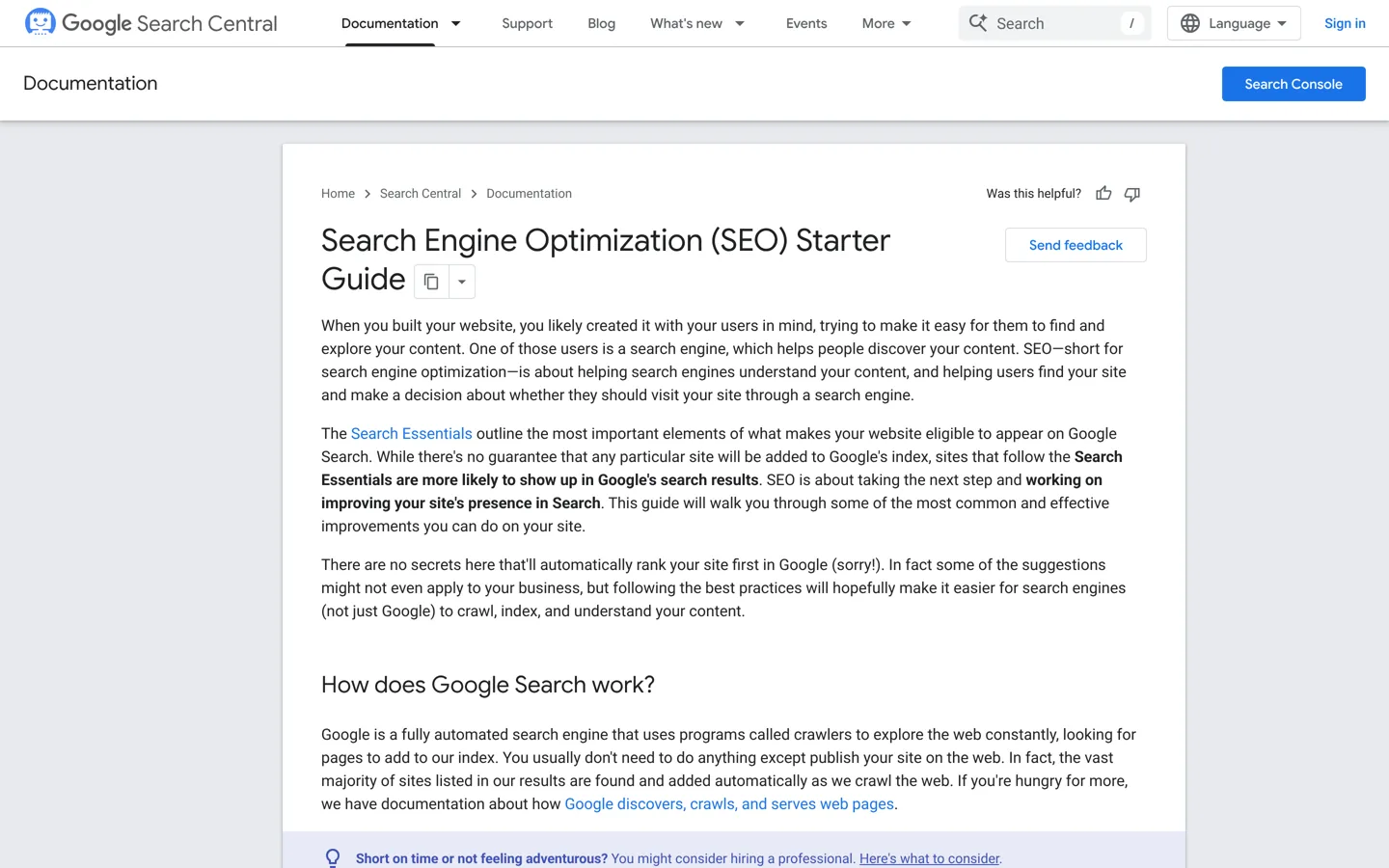
This on-page SEO checklist covers everything you control on a single page to help it rank: search intent, the title and meta description, headings, content quality, images, links, URLs, page speed and structured data. It works on any platform, from WordPress to Shopify. Each item is based on Google’s own Search Central documentation, checked on 12 October 2026, including Google’s list of things it says you shouldn’t worry about.
Using WordPress? Our WordPress SEO tutorial shows where each setting lives in WordPress. This page is the checklist to run on every post or page.

The on-page SEO checklist
1. Match one search intent
- Decide what the searcher wants: to learn, compare, buy or do something. Write the page to answer exactly that.
- Search your keyword and look at what ranks. If the top results are lists, a single review won’t fit; if they’re tutorials, a sales page won’t.
- Give each page its own intent. Two pages chasing the same search compete with each other.
2. Choose a main keyword and its close variations
- Pick one main phrase and a few natural variations. Our guide to keyword research shows how to find them.
- Use the phrase where it fits naturally: the title, the opening paragraph, a subheading.
- Don’t repeat it unnaturally. Google’s SEO Starter Guide calls excessive repetition keyword stuffing, which is against its spam policies.
3. Write a unique, descriptive title
- Every page needs a
<title>. Google’s guidance is to make it descriptive and concise, unique to the page, and accurate. - Avoid vague titles (“Home”), boilerplate repeated across pages, and stuffing the same words several times.
- There’s no fixed length limit, Google says, but long titles are cut off in results to fit the screen, so put the important words first.
4. Write a meta description that summarises the page
- Google mainly builds snippets from your page content, but sometimes uses the meta description when it describes the page better.
- Google recommends a short, unique description per page that includes the page’s most relevant points, typically one or two sentences.
- Expect Google to show different snippets for different searches; that’s normal.
5. Answer early, then go deep
- Put a clear answer or summary in the first paragraph, so readers and search engines know at once what the page covers.
- Then cover the topic fully: Google’s helpful content questions ask whether a page gives a substantial, complete description of the topic and insight beyond the obvious.
- Add something original: your own testing, data, examples or experience. Google asks whether content that draws on other sources adds substantial value rather than rewriting them.
6. Use headings that describe each section
- Use one main heading (H1) and descriptive subheadings (H2, H3) that a skimming reader can follow.
- Google says heading order doesn’t matter for its ranking, but semantic order is “fantastic for screen readers”, so keep it logical for accessibility.
7. Optimise every image
- Write alt text that describes the image. Google uses alt text, with computer vision and page content, to understand images, and it also helps people using screen readers.
- Use short, descriptive file names: Google’s example is
my-new-black-kitten.jpgrather thanIMG00023.JPG. - Place images near relevant text, and compress them so they don’t slow the page.
8. Link to related pages with descriptive anchor text
- Link to your other relevant pages, and from them back to this one. Internal links help readers and help Google find and understand your pages.
- Google describes good anchor text as descriptive, reasonably concise and relevant to both pages. Avoid “click here”.
- Link out to sources when you cite facts; it helps readers check them.
9. Use a readable URL
- Google suggests including words useful to users in the URL (its example:
/pets/cats.html) rather than random identifiers. Parts of the URL can appear as breadcrumbs in results. - Google also says keywords in the domain or URL path alone have hardly any ranking effect, so don’t rename existing pages for keywords.
- Never change the address of a page that already ranks without a 301 redirect.
10. Make the page fast and stable

- Google’s Core Web Vitals targets: Largest Contentful Paint within 2.5 seconds, Interaction to Next Paint under 200 milliseconds, and Cumulative Layout Shift under 0.1.
- Check pages in PageSpeed Insights and the Core Web Vitals report in Google Search Console.
- Set image width and height so the layout doesn’t jump, and test on a phone.
11. Add structured data where it fits
- Structured data (schema) describes the page to search engines: an article, a product review, a how-to, a FAQ. Most SEO plugins add the basics automatically.
- Only mark up what’s visible on the page, and test it with Google’s Rich Results Test.
12. Make sure the page can be indexed
- Check the page isn’t blocked by a
noindextag or robots.txt, and that it’s in your sitemap. - Use Search Console’s URL Inspection tool to see how Google sees the page, then request indexing for new pages.
On-page SEO for AI Overviews and AI Mode
Google’s guide to AI features says plainly that the best practices for SEO remain relevant for AI Overviews and AI Mode, and that there are no additional requirements or special optimisations to appear in them. To be eligible as a supporting link, a page must be indexed and eligible to show in Search with a snippet.
Google lists the fundamentals that continue to matter, and they map straight onto this checklist:
- allow crawling in robots.txt, and in any CDN or hosting firewall (step 12);
- make content easy to find through internal links (step 8);
- provide a great page experience (step 10);
- keep important content in text form, supported by good images and videos where useful (steps 5 and 7);
- make sure structured data matches the visible text (step 11).
Google adds that you don’t need new machine-readable files, AI text files or special schema markup to appear in these features. A clear, early answer and a well-organised page help readers and AI summaries alike, but there’s no separate trick to learn.
One caution from the same page: even when a page meets every requirement, Google says crawling, indexing and serving are never guaranteed. Treat this checklist as what you can control, not a promise of a ranking.
What Google says you shouldn’t worry about
Google’s SEO Starter Guide includes a section of “things we believe you shouldn’t focus on”. Knowing them saves time:

- Meta keywords: Google Search doesn’t use the keywords meta tag.
- Word count: “there’s no magical word count target, minimum or maximum.” Write as much as the topic needs.
- Number and order of headings: no ideal number, and order doesn’t matter for Google (but does for accessibility).
- Duplicate content “penalty”: the same content at several URLs on your own site is inefficient but won’t cause a manual action. Copying other sites’ content is different.
- Keywords in the domain: hardly any effect beyond breadcrumbs. A country domain only matters if you target that country.
- E-E-A-T as a ranking factor: Google says it isn’t one. Experience and trust still matter to readers.
How to use this checklist
Run it on every new page before you publish, then again on your most important existing pages, starting with those that already get impressions in Search Console but few clicks. Work through it in order: intent and keyword first, because a mismatched intent can’t be fixed with a better title; then the visible parts readers see; then the technical checks. Keep a simple record of what you changed and when, so you can compare results in Search Console a few weeks later.
Checklist for updating an old page
- Keep the same URL.
- Check the page still matches what searchers want today, and update facts, prices and dates with sources.
- Improve the title and description if Search Console shows impressions but few clicks.
- Add internal links from newer related posts.
- Remove or merge sections that repeat other pages on your site.
- Show the update date, so readers know it’s current.
Common on-page SEO mistakes
- Writing for a keyword, not a person. Pages that read like keyword lists don’t satisfy readers.
- Copying the top results. A rewrite of what already ranks adds nothing; add your own experience or data.
- Same title on many pages. Google’s title guidance specifically warns against repeated or boilerplate titles.
- Images without alt text. You lose image search traffic and accessibility.
- Orphan pages. A page nothing links to is hard for readers and search engines to find.
- Hiding the answer. Long introductions before the point frustrate readers; put the answer in the first paragraph and the detail after it.
Tools for checking on-page SEO
- Google Search Console (free): performance, indexing and Core Web Vitals for your own site.
- PageSpeed Insights (free): speed and Core Web Vitals for any page.
- An SEO plugin on WordPress, such as Yoast SEO or Rank Math, to set titles, descriptions and schema; our Yoast SEO setup guide walks through one.
- Browser extensions for quick checks of titles, headings and links: see our pick of SEO Chrome extensions.
Questions people ask
What is on-page SEO?
Everything you control on a page to help it rank: content, title, meta description, headings, images, links, URL, speed and structured data.
How long should a page be for SEO?
Google says there's no magic word count, minimum or maximum. Write as much as the topic and the searcher need.
Does Google use the meta keywords tag?
No. Google's SEO Starter Guide says Google Search doesn't use it.
How long should a title tag be?
Google sets no limit, but long titles are truncated in results to fit the device, so keep them concise and put key words first.
Does heading order matter for SEO?
Not for Google's ranking, it says, but logical order helps screen reader users, so keep it.
What are good Core Web Vitals scores?
Google's targets are Largest Contentful Paint within 2.5 seconds, Interaction to Next Paint under 200 milliseconds and Cumulative Layout Shift under 0.1.
Sources
- SEO Starter Guide (Google Search Central) developers.google.com · checked October 12, 2026
- Influencing your title links (Google) developers.google.com · checked October 12, 2026
- Control your snippets (Google) developers.google.com · checked October 12, 2026
- Image SEO best practices (Google) developers.google.com · checked October 12, 2026
- Link best practices (Google) developers.google.com · checked October 12, 2026
- Creating helpful, reliable, people-first content (Google) developers.google.com · checked October 12, 2026
- Core Web Vitals (Google) developers.google.com · checked October 12, 2026
- AI features and your website (Google) developers.google.com · checked October 12, 2026

Building websites since 2006: 500+ web projects of every size and $300K+ in website deals sold or brokered. Founder of A Digital Motive and DigiFlippers. I share the whole process here, plainly.
Founder of A Digital Motive and DigiFlippers