- The best advertisers are companies your readers already use.
- An Advertise page and a one-page media kit make you easy to buy from.
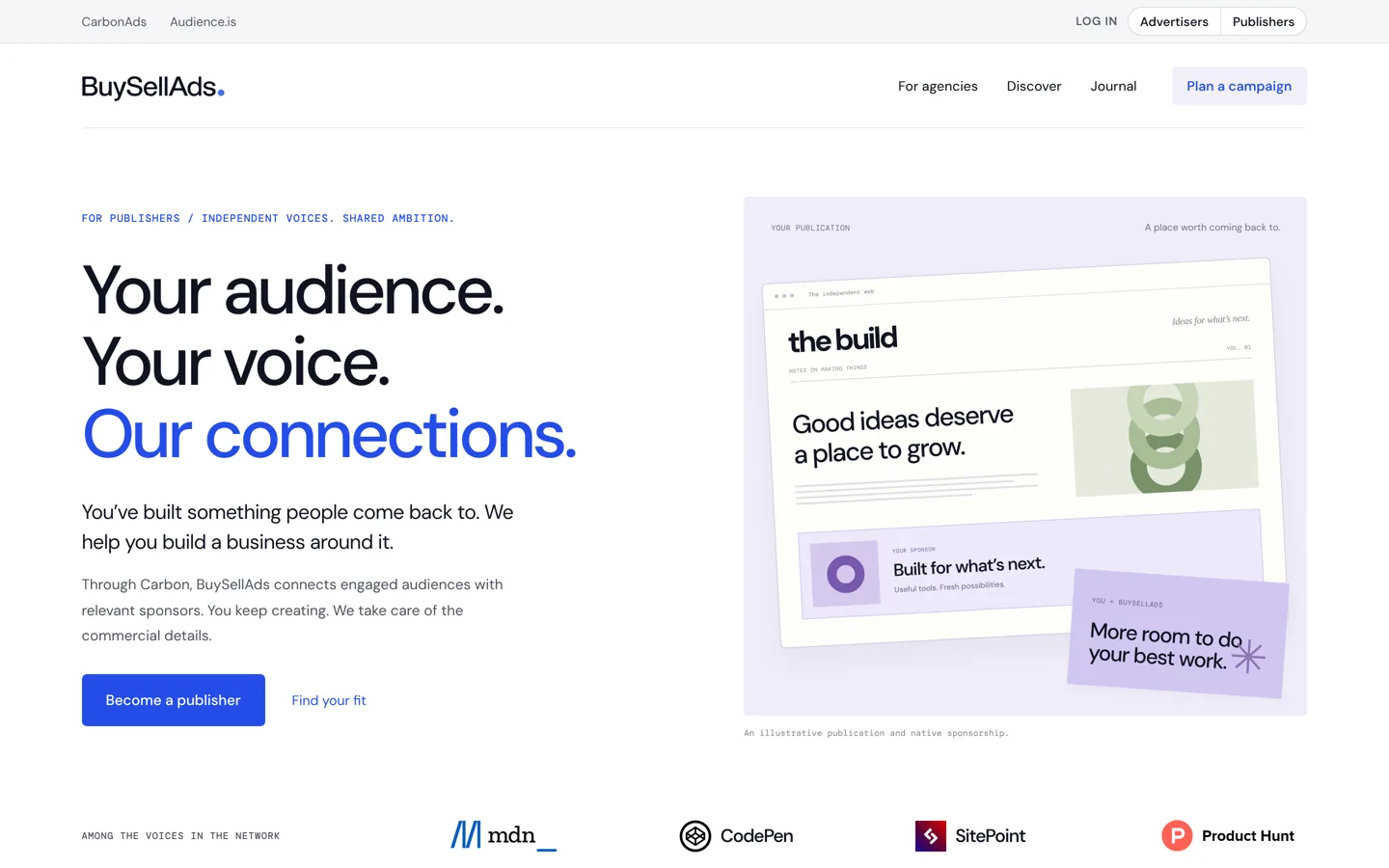
- Marketplaces such as BuySellAds can pitch, negotiate and bill for you.
- Google treats paid links that pass ranking credit as link spam; use rel="sponsored".
- Use your ad-network earnings as the floor for direct prices.
To find advertisers for your blog, start with the companies whose products your readers already use, publish an “Advertise” page with your audience and options, make a one-page media kit, then pitch a short list of relevant brands directly. You can also let a sponsorship marketplace sell for you. Price by placement and audience rather than guesswork, label every paid placement, and mark its links rel="sponsored". This guide covers each step, with Google’s rules on paid links and the tools’ own descriptions, checked on 12 October 2026.
Prefer ads that run themselves? Our guide to Ezoic vs AdSense compares ad networks, and ways to earn from a blog gives the wider picture. This page is about selling ad space and sponsorships directly.

Is your blog ready for direct advertisers?
Direct deals work best when your blog has a clear topic and a steady, defined audience. An advertiser wants to know who reads you, not just how many: “WordPress site owners who run small businesses” is far easier to sell than “general readers”. You don’t need huge traffic for a niche sponsor, but you do need numbers you can show from your own analytics and a few posts that clearly attract the readers the advertiser wants.
What you can sell
- Display placements: a banner or a native ad in a fixed spot, such as the sidebar, the top of posts or between sections, sold for a week or a month.
- Sponsored posts: an article about the advertiser’s product, clearly labelled as sponsored.
- Newsletter sponsorships: a short message or slot in your email.
- Sponsored sections: a “this guide is sponsored by” line on a popular resource or series.
Fixed placements are simplest to start with. Sponsored content takes more of your time and needs the strictest labelling.
How to find advertisers for your blog: 6 steps
1. List companies your readers already use
The best advertisers are the tools, services and products you already mention: the software in your tutorials, the brands readers ask you about, the companies running ads on similar sites. Make a list of 20. Check which already sponsor blogs, newsletters or podcasts in your topic; a company that buys sponsorships elsewhere is far easier to sell to.
2. Publish an “Advertise” page
Make it easy for advertisers to find you. A page linked from your footer and About page should say who your readers are, your main traffic and subscriber figures (with the date and source), the options you offer, your rules (what you won’t promote, how sponsored content is labelled) and how to get in touch.
3. Make a one-page media kit
Advertisers decide quickly, so put the essentials on one page or a short PDF:
- Monthly visitors and page views, and newsletter subscribers if you have them, from your analytics, with the period.
- Where readers come from (countries, devices, search vs social) and what they read most.
- Each option with what’s included and its price or price range.
- Two or three examples of past placements or the posts they’d appear on.
Only include figures you can show; advertisers often ask for a screenshot of your analytics.
4. Pitch directly, briefly
Find the marketing or partnerships contact, then send a short email: who your readers are, why they match the company’s customers, the one option you’d suggest, and a link to your media kit. Mention the posts where their product already comes up. Follow up once after a week; then move on.
5. Let a marketplace sell for you
If you’d rather not sell yourself, sponsorship companies can do it. BuySellAds says that, through Carbon, it connects audiences with relevant sponsors, pitches publishers’ inventory, negotiates with sponsors and handles contracts and billing, and runs a curated network of native placements. For newsletters, beehiiv runs an ad network that connects its publishers with advertisers. Each has its own requirements and revenue share, so check them before you apply.
6. Deliver and report
Run the placement exactly as agreed, then send a short report at the end: impressions, clicks and the dates it ran. Advertisers who get clear reports come back, and a returning sponsor is worth far more than a new one.
A sample pitch email
An illustration of the structure, not a real message: “Hi Sam, I run a blog for small-business owners who build their own WordPress sites, with about [your monthly visitors] visits a month, mostly from search. Your plugin already comes up in three of my most-read tutorials, and readers often ask how to set it up. Would a one-month placement at the top of those tutorials, plus a mention in my newsletter, be useful for you? My media kit, with prices and audience details, is here: [link].” Four sentences: who reads you, why it fits, one suggestion, and where to find the details.
Keep sponsored posts useful
A sponsored post should still be worth reading if you removed the sponsor’s name. Agree the topic with the advertiser, but keep editorial control: you write it, you include honest limitations, and you can decline to publish if the product doesn’t hold up. Write about something your readers would want anyway, such as a tutorial using the product, not a page of marketing copy. Keep sponsored posts a small share of what you publish, so the blog stays a blog. Our guide to the risks of link schemes explains why selling unlabelled links is never worth it.
Sell newsletter sponsorships too
If you have an email list, a sponsorship slot in your newsletter is often easier to sell than a banner, because it reaches readers who chose to hear from you. Offer one clearly labelled slot per issue, near the top or after your main item, with the sponsor’s message in your own words where possible. Report opens and clicks afterwards. If your list is still small, our guide to getting your first 1000 email subscribers helps you grow it first.
Label sponsored content and links correctly
Google’s spam policies list “advertorials or native advertising where payment is received for articles that include links that pass ranking credit” as link spam. Google adds that buying and selling links is a normal part of the web for advertising and sponsorship, and isn’t a violation as long as the links are qualified with rel="nofollow" or rel="sponsored". So:
- Mark every link in a sponsored post, banner or newsletter mention
rel="sponsored". - Label the content clearly for readers, such as “Sponsored by…” at the top of a sponsored post.
- Never sell “dofollow” links. An advertiser asking for unlabelled links is buying ranking credit, which puts your site at risk.
Advertising and disclosure laws also apply, depending on where you and your readers are; in the US, the FTC’s endorsement guidance says display ads that are clearly ads need no extra disclosure, as long as buying ad space doesn’t change what you write about the advertiser. A sponsored post should say who paid: “Sponsored by [brand]” is clearer than “Sponsored” on its own.

How to price direct ads
There’s no standard rate card, and prices vary widely by topic and audience, so build yours from your own numbers:
- Flat fee per period for a fixed placement, such as a month in the sidebar. Simple for both sides.
- Per thousand impressions (CPM) if you can measure views of the placement reliably.
- Per sponsored post or newsletter slot, priced for the work and the audience reached.
Use your ad network earnings as a floor: if a placement earns a certain amount a month from network ads, a direct deal should pay more, or there’s little reason to replace them. Offer a short trial at a fair price to a first advertiser, then raise prices as demand grows.
Serving direct ads on WordPress
For a few fixed placements, a WordPress ad plugin is enough. Advanced Ads (100,000+ active installs on WordPress.org, rated 4.9) lists unlimited ad units, ad rotation, scheduling with start and expiry dates, targeting by content and user groups, and automatic insertion into posts in its free version; its paid version adds performance tracking. Scheduling matters for direct deals, because each campaign has a start and an end.
Google Ad Manager is Google’s ad management platform, which its help centre describes as built for large publishers with significant direct sales; it supports AdSense and other networks alongside direct deals, and its standard account requires a paid account once you pass an impression threshold. Most bloggers won’t need it at first.
Mistakes to avoid
- Accepting any advertiser. One irrelevant or doubtful sponsor costs reader trust.
- Selling unlabelled links, which Google treats as link spam.
- Inflated numbers in your media kit. Advertisers check, and lose trust fast.
- No written agreement. Confirm placement, dates, price, labelling and payment terms by email before you start.
- Too many placements, which make every one worth less and the site harder to read.
- Exclusive deals too early. Don’t promise a whole category to one sponsor until you know what it’s worth.
Your first-month plan
- Write down your audience in one sentence and pull your traffic figures.
- Publish an Advertise page and a one-page media kit.
- List 20 relevant companies and pitch the five best fits.
- Set up one fixed placement with scheduling in your ad plugin.
- Label everything and mark links
rel="sponsored".
Questions people ask
How do I find advertisers for my blog?
List companies your readers already use, especially those that already sponsor similar sites, publish an Advertise page and media kit, and pitch the best fits with a short email. Or apply to a sponsorship marketplace.
How much traffic do I need to sell ads directly?
There's no fixed minimum. A clearly defined audience matters more than size for niche sponsors, but you need real figures from your analytics to show them.
How much should I charge for ads on my blog?
There's no standard rate. Price by placement and audience, as a flat fee per month, per thousand impressions or per sponsored post, and use what an ad network earns from the same spot as your floor.
Do sponsored post links need rel="sponsored"?
Yes. Google's spam policies treat paid links that pass ranking credit as link spam, but say paid links are fine when marked rel="sponsored" or rel="nofollow".
What goes in a blog media kit?
Your audience in one sentence, monthly visitors and subscribers with the period and source, where readers come from, the options and prices, and a few examples.
Which WordPress plugin can run direct ads?
An ad plugin such as Advanced Ads, whose free version lists ad rotation, scheduling with start and end dates, targeting and automatic insertion.
Sources
- Spam policies for Google web search: link spam developers.google.com · checked October 12, 2026
- BuySellAds for publishers www.buysellads.com · checked October 12, 2026
- beehiiv Ad Network www.beehiiv.com · checked October 12, 2026
- Advanced Ads on WordPress.org wordpress.org · checked October 12, 2026
- About Google Ad Manager (Help) support.google.com · checked October 12, 2026
- FTC's Endorsement Guides: What People Are Asking www.ftc.gov · checked October 12, 2026

Building websites since 2006: 500+ web projects of every size and $300K+ in website deals sold or brokered. Founder of A Digital Motive and DigiFlippers. I share the whole process here, plainly.
Founder of A Digital Motive and DigiFlippers