- Blogger is hosted by Google; WordPress needs hosting you choose and pay for.
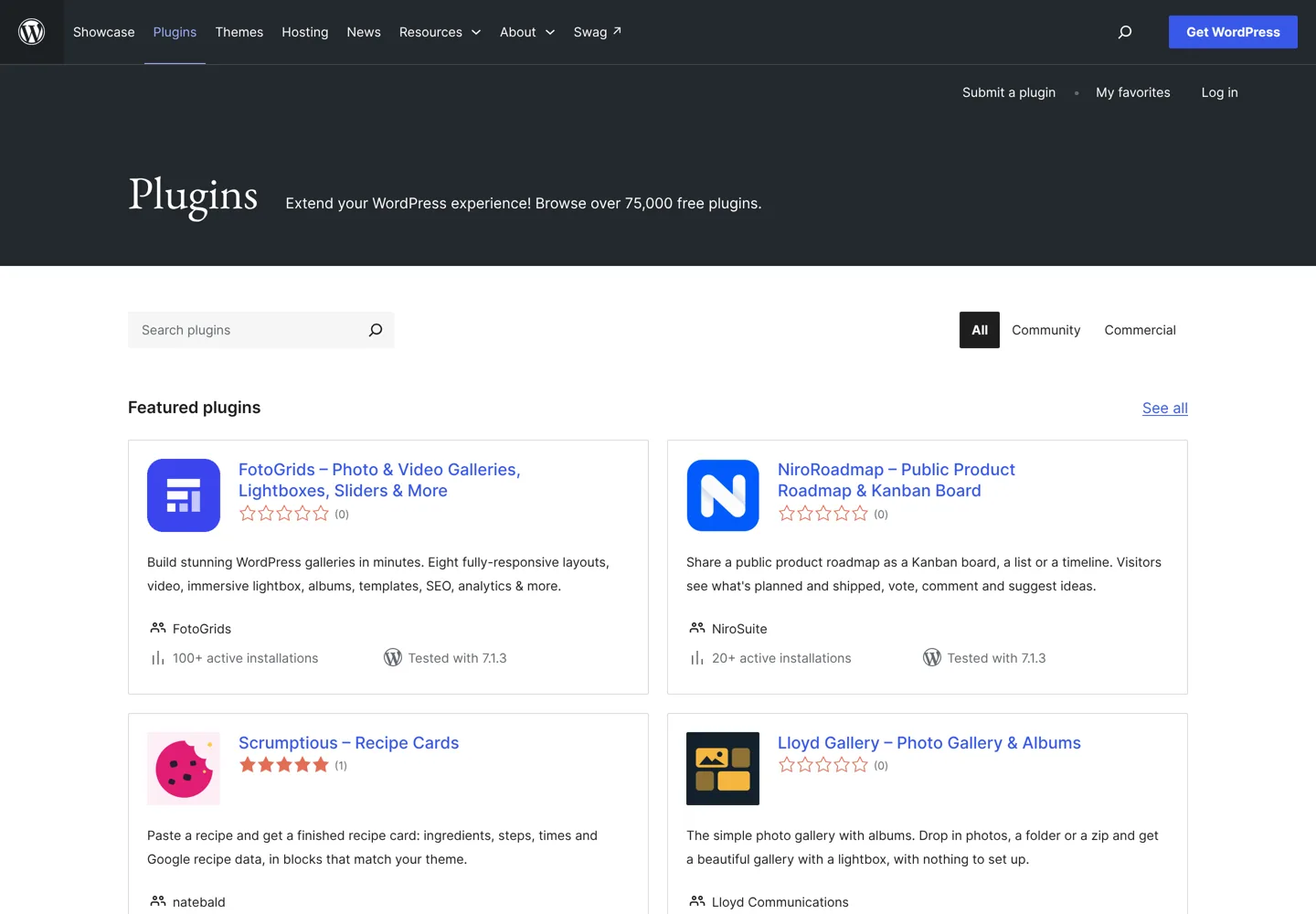
- WordPress.org lists more than 75,000 free plugins; Blogger can't add plugins.
- Both support custom domains; Blogger adds free SSL and uses two CNAME records.
- Blogger makes AdSense easy; WordPress supports every way of earning.
- You can back up a Blogger blog and move it to WordPress later.
Blogger vs WordPress comes down to one choice: convenience or control. Blogger is Google’s simple, hosted blogging service: you sign in with a Google account, pick a template and publish on a blogspot.com address, with no hosting to manage. WordPress (the free software from WordPress.org) runs on hosting you choose and gives you full control over design, features and how you earn, at the cost of a little more setup and a monthly hosting bill.
For a personal or hobby blog, Blogger is enough and easy to start. For a blog you want to grow into a business, WordPress is the better long-term home. This comparison explains why, feature by feature, using Google’s Blogger Help and WordPress.org’s own pages, checked on the date at the end.
Blogger vs WordPress at a glance
| Feature | Blogger | WordPress (self-hosted) |
|---|---|---|
| What it is | Hosted blogging service from Google | Open-source software you install on hosting |
| Cost to start | No hosting bill; blogspot.com address | Software is free; you pay for hosting and a domain |
| Setup | Sign in with Google and publish | Install on hosting (often one click) |
| Design | Templates, layout gadgets, HTML editing | Thousands of themes, block editor, full code access |
| Features | Built in, limited to what Blogger offers | 75,000+ free plugins on WordPress.org |
| Custom domain | Yes, with free SSL | Yes |
| Earning | AdSense built in; affiliate links | Any ad network, affiliate links, shops, memberships |
| Who controls it | Google’s platform and content policy | You (within your host’s terms) |

What Blogger is
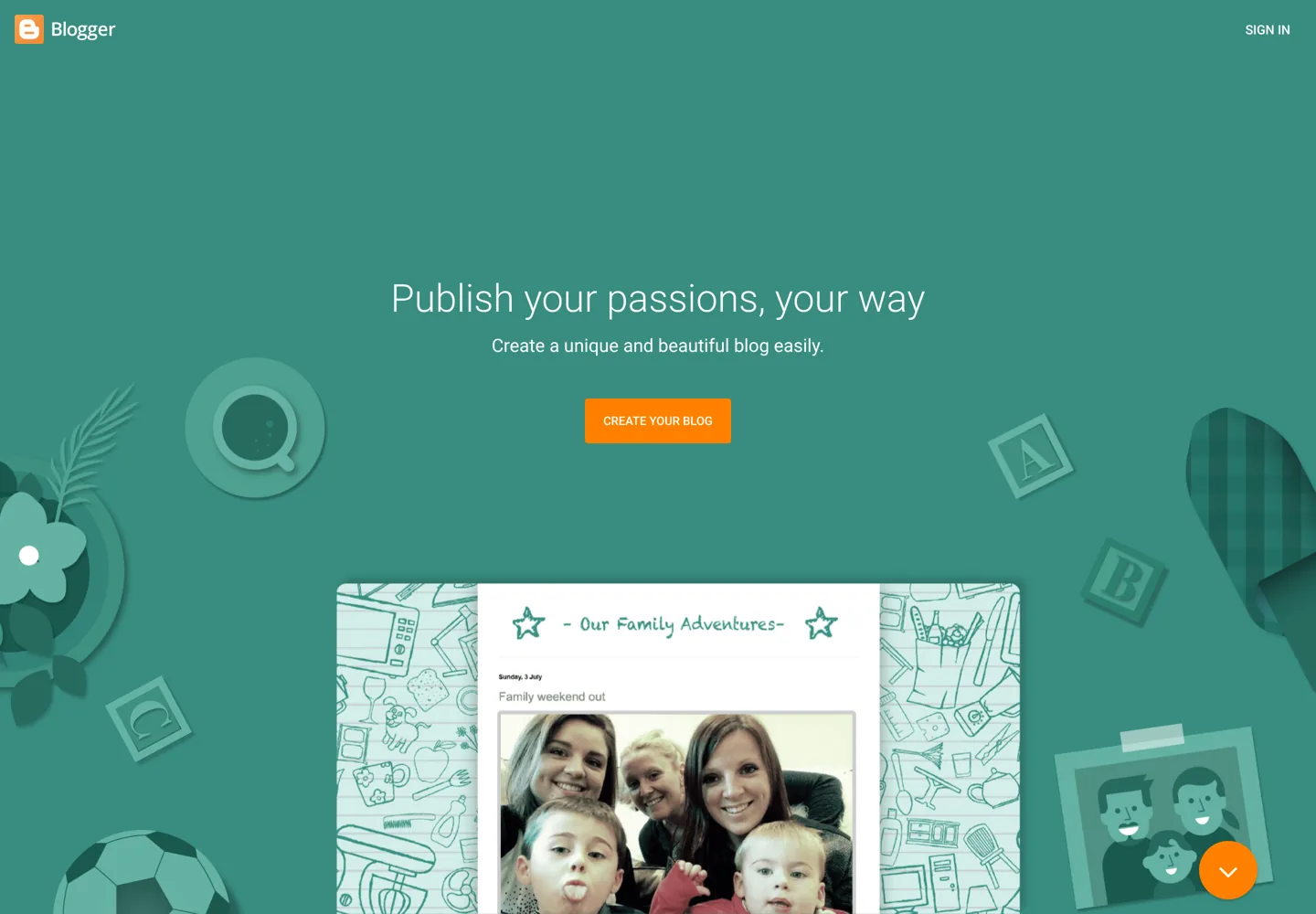
Blogger is Google’s blogging platform. You create a blog with your Google account, choose a template with flexible layouts and background images (or design your own), and publish on a free blogspot.com address or a custom domain. Google hosts everything, so there’s no software to update and no server to look after. Blogger also includes built-in analytics showing which posts are popular and where your audience comes from, and it connects to Google Analytics and Google AdSense.
What WordPress is
WordPress is open-source publishing software that powers millions of websites, from personal blogs to large businesses. It started in 2003 and is licensed under the GPL (version 2 or later), so it’s free to download, use and change. You install it on web hosting; WordPress.org recommends PHP 8.3 or greater, MySQL 8.0 or MariaDB 10.11 or greater, and HTTPS support. Most hosts install it for you in one click.
Its strength is choice: thousands of themes, the block editor for designing pages without code, and more than 75,000 free plugins in the WordPress.org directory that add almost any feature, from SEO and forms to shops and memberships.
This guide compares Blogger with self-hosted WordPress from WordPress.org. WordPress.com is a separate, hosted service built on the same software, with its own plans.
Cost
Blogger: there’s no hosting to buy. Blogger’s own page offers two choices for an address: “Get a blogspot.com domain or buy a custom domain”, so you pay only if you want your own domain.
WordPress: the software is free, but you need hosting (from a few dollars a month for shared hosting, more for managed hosting) and usually a domain. Many hosts include a free domain for the first year. See cheap WordPress hosting for budget options and their renewal prices.
Ease of use
Blogger is the easier start: no hosting, no installation, no updates. You write, add images and publish. WordPress has more to learn, but the basics are just as simple once it’s installed, and the extra settings are there when you need them. If you’ve never built a website, Blogger gets you publishing in minutes; WordPress takes an afternoon, as the guide to starting a blog shows.
Design and customisation
Blogger lets you change your theme, colour scheme and layout, and add gadgets to show things like your archive, labels or profile on every page. You can also edit the theme’s HTML. The choice is narrower than WordPress, and some designs are hard to build.
WordPress gives you thousands of free and paid themes, a block editor for laying out pages visually, and full access to the code. Page builders and theme frameworks go further. If design matters to your brand, WordPress is the clear winner.
Features and plugins
Blogger includes what most simple blogs need: posts, pages, comments, labels, gadgets, built-in stats and AdSense. What it doesn’t have, you mostly can’t add.
WordPress has a plugin for almost everything: SEO plugins such as Rank Math and Yoast SEO, backups, caching, contact forms, email sign-ups, online shops with WooCommerce, courses and memberships. The best WordPress plugins guide covers the essentials.
SEO
Both can rank well in Google; good content matters far more than the platform. Blogger handles the basics automatically and works with Google Search Console. WordPress gives you more control: readable permalinks, SEO plugins for titles, descriptions, sitemaps and schema, and speed tuning through your hosting and caching. For a blog that depends on search traffic, that control helps; the WordPress SEO tutorial shows the setup.
Speed and reliability
On Blogger, Google runs the servers, so there’s nothing for you to tune and nothing to break: your blog’s speed depends mostly on your template and how many images and gadgets you add. On WordPress, speed depends on your choices: the hosting plan, a caching plugin or built-in host caching, a light theme and a sensible number of plugins. A well-set-up WordPress blog is fast; a cheap host with a heavy theme and dozens of plugins is not. The guides to managed WordPress hosting and cheap WordPress hosting compare hosts, including what they include for speed.
Custom domain and security
Both support your own domain. In Blogger, you add it under Settings → Publishing → Custom domain and create the two CNAME records Blogger shows you at your domain provider (one pointing to ghs.google.com, and a security record unique to your blog). Blogger then creates an SSL certificate, and Google notes it can take up to 24 hours for the blogspot.com address to redirect to your domain.
On WordPress, your host connects the domain, and most hosts include free SSL. Security is your responsibility: keep WordPress, themes and plugins updated, use strong passwords and keep backups.
Making money
Blogger makes AdSense easy: Google says AdSense can automatically show relevant ads on your blog, and Blogger is one of the host partners with a quicker AdSense setup. You can also add affiliate links.
WordPress lets you use any method: AdSense, premium ad networks such as Mediavine or Raptive when you qualify, affiliate links, sponsored posts, your own digital products, an online shop, memberships and courses. If income is the goal, WordPress gives you more ways to earn; see how to earn money from a blog.
Ownership and control
On Blogger, your blog lives on Google’s platform and must follow Blogger’s content policy; Google can limit or remove content that breaks it. You can back up your content any time (Manage blog → Back up content → Download) or download your data with Google Takeout.
On WordPress, you choose your host and own the site files and database. You still follow your host’s terms, but you can move to another host whenever you like, taking everything with you.
Starting on Blogger but might switch later?
Many bloggers start on Blogger and move once the blog grows. A few choices now make that move painless later:
- Use your own domain from the start. If readers and Google know your blog by your domain rather than a blogspot.com address, the address stays yours when you move, and so does the search traffic it has earned.
- Back up regularly with Blogger’s Back up content option, so you always have a copy of every post and comment.
- Keep images organised and note where your best posts link, so you can check nothing breaks after the move.
- Plan redirects from every old post address to its new one before you switch, so no link or ranking is lost. With a custom domain this is much simpler, because the domain itself moves with you.
Blogger pros and cons
- Pros: no hosting or maintenance, quick to start, built-in stats, easy AdSense, free SSL on custom domains, backed by Google.
- Cons: limited design and features, no plugins, fewer ways to earn, dependent on Google’s platform and policies.
WordPress pros and cons
- Pros: full control, thousands of themes, 75,000+ free plugins, any way of earning, scales from a small blog to a large business, you can move hosts any time.
- Cons: hosting costs money, more to learn, updates, security and backups are your job (or your host’s, on managed plans).
Blogger vs WordPress: which should you choose?
- Choose Blogger for a personal, family or hobby blog, or to try blogging with no cost and no setup.
- Choose WordPress for a blog you want to grow, earn from or build a brand on, or any site that needs more than posts and pages.
- Already on Blogger and outgrowing it? You can move: back up your Blogger content, set up WordPress on hosting, and import it. The guide to moving from Blogger to WordPress covers each step, including keeping your old links working.
Whichever you pick, track your growth with free blog traffic checkers.
Questions people ask
Is Blogger better than WordPress?
For a simple personal blog, Blogger is easier and needs no hosting. For a blog you want to grow, customise or earn from in many ways, WordPress is better because of its themes, plugins and control.
Is Blogger free?
Creating a blog on a blogspot.com address doesn't involve a hosting bill; you pay only if you buy a custom domain. WordPress software is free too, but you pay for hosting.
Which is better for SEO, Blogger or WordPress?
Both can rank; content matters most. WordPress gives more control through permalinks, SEO plugins, sitemaps, schema and speed tuning, which helps blogs that depend on search traffic.
Can I use a custom domain on Blogger?
Yes. In Settings, under Publishing, choose Custom domain and add the two CNAME records Blogger shows at your domain provider. Blogger then creates an SSL certificate; redirects can take up to 24 hours.
Can I make money with Blogger?
Yes. Google AdSense works with Blogger and can show ads automatically, and you can add affiliate links. WordPress allows more methods, such as premium ad networks, shops and memberships.
Can I move from Blogger to WordPress later?
Yes. Back up your content in Blogger (Manage blog, Back up content, Download), set up WordPress on hosting and import it, then redirect your old addresses.
Sources
- Blogger: about www.blogger.com · checked October 11, 2026
- Set up a custom domain (Blogger Help) support.google.com · checked October 11, 2026
- Back up or import your blog (Blogger Help) support.google.com · checked October 11, 2026
- Change your blog's layout (Blogger Help) support.google.com · checked October 11, 2026
- Blogger content policy www.blogger.com · checked October 11, 2026
- WordPress.org wordpress.org · checked October 11, 2026
- About WordPress wordpress.org · checked October 11, 2026
- WordPress requirements wordpress.org · checked October 11, 2026
- WordPress plugin directory wordpress.org · checked October 11, 2026
- Eligibility requirements for AdSense (AdSense Help) support.google.com · checked October 11, 2026

Building websites since 2006: 500+ web projects of every size and $300K+ in website deals sold or brokered. Founder of A Digital Motive and DigiFlippers. I share the whole process here, plainly.
Founder of A Digital Motive and DigiFlippers