Some links on this page are affiliate links. If you buy through them I may earn a commission, at no extra cost to you. It never changes a rating. Read the disclosure
- A cluster is one pillar page plus cluster pages, each owning one search intent.
- The pillar summarises and links; it never repeats its cluster pages in full.
- Links run three ways: pillar to every page, every page back to the pillar, and across to 2–4 siblings.
- Google documents no topical authority score for websites; clusters help through coverage, links and focus.
- When auditing, merge posts that share an intent with 301 redirects instead of deleting them.
Topic clusters are a way of organising a website: one broad pillar page gives the overview of a topic, a group of cluster pages each answer one specific question within it in depth, and internal links tie them together in both directions. Built well, topic clusters help readers find the next thing they need, help search engines discover and understand every page, and stop your own posts competing with each other.
This guide explains what topic clusters and pillar pages are, what they really do for SEO (and what they don’t), how to build one step by step, a worked example from this site’s own WordPress cluster, and how to turn an existing messy blog into clusters. I’ve built and organised websites since 2006, and this is the structure every guide on arsalanmasood.com now follows.

What are topic clusters and pillar pages?
A topic cluster is a set of pages that together cover one subject. It has three parts:
- The pillar page (also called a hub): a broad guide to the whole topic, such as “WordPress for beginners”. It answers the main question briefly, gives the full map and links to every cluster page.
- Cluster pages (spokes or supporting articles): each one answers one narrower question in full, such as “how to install WordPress” or “best WordPress plugins”.
- Internal links: the pillar links to each cluster page, each cluster page links back to the pillar, and cluster pages link to closely related siblings.
The key rule is one search intent per page. If two pages answer the same question, they compete with each other and neither is the clear answer. Our guide to search intent explains how to tell what a searcher really wants from a query.
| Pillar page | Cluster page | |
|---|---|---|
| Covers | The whole topic, in overview | One question, in depth |
| Keyword | Broad (e.g. “WordPress guide”) | Specific (e.g. “how to install WordPress”) |
| Links | To every cluster page | To the pillar and 2–4 siblings |
| Reader | Someone starting out or getting the full picture | Someone with a precise task |
| Updated | Whenever a cluster page is added or changed | When its facts change |
Why topic clusters help (and what they don’t do)
You’ll often read that topic clusters raise a “topical authority score”. Google doesn’t publish any such score for websites, and its documentation doesn’t describe one. Scores with names like that come from SEO tools and are their own estimates. Google has described a “topic authority” system, but in its 2023 post Understanding news topic authority it explains this as a way to find expert sources for “newsy” queries, using signals such as how notable a publication is for a topic, original reporting cited by others, and source reputation.
So why build clusters at all? Because they line up with what Google does document:
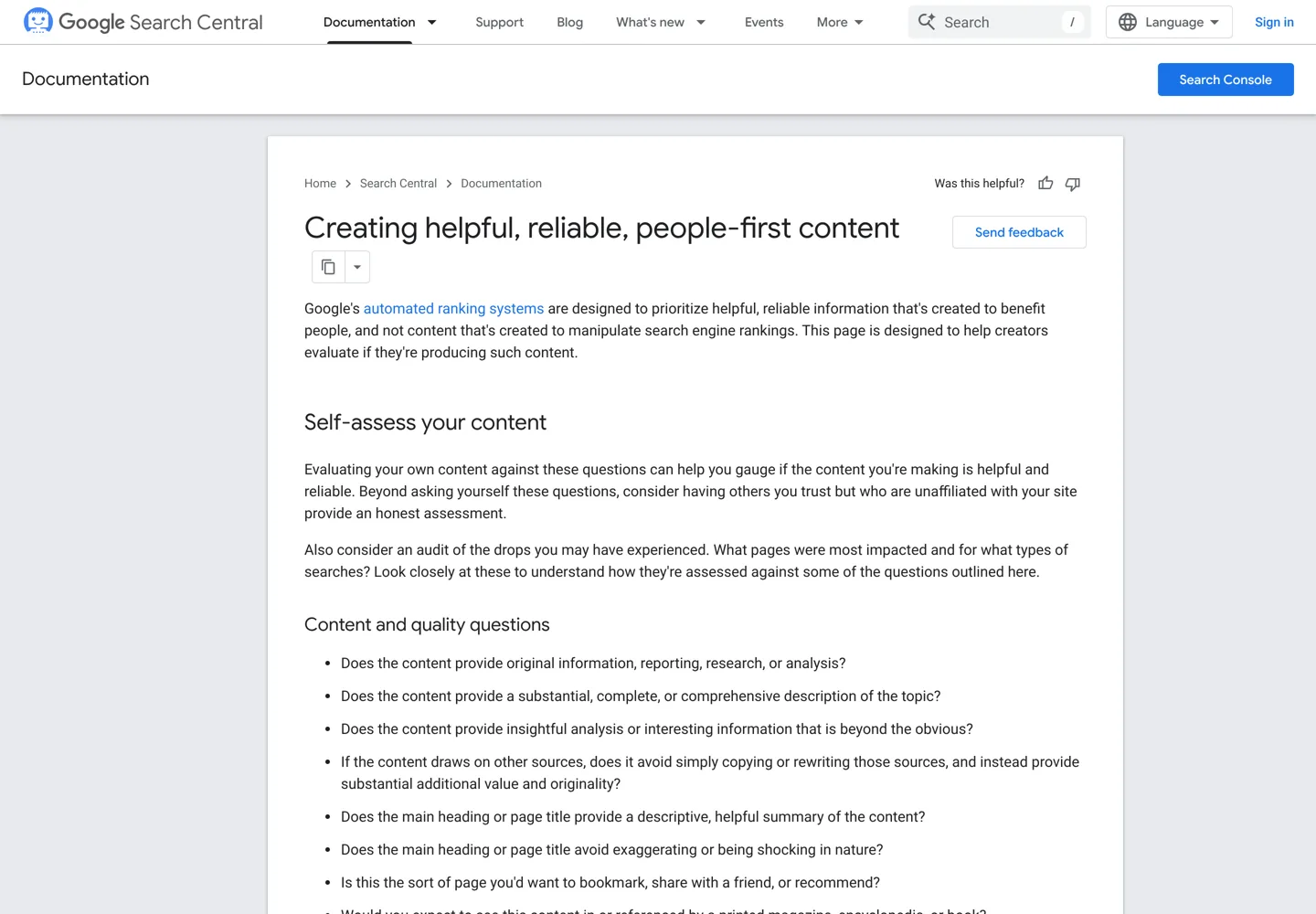
- Complete coverage of a topic. Google’s guide to creating helpful, reliable, people-first content asks: “Does the content provide a substantial, complete, or comprehensive description of the topic?” and “Does your site have a primary purpose or focus?” A cluster is a practical way to answer yes: the pillar and its pages together cover the subject without cramming everything into one huge post.
- A focused site, not scattered posts. The same guide lists a warning sign: “producing lots of content on many different topics in hopes that some of it might perform well in search results.” Planning in clusters keeps you writing for one audience.
- Discovery through links. Google’s SEO starter guide says “the vast majority of the new pages Google finds every day are through links”, and its link best practices say: “Every page you care about should have a link from at least one other page on your site.” In a cluster, no page is ever an orphan.
- Clear meaning through anchor text. Google says good anchor text helps “people and Google make sense of your content”. Cluster links use descriptive anchors by design (“how to install WordPress”, not “click here”).
- Better journeys for readers. Someone who installs WordPress needs a theme next, then plugins. The cluster puts that next step one click away.
Topic clusters don’t guarantee rankings. They’re a structure that makes good content easier to find and understand; the pages themselves still need to be the best answer to their question.
How to build topic clusters, step by step

Step 1: Choose the core topic
Pick a subject that is broad enough for 8 to 20 distinct questions but narrow enough to fit one audience. “Marketing” is too broad for most blogs; “how to install WordPress” is too narrow, since it’s a single question. “WordPress for beginners”, “AdSense” or “keyword research” are the right size. Choose topics your audience needs and you can genuinely speak to: Google’s helpful content guide warns against entering “some niche topic area without any real expertise”.
Step 2: List the sub-questions
Collect every question people ask about the topic:
- Keyword research tools: Google Keyword Planner, Semrush or Ahrefs show related searches and how they group. Our guide to keyword research walks through the process.
- People Also Ask: the expandable questions in Google’s results are real follow-up questions. AlsoAsked collects live People Also Ask data, and AnswerThePublic shows question-style searches.
- Your own data: the Performance report in Google Search Console shows the queries each page already appears for; questions you rank for by accident are often missing cluster pages. Our Google Search Console guide shows how to read it.
- Readers: comments, emails and forum threads give you questions no tool shows.
Step 3: Map one intent to each page
Group questions that have the same answer, and give each group one page. “Install WordPress”, “WordPress installation steps” and “install WordPress on cPanel” all want the same thing, so they belong on one page. “Best WordPress plugins” wants a different thing (a list to choose from), so it gets its own page. A quick test: search both phrases; if Google shows mostly the same results, treat them as one intent.
Write the map down before you write anything else. A spreadsheet is enough: one row per page, with its main keyword, its intent, whether it’s the pillar or a cluster page, and which pages it links to.

Step 4: Write the pillar page
The pillar answers the broad question first, in two or three sentences, then gives the reader the whole map: each section summarises one sub-topic in a short paragraph and links to the cluster page that covers it in depth. Don’t copy the cluster pages into the pillar. If the pillar explains every step in full, it competes with its own children and grows into a page nobody finishes.
Step 5: Write the cluster pages
Each cluster page owns its question completely: answer first, then the detail, examples and steps a reader needs to finish the task without searching again. Keep each one inside its own intent, and when you reach a neighbouring question, link to its page instead of repeating it. Our on-page SEO checklist covers titles, headings and descriptions for every page.
Step 6: Link the cluster together
The link pattern is simple:

- The pillar links to every cluster page, in context, where it summarises that sub-topic.
- Every cluster page links back to the pillar, usually early on (“part of our WordPress guide”).
- Each cluster page links to the 2–4 siblings a reader is most likely to need next.
- Anchors describe the target page’s topic, and vary naturally.
Google says there’s “no magical ideal number of links” for a page, so link where it helps the reader, not to hit a count. For anchors, placement and how to find missing links across a whole site, see our internal linking strategy guide. On WordPress, plugins such as Link Whisper suggest internal links as you write.
Worked example: the WordPress topic cluster on this site
Here’s how this site’s WordPress topic cluster is built. The pillar is the WordPress guide for beginners: it explains what WordPress is in plain words, then walks through the eight steps of building a site, with each step summarised and linked to its own page.
| Page | The one question it answers | Role |
|---|---|---|
| WordPress guide for beginners | How do I build a WordPress site, from start to finish? | Pillar |
| What is WordPress? | What is WordPress and how does it work? | Cluster: start |
| What is WordPress hosting? | What kind of hosting do I need? | Cluster: start |
| How to install WordPress | How do I install it? | Cluster: start |
| Best WordPress themes | Which theme should I use? | Cluster: build |
| Best WordPress plugins | Which plugins do I need? | Cluster: build |
| How to start a WordPress blog | How do I set up a blog, click by click? | Cluster: build |
| WordPress SEO tutorial | Which WordPress settings matter for SEO? | Cluster: grow |
| WordPress speed optimization | How do I make it faster? | Cluster: grow |
| WordPress security checklist | How do I keep it safe? | Cluster: protect |
| WordPress backup and restore | How do I back it up and restore it? | Cluster: protect |
Three decisions made this cluster work:
- Hosting is split by intent. “What is WordPress hosting?” explains the types; choosing a host is a separate intent with its own pages, the best WordPress hosting ranking and individual reviews. The explainer links to the ranking instead of repeating it.
- The pillar summarises, never repeats. The install step in the pillar is a short paragraph and a link; the full four methods and five manual steps live only on the install page.
- Duplicates were merged. The site once had two posts about installing WordPress. The older one now redirects with a 301 to how to install WordPress, so the cluster has one clear page for that question and the old address still works.
How to audit an existing blog into topic clusters
Most blogs grow post by post, without a plan. You can still turn one into clusters without losing traffic:
- List every URL. Export your posts from WordPress, or crawl the site: Screaming Frog‘s SEO Spider crawls up to 500 URLs free and reports internal links and crawl depth.
- Add search data. From Google Search Console, add each page’s clicks, impressions and top queries for the last 12 to 16 months.
- Tag each post with a topic and an intent. Five to ten topics is typical for a niche blog. Posts that fit no topic are candidates for a new cluster, or for removal from your plan.
- Find overlaps. Sort by intent: two or more posts that answer the same question are competing. Search Console shows this when the same query brings impressions to several of your pages.
- Decide for every post: keep and link it into its cluster, improve it, or merge it into the stronger page.
- Merge with 301 redirects. Move anything useful from the weaker post into the stronger one, then redirect the old address. Google’s guide to redirects recommends “a permanent server-side redirect whenever possible”, and its guide to duplicate URLs calls a redirect “a strong signal that the target of the redirect should become canonical”. Never just delete a post that has links or traffic: the address would return a 404.
- Write or rewrite the pillar, then add the links: pillar to cluster pages, cluster pages to the pillar and to their siblings.
- Fill the gaps with new cluster pages for questions no post answers yet.

On this site, the audit before the rebuild worked exactly like this: every URL was given one intent, and posts that shared an intent were merged with 301s, for example an older keyword research post into the current keyword research guide. Every old address still opens the right page.
Common topic cluster mistakes
- Two pages for one intent. “Best WordPress plugins” and “must-have WordPress plugins” are one page, not two. Merge them.
- Pillars that copy their cluster pages. The pillar should summarise and link; repeating full sections makes both pages weaker.
- Clusters with no links. Publishing related posts isn’t enough: without the links, readers and crawlers can’t follow the structure.
- Thin “spoke” pages. Splitting one topic into many tiny pages to rank for every variation is the opposite of a cluster. Google’s spam policies describe “creating substantially similar pages that are closer to search results than a clearly defined, browseable hierarchy” as doorway abuse.
- Exact-match anchors everywhere. Google warns against cramming keywords into anchor text; describe the page naturally.
- Clusters off your site’s purpose. A cluster about a subject your readers don’t care about dilutes the site’s focus.
- Never updating the pillar. When you add a cluster page, add its link and summary to the pillar the same day.
Topic clusters checklist
- The core topic fits one audience and has 8 to 20 distinct questions.
- Questions come from keyword research, People Also Ask, Search Console and readers.
- Every page has one intent, written down in the map, and no two pages share one.
- The pillar answers the broad question first and summarises each sub-topic with a link.
- Every cluster page answers its question completely and links back to the pillar.
- Each cluster page links to 2–4 siblings with descriptive anchors.
- Overlapping old posts are merged with 301 redirects, never deleted.
- The pillar is updated whenever a cluster page is added or changed.
New to the bigger picture? Start with SEO basics, then use search intent and the internal linking strategy guide to build your first cluster.
Questions people ask
What is a topic cluster in SEO?
A group of pages about one subject: a broad pillar page that gives the overview and links to several cluster pages, each answering one narrower question in depth and linking back to the pillar.
What is the difference between a pillar page and a cluster page?
The pillar covers the whole topic briefly and links to every cluster page. A cluster page covers one specific question completely and links back to the pillar and to a few related cluster pages.
Do topic clusters improve rankings?
They can help, but they guarantee nothing. They make pages easier to discover through links, easier to understand through descriptive anchors and less likely to compete with each other. Each page still needs to be the best answer to its question.
Does Google use a topical authority score?
Google doesn't publish any topical authority score for websites. It has described a topic authority system for news queries, based on signals such as how notable a publication is for a topic and its original reporting. Scores in SEO tools are those tools' own estimates.
How many cluster pages should a pillar have?
As many as there are distinct questions with their own intent, often 8 to 20 for a blog topic. Don't split one question into several pages just to reach a number.
Should I delete old posts that overlap?
No. Merge them: move anything useful into the stronger page and add a 301 redirect from the old address, so links and bookmarks keep working. Google recommends permanent server-side redirects for pages that have moved.
Sources
- Creating helpful, reliable, people-first content (Google Search Central) developers.google.com · checked October 12, 2026
- Link best practices for Google developers.google.com · checked October 12, 2026
- SEO Starter Guide (Google Search Central) developers.google.com · checked October 12, 2026
- Understanding news topic authority (Google Search Central Blog, 2023) developers.google.com · checked October 12, 2026
- Redirects and Google Search developers.google.com · checked October 12, 2026
- Consolidate duplicate URLs developers.google.com · checked October 12, 2026
- Spam policies for Google web search developers.google.com · checked October 12, 2026
- Performance report (Search results), Search Console Help support.google.com · checked October 12, 2026
- Screaming Frog SEO Spider www.screamingfrog.co.uk · checked October 12, 2026
- AlsoAsked alsoasked.com · checked October 12, 2026

Building websites since 2006: 500+ web projects of every size and $300K+ in website deals sold or brokered. Founder of A Digital Motive and DigiFlippers. I share the whole process here, plainly.
Founder of A Digital Motive and DigiFlippers