Some links on this page are affiliate links. If you buy through them I may earn a commission, at no extra cost to you. It never changes a rating. Read the disclosure
- Astra has 1,000,000+ installs and 6,500+ ratings averaging 4.9.
- Blocksy holds a perfect 5.0 rating from 873 reviews and updates often.
- Premium upgrades cost $59 to $99 a year; Divi is $89 for unlimited sites.
- Twenty Twenty-Five, WordPress's default theme, is free and block-based.
- Check the last update date: an actively maintained theme stays compatible and secure.
The best WordPress themes are fast, well maintained, easy to customise and trusted by hundreds of thousands of sites, and most of them are free. This guide picks the best WordPress themes for each kind of site (blogs, business sites, page-builder users and block-editor sites), using each theme’s real numbers from the WordPress.org theme directory (active installations, rating and last update) and premium prices from each developer’s own site, all checked on 12 October 2026.
Not sure what to look for in a theme? Our guide on how to choose a WordPress theme explains the process; this page is the shortlist.

Best WordPress themes compared
| Theme | Active installs | Rating | Last updated | Premium from |
|---|---|---|---|---|
| Astra | 1,000,000+ | 4.9 (6,537) | 24 Sep 2026 | $69/yr (Astra Pro) |
| Hello Elementor | 1,000,000+ | 4.2 (129) | 25 Aug 2026 | Elementor from $60/yr |
| Twenty Twenty-Five | 1,000,000+ | 4.0 (14) | 20 May 2026 | Free only |
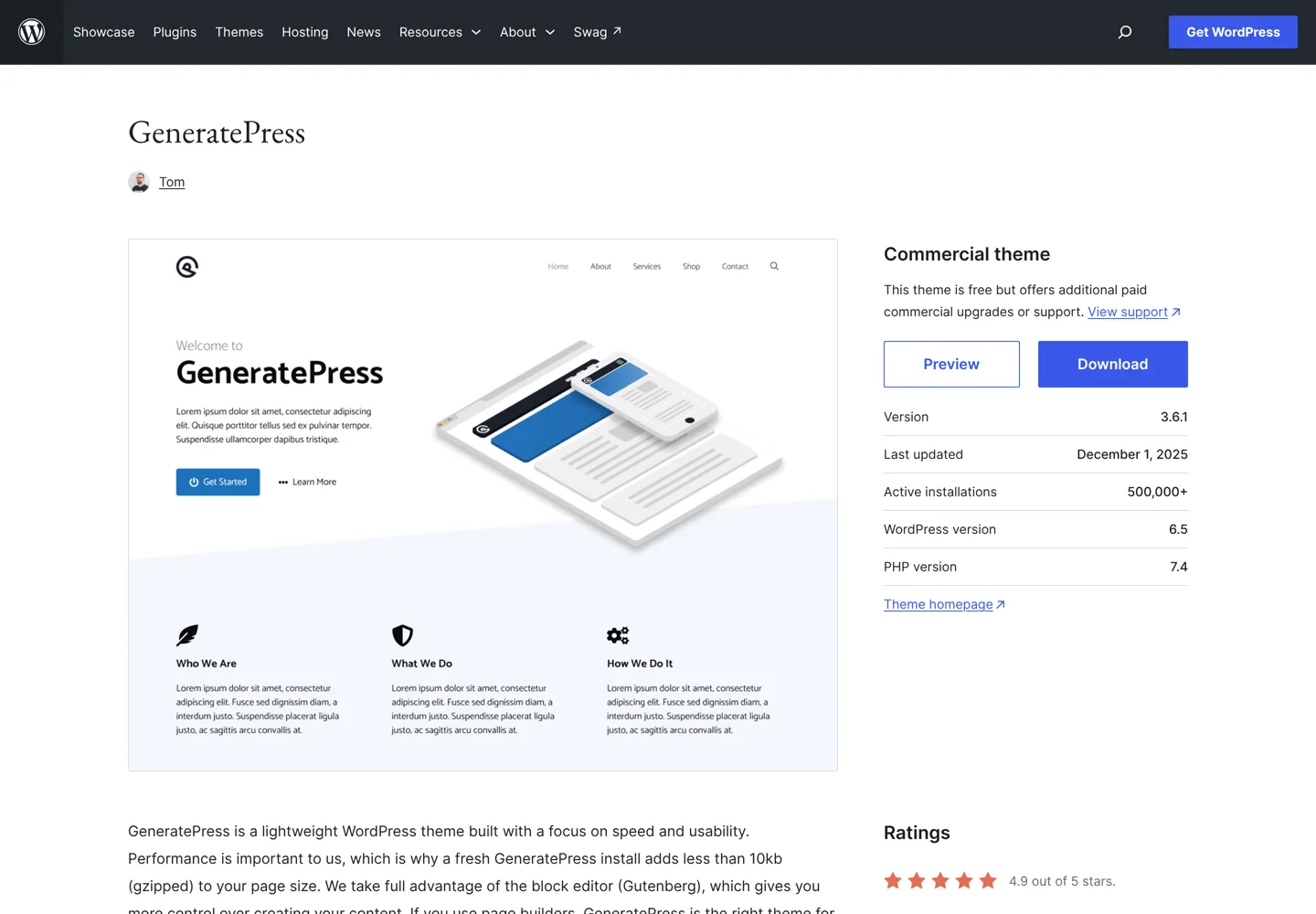
| GeneratePress | 500,000+ | 4.9 (1,427) | 1 Dec 2025 | $59/yr (GP Premium) |
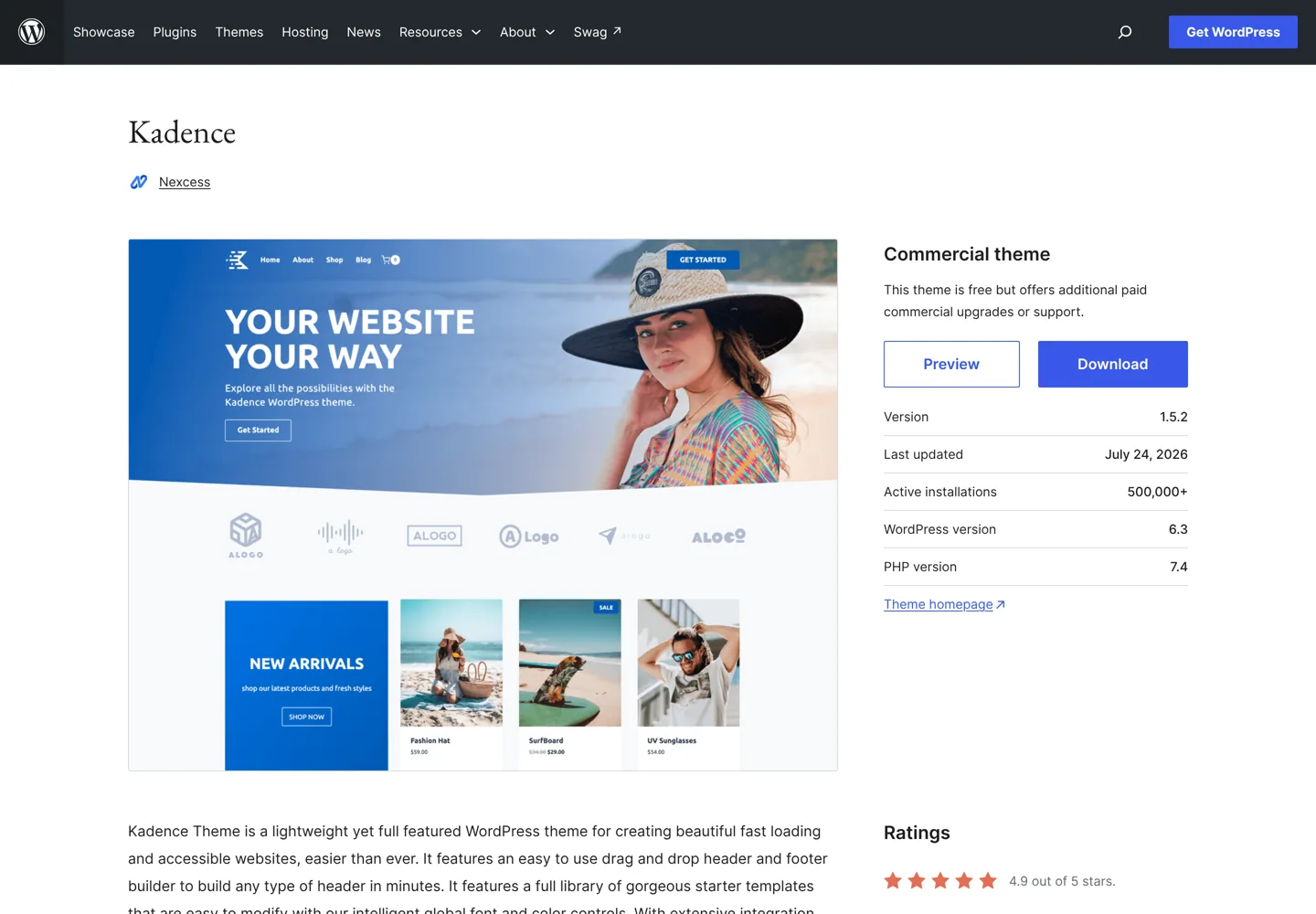
| Kadence | 500,000+ | 4.9 (455) | 24 Jul 2026 | $99/yr (Essentials) |
| OceanWP | 400,000+ | 4.9 (5,715) | 6 Oct 2026 | Paid extensions |
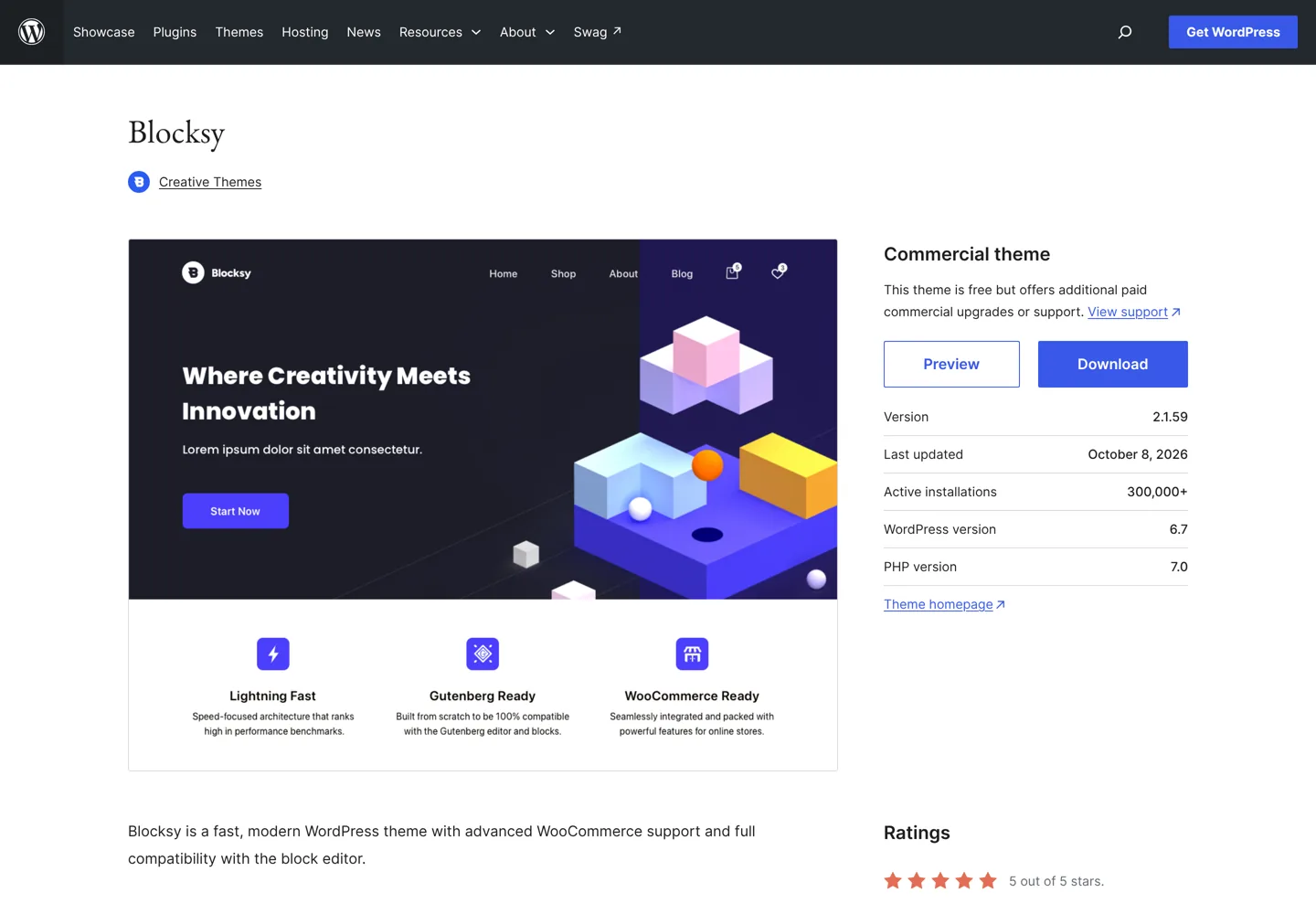
| Blocksy | 300,000+ | 5.0 (873) | 8 Oct 2026 | $69/yr (1 site) |
| Neve | 200,000+ | 4.7 (1,283) | 7 Oct 2026 | $69 first year (Pro) |
| Divi | Not on WordPress.org | n/a | n/a | $89/yr, unlimited sites |
Ratings are WordPress.org star averages with the number of ratings in brackets. Install counts are WordPress.org’s rounded figures.
Best WordPress themes for blogs
GeneratePress: lightweight and dependable
GeneratePress is a lean theme known for speed, with 500,000+ active installs and a 4.9 rating from more than 1,400 reviews. The free theme covers a clean blog; GP Premium ($59 a year, with a 30-day money-back guarantee) adds a theme builder in the block editor, 60+ starter sites, a local font library and hundreds of extra options. Note that the free theme’s last update on WordPress.org was December 2025, longer ago than its rivals here, though it remains widely used.
Astra: the most popular all-rounder
Astra has more than a million active installs and the most ratings of any theme here (6,537, averaging 4.9). It’s lightweight and works with popular page builders. Astra Pro costs $69 a year and adds a mega menu, sticky header, custom layouts and WooCommerce styling; our Astra Pro review tests whether you need it.
Kadence: a strong free theme with blocks
Kadence pairs a flexible header and footer builder with Kadence Blocks for building pages in the block editor. It has 500,000+ installs and a 4.9 rating. Its Essentials bundle is $99 a year and includes the premium theme, an advanced form builder, custom fonts and 200+ starter templates.
Best WordPress themes for business sites
Divi: visual design for unlimited sites
Divi from Elegant Themes is a theme and visual builder in one. It isn’t in the WordPress.org directory; it’s sold directly at $89 a year for unlimited websites, and a higher plan at $277 billed yearly adds AI tools, cloud storage and VIP support. It suits business owners and freelancers who want to design pages visually without code, and it’s the best value if you build many sites.
Neve: fast with good starter sites
Neve from Themeisle has 200,000+ installs and is updated often (7 October 2026). Neve Pro’s Personal plan was $69 for the first year when we checked, with support and updates for unlimited sites and a 30-day money-back guarantee; it adds custom layouts, header and footer extensions and Elementor options.
Blocksy: modern, block-friendly and top-rated
Blocksy has the highest rating here (a perfect 5.0 from 873 reviews) and was updated just days before we checked. It’s built with the block editor in mind. Blocksy Pro costs $69 a year for one site, $99 for 10 sites or $149 for agencies, with a 14-day refund window.
Best themes if you use a page builder
If you design with a page builder, choose a minimal theme that stays out of its way. Hello Elementor is the official lightweight theme for Elementor, with a million-plus installs; Elementor’s paid plans start at $60 a year for one site (billed annually, 30-day money-back guarantee). OceanWP (400,000+ installs, 4.9 from 5,700+ ratings) is another popular all-rounder, with premium extensions sold separately. Divi, above, combines theme and builder in one.
Best themes for the block editor
WordPress’s own default theme, Twenty Twenty-Five, is free, block-based and ready for full site editing, with a million-plus installs. It’s a solid, no-cost choice if you want to design everything in the block editor and avoid extra plugins. Blocksy and Kadence are the strongest block-friendly options with more built-in features. Because Twenty Twenty-Five comes with WordPress itself, it’s also a safe theme to switch to temporarily if you ever need to rule out a theme problem.

Block themes vs classic themes
WordPress themes now come in two styles. Block themes, such as Twenty Twenty-Five, are designed entirely in the block editor: you edit the header, footer and page templates in WordPress’s Site Editor, the same way you edit a post. Classic themes, such as Astra, GeneratePress and OceanWP, use the Customizer and their own settings panels for the header, footer and layout, and you write posts in the block editor as usual. Several themes here, including Blocksy and Kadence, sit in between, combining classic theme options with strong block support.
Neither is better for everyone. Block themes need fewer plugins and suit people happy to design in the editor; classic themes offer more ready-made settings and starter sites. If you’re unsure, start with a popular classic theme with good block support, such as Astra, GeneratePress or Kadence.
Free or premium?
Every theme on this list except Divi has a free version good enough to launch a blog. Upgrade when you need something specific: a header or footer builder, custom layouts for posts and archives, WooCommerce styling, or white-label options for client sites. Premium plans cost $59 to $99 a year here, and several (GeneratePress, Neve, Elementor) offer 30-day money-back guarantees, Blocksy 14 days.
Premium features worth paying for
- Header and footer builder: design a header with a search box, button and social icons without code.
- Custom layouts and hooks: add a newsletter box after every post or a banner on category pages.
- Starter sites: import a finished design and swap in your own content.
- WooCommerce options: shop page layouts, quick view and a cleaner checkout.
- White label: useful only if you build sites for clients.
If none of these solves a problem you have today, the free version is enough. You can always upgrade later: for most themes here, the premium version is an add-on installed on top of the free theme, so your design and content stay in place when you do.
How to switch themes safely
- Back up your site, files and database, before you change anything.
- Try the new theme on a staging copy if your host offers one, or preview it in Appearance → Themes → Live Preview.
- Check what the old theme handled: menus, widgets, homepage settings and any shortcodes or custom layouts that belonged to the theme and will stop working.
- Test on a phone and check your most important posts and pages before you go live.
- Use a child theme for any code changes, so theme updates don’t overwrite them.
Changing theme doesn’t change your post addresses, so your search rankings aren’t affected by the switch itself, as long as your content and links stay the same.
Themes for specific kinds of sites
- Affiliate and niche sites: see our WordPress themes for affiliate sites.
- Marketplace themes: if you buy from ThemeForest, read our tips for choosing a theme on ThemeForest first.
- Online shops: Astra Pro, Blocksy (its Shop extension) and Neve Pro’s Business plan add WooCommerce features.
Theme mistakes to avoid
- Choosing on the demo alone. Demos use professional photos and content; judge the theme on speed, settings and support instead.
- Downloading “nulled” premium themes. Free copies of paid themes from unofficial sites often hide malware and never get updates. Use the free version from WordPress.org or buy from the developer.
- Picking a theme that does everything. Bundled sliders, builders and dozens of features slow a blog down; you can add features with plugins when you need them.
- Editing theme files directly. Your changes disappear at the next update; use a child theme or the theme’s own settings.
How we chose these themes
We started from the WordPress.org theme directory and looked for themes with large, active user bases, strong ratings from many reviewers, and recent updates. A recent update matters: it shows the developer keeps the theme compatible with new WordPress versions and fixes security issues. We then checked each developer’s own site for premium prices and refund terms. We didn’t run new speed tests for this update, so we don’t rank them by speed; all of them are known as lightweight, and your hosting and plugins affect speed more than the theme.
Our picks
- Best for most blogs: GeneratePress or Astra (free to start).
- Best block-editor theme: Blocksy, or Twenty Twenty-Five if you want zero cost.
- Best for visual design and many sites: Divi at $89 a year for unlimited sites.
- Best with Elementor: Hello Elementor.
Once you’ve picked a theme, add the essentials from our list of the best WordPress plugins, and if you’re starting from scratch, our WordPress guide for beginners walks through every step.
Questions people ask
What is the best WordPress theme?
For most blogs, GeneratePress or Astra: fast, widely used and rated 4.9. Blocksy is the best block-editor theme (5.0 rating), and Divi is best for visual design across unlimited sites.
What is the best free WordPress theme?
Astra, GeneratePress, Kadence and Blocksy all have strong free versions; WordPress's own Twenty Twenty-Five is free and block-based.
Do I need a premium WordPress theme?
Not to start. Upgrade when you need a header and footer builder, custom layouts, WooCommerce styling or white-label options. Premium versions here cost $59 to $99 a year.
Is Divi worth it?
If you want to design visually without code or build many sites, yes: $89 a year covers unlimited websites. If you write a simple blog, a free theme is enough.
Which WordPress theme is fastest?
GeneratePress, Astra, Kadence and Blocksy are all known as lightweight. Your hosting, images and plugins affect speed more than the choice between them.
How often should a theme be updated?
Look for an update in the last few months. Most themes here were updated in 2026; regular updates keep a theme compatible with new WordPress versions and fix security issues.
Sources
- WordPress.org theme directory (Astra, GeneratePress, Kadence, Blocksy, OceanWP, Neve, Hello Elementor, Twenty Twenty-Five) wordpress.org · checked October 12, 2026
- GeneratePress pricing generatepress.com · checked October 12, 2026
- Kadence pricing www.kadencewp.com · checked October 12, 2026
- Blocksy pricing creativethemes.com · checked October 12, 2026
- Neve Pro upgrade themeisle.com · checked October 12, 2026
- Divi pricing (Elegant Themes) www.elegantthemes.com · checked October 12, 2026
- Elementor pricing elementor.com · checked October 12, 2026
- Astra pricing wpastra.com · checked October 11, 2026

Building websites since 2006: 500+ web projects of every size and $300K+ in website deals sold or brokered. Founder of A Digital Motive and DigiFlippers. I share the whole process here, plainly.
Founder of A Digital Motive and DigiFlippers