- A Pinterest business account is free and includes Analytics.
- A claimed website adds your profile and a follow option to Pins saved from it.
- Pinterest recommends 2:3 Pins, such as 1000 × 1500 pixels.
- Titles can be 100 characters; the first 40 are most likely to show.
- Grow saves and outbound clicks; followers follow.
To get more followers on Pinterest, switch to a free business account, claim your website so every Pin saved from it shows your profile and a follow option, publish fresh vertical Pins (2:3, such as 1000 × 1500 pixels) with clear titles and descriptions, organise them into specific boards, and use Pinterest Trends and Analytics to make more of what people save. This guide is built on Pinterest’s own help and best-practice pages, checked on 12 October 2026.
Planning Pins in advance? Scheduling tools are compared in our guide to social media schedulers. This page is about growing followers on Pinterest itself.

Why followers matter on Pinterest, and what matters more
On Pinterest, people search and save ideas, so a Pin can be found by people who don’t follow you. Followers still help: they’re people who chose to see more from you, and they’re the audience most likely to visit your site. But the path to followers runs through Pins people save and click. Pinterest’s own analytics count saves, Pin clicks and outbound clicks as engagements, so those are the numbers to grow first.
How to get more followers on Pinterest: 8 steps
1. Switch to a free business account
Pinterest’s Help Center says a business account is free and gives access to Pinterest Analytics, the Business Hub and the ability to run ads. You can create a new business account or convert a personal one. Analytics is what lets you see which Pins work, so set this up first.
2. Claim your website
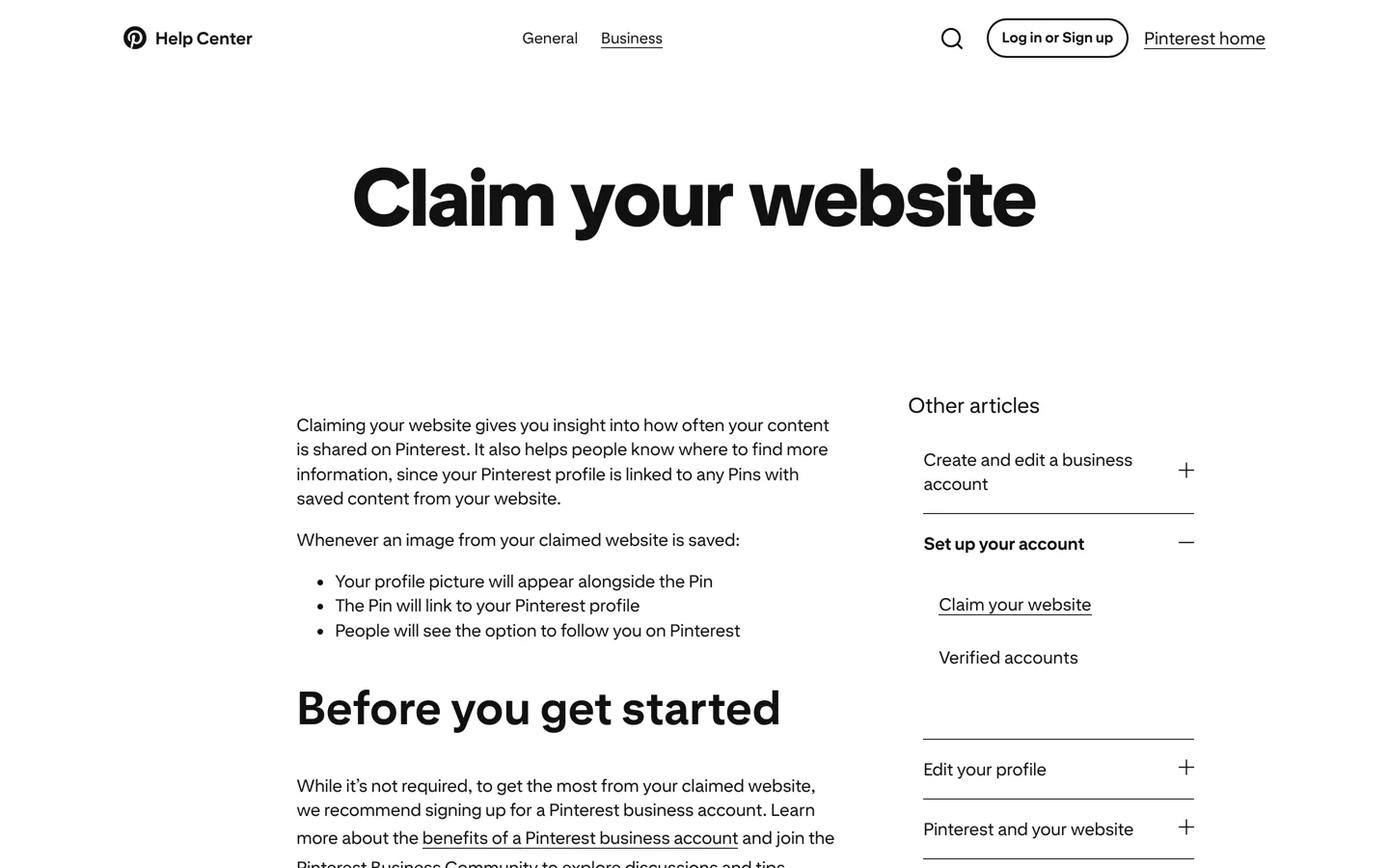
This is the most direct follower tool for bloggers. Pinterest explains that when an image from your claimed website is saved, your profile picture appears alongside the Pin, the Pin links to your Pinterest profile, and people see the option to follow you. To claim a site, you must own the domain and be able to edit its source code; Pinterest offers an HTML tag, an HTML file or a TXT record (and Google Merchant Center for some accounts). On WordPress, add the HTML tag to your site’s head, using your SEO plugin’s site-verification setting if it has one, or the method in our guide to adding meta tags without a plugin.
3. Make vertical Pins that are easy to read
Pinterest’s creative best practices recommend a 2:3 aspect ratio, or 1000 × 1500 pixels, because most people use Pinterest on mobile, and warn that taller images may get cut off in feeds. Show the result clearly, keep text overlay short, and put your logo or site name somewhere visible but small. Design them in Canva or your usual editor.
4. Write titles and descriptions people search for
Pinterest’s guidance allows Pin titles of up to 100 characters, noting that the first 40 are most likely to show, and descriptions of up to 500 characters. Put the main words people would search for at the start of the title (“Small balcony garden ideas”), and use the description to say what the Pin shows and what they’ll find when they click.
5. Organise specific boards
Boards are how people browse your profile. Name them the way people search (“Easy weeknight dinners”, not “Food stuff”), add a short description, and keep each one focused. A clear set of boards makes your profile worth following, because visitors can see exactly what they’ll get.
6. Use Pinterest Trends to time your Pins
Pinterest’s Help Center says Pinterest Trends shows a historic view of up to the last two years of top search, save and shopping trends across regions, so you can see when people start searching for a topic. Publish seasonal Pins before the rise, not at the peak. Some Trends features are in testing and only available in certain regions.
7. Publish fresh Pins regularly
Each new Pin is a new chance to be found. Make several Pin designs for your best articles (different images, different titles) rather than re-pinning the same one. A steady schedule you can keep beats a burst followed by silence; Tailwind and other schedulers can spread Pins out.
8. Learn from Pinterest Analytics
Pinterest Analytics shows performance, top Pins and top boards, with real-time metrics for the last 30 days that Pinterest says are estimates. Its metrics include impressions, saves, Pin clicks and outbound clicks, and an engagement rate (engagements divided by impressions). Look for Pins with many saves and outbound clicks, then make more Pins on those topics and in that style.
Turn Pinterest followers into blog readers

- Link every Pin to the matching article, not your home page.
- Keep the promise: the page should show what the Pin showed, near the top.
- Make the page work on phones, since Pinterest says most people use it on mobile; Pinterest’s own analytics guidance suggests optimising your site for mobile if most impressions come from it.
- Offer a next step, such as a related guide or a checklist sign-up. Our guide to getting your first 1000 email subscribers covers the offer.
Pinterest notes that outbound clicks are measured from the date the link is added, so add links when you publish, not later.
A worked example
Here’s how the steps fit together, as an illustration rather than a real account. A food blogger publishes a guide to five freezer-friendly lunches. Before publishing, suppose Pinterest Trends shows interest in lunch-prep ideas rising before the start of the school term; the guide then goes live a few weeks earlier. The blogger makes three tall Pins at 1000 × 1500 pixels: one showing all five lunches, one showing the easiest recipe, and one showing the containers used. Each has a title that starts with the searched words (“Freezer lunch ideas for work”), a description of what’s in the guide, and a link to the article itself. They go on a board called “Freezer meals”, spread across two weeks. If, a month later, Analytics shows the “easiest recipe” Pin earned the most saves and outbound clicks, the next guide gets a similar Pin first.
Should you save other people’s Pins?
Yes, in moderation. Saving good ideas from others to your boards makes them more useful to browse, which is a reason to follow you. Keep your own Pins as the main content, save only what genuinely fits each board, and never re-upload someone else’s image as your own; save their Pin so it keeps linking back to them.
How long it takes
There’s no fixed timeline. Because people find Pins through search and saves, a good Pin can keep bringing visits long after you publish it, which is why a steady supply of fresh Pins matters more than any single one. Give each change a month or two in Analytics before deciding whether it worked, and compare the same season year on year for seasonal topics.
Pin ideas that suit a blog
- Step-by-step tutorials as a tall graphic with three to five steps.
- Checklists people save to use later.
- Before-and-after images with a short title.
- “Best for” lists with a clear visual of the top pick.
- Seasonal guides published ahead of the trend.
What doesn’t help
- Follow-for-follow schemes and bought followers, which add accounts that never save or click.
- Square or wide images that look small in a vertical feed.
- Vague board names that nobody searches for.
- Pins that link to unrelated pages, which lose readers’ trust quickly.
- Judging by followers alone. Saves and outbound clicks tell you far more about what’s working.
Make your website Pinterest-friendly
Followers often come from people saving images straight from your site, so make that easy. Put at least one tall, clearly designed image in each article, near the top, with descriptive alt text. Make sure your images load properly on phones and aren’t blocked from saving. Once your site is claimed, every image saved from it carries your profile and a follow option, so each article quietly works for your Pinterest account. Our guide to the best WordPress plugins covers tools that add share buttons if you want them.
Your profile, ready to follow
- Business account with a clear name and profile photo.
- A short bio saying what you share and who it’s for.
- Website claimed and linked.
- Five to ten focused boards with searchable names.
- Your best Pins at the top of each board.
Write a profile people want to follow
Your profile is where a curious visitor decides whether to follow. Use your blog’s name, a clear photo or logo, and a one-line bio that says what you share and who it’s for: “Simple vegetarian dinners for busy weeknights.” Put your most useful boards first, and make sure each board’s cover image shows what’s inside. A visitor should understand in a few seconds what they’ll see more of by following you.
A monthly routine
- Check Pinterest Trends for your topics in the coming months.
- Make three or four new Pin designs for each new or updated article.
- Schedule them across the month.
- Review Analytics: which Pins earned saves and outbound clicks?
- Update a top article and give it fresh Pins.
Questions people ask
How do I get more followers on Pinterest?
Use a business account, claim your website, publish fresh 2:3 Pins with searchable titles, keep boards focused, time seasonal Pins with Trends, and make more of what earns saves and clicks in Analytics.
What size should a Pinterest Pin be?
Pinterest recommends a 2:3 aspect ratio, such as 1000 × 1500 pixels, and warns that taller images may get cut off in feeds.
Why should I claim my website on Pinterest?
Pinterest says that when an image from your claimed site is saved, your profile picture appears with the Pin, the Pin links to your profile, and people see the option to follow you.
Is a Pinterest business account free?
Yes. Pinterest's Help Center describes it as free, with access to Analytics, the Business Hub and the ability to run ads.
How long can a Pin title and description be?
Up to 100 characters for the title (the first 40 are most likely to show) and up to 500 for the description, according to Pinterest's best practices.
Which Pinterest metrics matter most for a blog?
Saves and outbound clicks. Pinterest Analytics also shows impressions, Pin clicks and engagement rate; outbound clicks count from the date a link is added.
Sources
- Claim your website (Pinterest Help) help.pinterest.com · checked October 12, 2026
- Get a business account (Pinterest Help) help.pinterest.com · checked October 12, 2026
- Creative best practices (Pinterest Business) business.pinterest.com · checked October 12, 2026
- Pinterest Trends (Pinterest Help) help.pinterest.com · checked October 12, 2026
- Pinterest Analytics (Pinterest Help) help.pinterest.com · checked October 12, 2026

Building websites since 2006: 500+ web projects of every size and $300K+ in website deals sold or brokered. Founder of A Digital Motive and DigiFlippers. I share the whole process here, plainly.
Founder of A Digital Motive and DigiFlippers