
- Pipedrive Web Forms and the chatbot need the LeadBooster add-on, from $32.50 a month paid yearly.
- A form plugin connection keeps your own form; CRM Perks is free for contacts, Pro for leads and deals.
- Zapier's WordPress app works with posts; use your form plugin's Zapier connection for entries.
- W2P syncs WooCommerce orders and abandoned carts into Pipedrive as deals.
- Test every field, duplicates, owner and pipeline before you rely on the integration.
A Pipedrive WordPress integration sends the people who contact you on your website straight into Pipedrive as leads, deals or contacts, so nobody has to copy form entries by hand. There are four good ways to set it up, and the right one depends on which form you already use and how much you want to pay.
This guide walks through each method step by step: Pipedrive’s own web forms and chatbot, a form plugin with a Pipedrive connection, a no-code automation with Zapier, and syncing a WooCommerce store. It ends with a test you should run before you rely on any of them. Every price and feature comes from the companies’ own pages and the WordPress.org plugin directory, checked on the date at the end.
Four ways to connect Pipedrive and WordPress
| Method | Best for | Cost on top of Pipedrive | Creates in Pipedrive |
|---|---|---|---|
| Pipedrive Web Forms or Chatbot | A new form built inside Pipedrive | LeadBooster add-on, from $32.50 a month paid yearly | Leads or deals |
| Form plugin + Pipedrive add-on | Keeping the WordPress form you already have | Free (contacts) to about $59–$299 a year | Contacts, organizations, leads, deals |
| Zapier | Any form, no plugin changes | Free tier, paid for more tasks | Anything Zapier supports |
| WooCommerce sync | Online stores | From €9.95 a month (W2P) | Customers, orders, abandoned carts as deals |
Prices from each company’s own site when this guide was updated. You also need a Pipedrive CRM plan for every method.

Method 1: Pipedrive Web Forms or the LeadBooster chatbot
If you don’t have a form yet, or you want the form managed inside Pipedrive, use Pipedrive’s own tools. Web Forms, Chatbot, Live Chat and Prospector come together in the LeadBooster add-on, which can be added to any Pipedrive plan. It costs $39 per company a month, or $32.50 a month billed yearly, and has a 14-day free trial.
Embed a Pipedrive web form in WordPress
- Build the form in Pipedrive. Only users with the deals admin permission can set up web forms. Choose a template or start from scratch, add your fields and decide whether entries arrive as leads or deals.
- Copy the embed code. In the form’s sharing options, choose Embed the form on your website and click Copy to clipboard.
- Paste it into WordPress. Edit the page, add a Custom HTML block where the form should appear, paste the code and update the page.
- Send a test entry and check that it appears in Pipedrive.

Pipedrive notes that images in a web form only show when the form is shared as a standalone link, not when it’s embedded in a page, so keep embedded forms text-only.
Add the LeadBooster chatbot with Pipedrive’s plugin
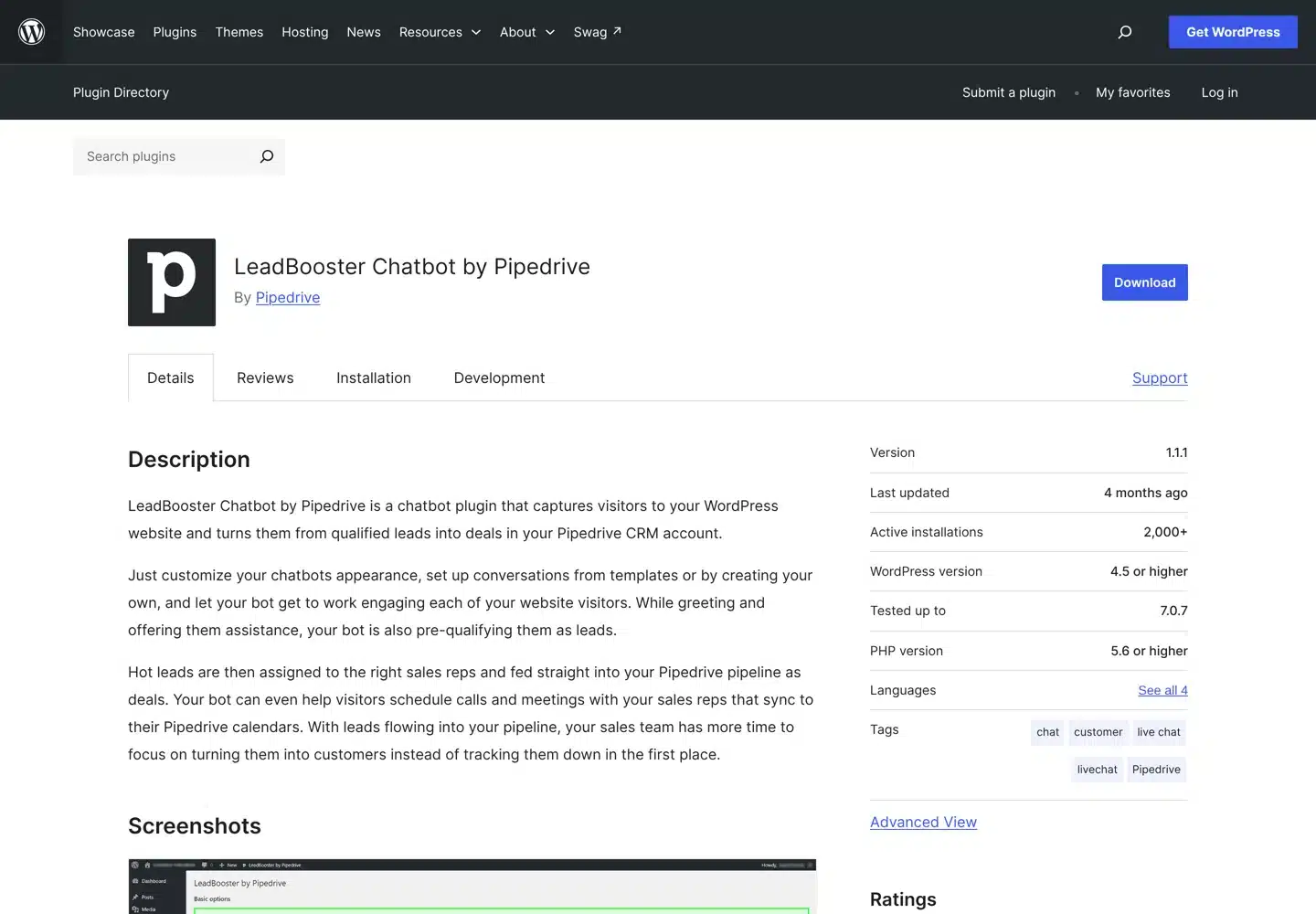
Pipedrive publishes an official WordPress plugin, LeadBooster Chatbot by Pipedrive, with more than 2,000 active installations. The chatbot greets visitors, asks your qualifying questions and sends hot leads into your pipeline as deals; it can also book calls that sync to your sales reps’ Pipedrive calendars.
- In Pipedrive, create a chatbot playbook under LeadBooster.
- Under Embed, copy the code snippet from the WordPress section.
- In WordPress, go to Plugins → Add New, search for “LeadBooster Chatbot by Pipedrive”, install and activate it.
- Open Settings → Leadbooster Chatbot by Pipedrive and paste the code into the global snippet field.
- To show different chatbots on different pages, paste each playbook’s snippet next to the page it belongs to.
Pipedrive’s Web Visitors tracker, which shows which companies visit your site, is installed differently: Pipedrive’s help centre tells you to paste its script into the header of every page with a plugin that adds code to the header.
Method 2: A form plugin with a Pipedrive connection
If your site already uses a form plugin, keep it and connect it to Pipedrive. This is the most flexible option, because you keep your own design, spam protection and confirmation emails.
Contact Form 7, WPForms, Elementor and others: CRM Perks
CRM Perks makes a free plugin on WordPress.org that sends entries from Contact Form 7, WPForms, Elementor forms, Ninja Forms, Formidable Forms and others to Pipedrive. It has more than 1,000 active installations and keeps a log of every entry, so you can see what was sent and resend anything that failed.
The free version creates or updates contacts and adds form fields as notes. Creating leads, organizations and deals, assigning owners, and sending phone numbers and custom fields need the Pro version, which costs $59 a year for one site. A separate CRM Perks plugin does the same for Gravity Forms.
- Install and activate the plugin, then open its Pipedrive accounts screen and connect your account.
- Create a feed: choose your form and the Pipedrive object (contact, lead or deal).
- Map each form field to a Pipedrive field: name, email, phone and any custom fields.
- Submit a test entry and check the plugin’s log to confirm it was sent.

WPForms and Fluent Forms: built-in add-ons
Some form plugins have their own Pipedrive connection, so you don’t need a second plugin:
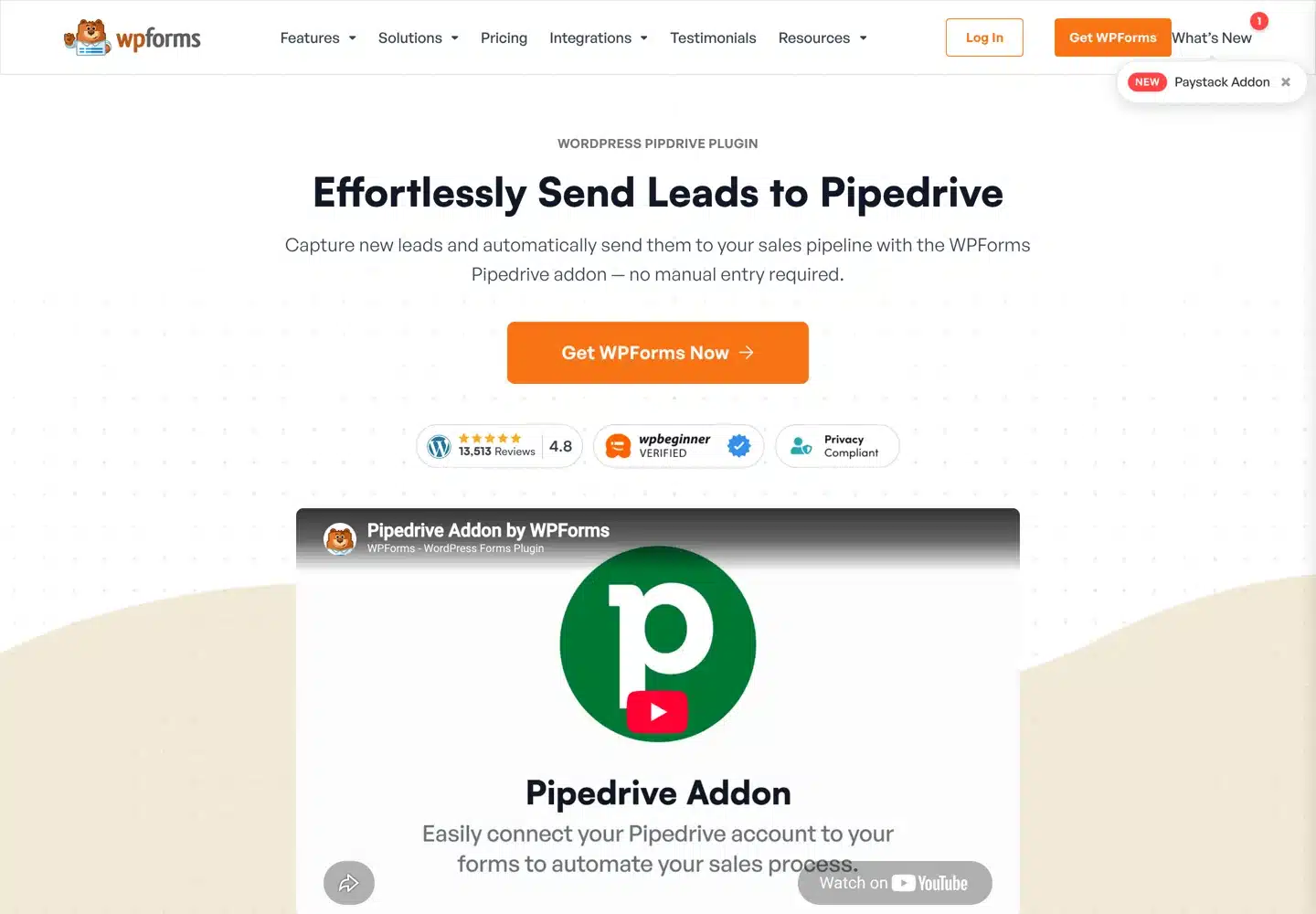
- WPForms has a Pipedrive addon that maps form fields to deals, contacts and organizations, sends only qualified leads based on answers in the form, and lets you choose the pipeline and stage. Pipedrive is listed under the premium integrations of its Elite plan, $299.50 a year at the first-year price.
- Fluent Forms lists Pipedrive among the integrations in its Pro version, which starts at $79 a year for one site.
If you’re starting from nothing and only need contacts in Pipedrive, the free CRM Perks plugin with Contact Form 7 is the cheapest route; the Contact Form 7 guide covers building the form itself.
Forms plus visitor tracking: Outfunnel
Outfunnel syncs Elementor, Contact Form 7 and Gravity Forms submissions to Pipedrive and adds web visitor tracking, so you can see which pages a lead read before getting in touch. It needs an Outfunnel account; plans start at $29 a month with a free trial.
Method 3: Zapier, with no plugin changes
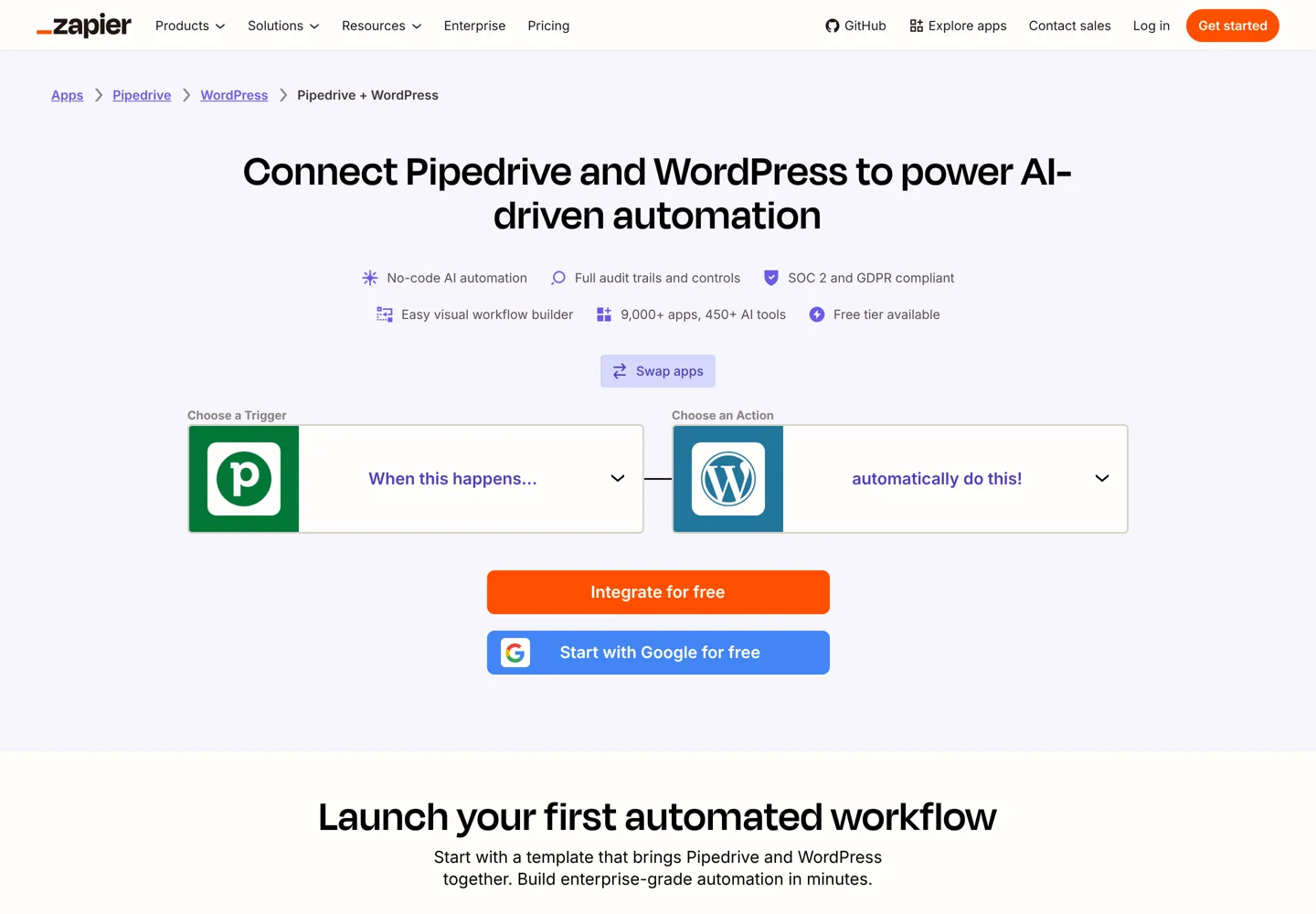
Zapier connects Pipedrive and WordPress without code, and it has a free tier. One thing to know before you start: Zapier’s WordPress app works with posts, so its ready-made templates do things like creating a Pipedrive deal when a new post is published. To send form entries to Pipedrive, use your form plugin’s own Zapier connection as the trigger instead (WPForms, for example, has one), then choose a Pipedrive action such as creating a person or a deal.
- Create a Zap and pick your form plugin’s “new entry” trigger.
- Submit one test entry so Zapier can see the fields.
- Add a Pipedrive action, for example creating a person and then a deal for that person.
- Map the fields, test, and turn the Zap on.
Make works the same way and suits more complex flows. The trade-off with both is cost: every entry counts against your plan’s monthly allowance, so a busy form can push you into a paid plan.
Method 4: Sync a WooCommerce store with Pipedrive
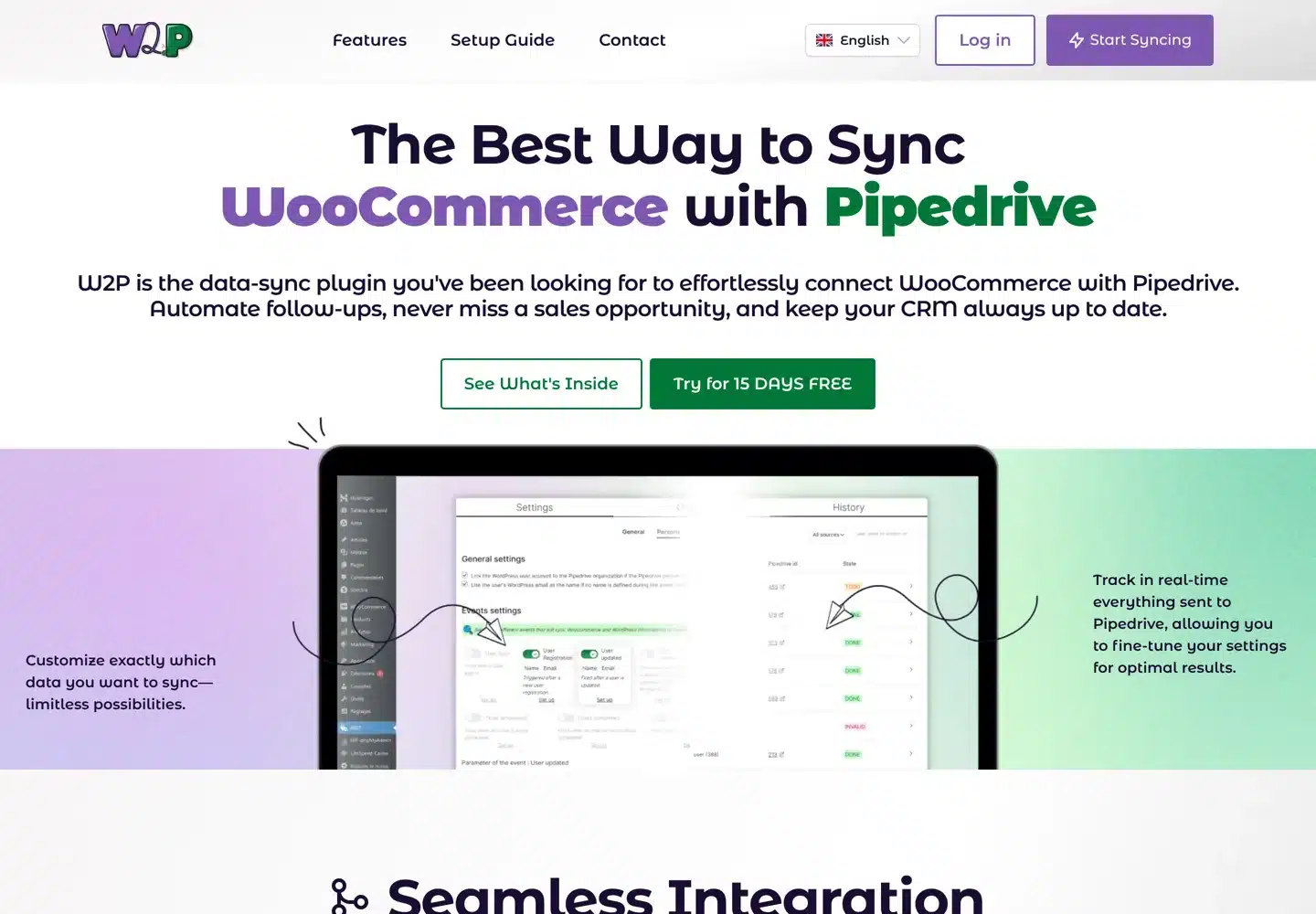
For an online store, contact forms aren’t enough; you want customers and orders in Pipedrive. W2P is a WordPress.org plugin that syncs WooCommerce orders and customers to Pipedrive, turns order statuses into deal stages, and creates a deal or activity when a cart is abandoned (after two hours by default). It can also import past orders and customers.
It needs a W2P subscription: a 15-day free trial, then €9.95 a month or €99.50 a year. CRM Perks also sells a WooCommerce Pipedrive plugin.
Test your integration before you rely on it
A connection that fails quietly costs you leads, so test it the day you set it up and again after every plugin update:

- Send a real-looking test entry with every field filled in, and check each value lands in the right Pipedrive field.
- Check duplicates. Send a second entry with the same email. A good setup updates the existing person rather than creating a new one.
- Check the owner and pipeline. Make sure new deals go to the right person and stage, or they’ll sit unseen.
- Keep a copy in WordPress. Store entries on your site too, so a lead is never lost if the connection breaks. Contact Form 7 doesn’t save entries on its own; CRM Perks’ Contact Form Entries plugin adds that.
- Ask for consent where needed. If you collect data from people in the EU, add a consent checkbox and say in your privacy policy that entries go to Pipedrive.
Common problems and how to fix them
- Entries don’t arrive. Open the plugin’s log or Zapier’s history first; it usually shows the reason, such as an expired connection or a required Pipedrive field that the form leaves empty. Reconnect the account or map the missing field.
- Some fields are blank in Pipedrive. The field isn’t mapped, or it’s a custom field your plan of the plugin doesn’t send (CRM Perks’ free version, for example, doesn’t send phone numbers or custom fields).
- Spam fills your pipeline. Add spam protection to the form itself, so junk is stopped before it reaches Pipedrive, and route web leads to a leads inbox rather than straight into deals.
- Everything stopped after an update. Check that the integration plugin supports your WordPress version (the plugin directory shows “Tested up to”), and send a test entry after every update.
Which Pipedrive WordPress integration should you choose?
- You already have a form you like: a form plugin connection (CRM Perks, WPForms Elite or Fluent Forms Pro).
- You want the form and chatbot managed in Pipedrive: LeadBooster with Web Forms or the official chatbot plugin.
- You use a form plugin with no Pipedrive add-on: Zapier or Make.
- You run a WooCommerce store: W2P or CRM Perks’ WooCommerce plugin.
If you’d rather have the forms, integration and testing set up for you, web development like this is part of what my agency, A Digital Motive, does for clients. For other plugins worth adding to a business site, see the best WordPress plugins and the WordPress tools I recommend for bloggers.
Questions people ask
Does Pipedrive have a WordPress plugin?
Yes. Pipedrive publishes LeadBooster Chatbot by Pipedrive on WordPress.org, which adds its chatbot to your site and sends leads into Pipedrive as deals. It needs the LeadBooster add-on. For web forms, you paste Pipedrive's embed code into a Custom HTML block instead of using a plugin.
How do I connect Contact Form 7 to Pipedrive?
Install CRM Perks' free Integration for Pipedrive and Contact Form 7 plugin, connect your Pipedrive account, create a feed for your form, map the fields and send a test entry. The free version creates contacts; leads, organizations and deals need the Pro version, $59 a year for one site.
Can I connect WPForms to Pipedrive?
Yes. WPForms has a Pipedrive addon that maps fields to deals, contacts and organizations and chooses the pipeline and stage. It's a premium integration on the Elite plan. The free CRM Perks plugin also works with WPForms.
Is there a free way to connect WordPress to Pipedrive?
Yes, within limits. CRM Perks' free plugin sends Contact Form 7, WPForms, Elementor and other form entries to Pipedrive as contacts, and Zapier has a free tier. Pipedrive's own web forms need the paid LeadBooster add-on.
How do I send WooCommerce orders to Pipedrive?
Use a sync plugin such as W2P, which syncs orders and customers, maps order statuses to deal stages and creates deals for abandoned carts. It has a 15-day free trial, then costs €9.95 a month. CRM Perks also sells a WooCommerce Pipedrive plugin.
Why are my form entries not showing in Pipedrive?
Check the plugin's log or Zapier's history first. The usual causes are an expired connection or a required Pipedrive field the form leaves empty. Reconnect the account or map the missing field, then send a new test entry.
Sources
- Pipedrive Web Forms (LeadBooster) www.pipedrive.com · checked October 11, 2026
- Web Forms (Pipedrive Knowledge Base) support.pipedrive.com · checked October 11, 2026
- Installing your Web Visitors tracker script (Pipedrive Knowledge Base) support.pipedrive.com · checked October 11, 2026
- LeadBooster Chatbot by Pipedrive (WordPress.org) wordpress.org · checked October 11, 2026
- Integration for Pipedrive and Contact Form 7, WPForms, Elementor, Ninja Forms (WordPress.org) wordpress.org · checked October 11, 2026
- Integration for Gravity Forms and Pipedrive (WordPress.org) wordpress.org · checked October 11, 2026
- CRM Perks: Contact Form Pipedrive Pro www.crmperks.com · checked October 11, 2026
- WPForms Pipedrive addon wpforms.com · checked October 11, 2026
- WPForms pricing wpforms.com · checked October 11, 2026
- Fluent Forms (WordPress.org) wordpress.org · checked October 11, 2026
- Fluent Forms pricing fluentforms.com · checked October 11, 2026
- Outfunnel plugin (WordPress.org) wordpress.org · checked October 11, 2026
- Outfunnel pricing outfunnel.com · checked October 11, 2026
- Zapier: Pipedrive + WordPress zapier.com · checked October 11, 2026
- W2P: Pipedrive CRM Integration for WooCommerce (WordPress.org) wordpress.org · checked October 11, 2026

Building websites since 2006: 500+ web projects of every size and $300K+ in website deals sold or brokered. Founder of A Digital Motive and DigiFlippers. I share the whole process here, plainly.
Founder of A Digital Motive and DigiFlippers