
Some links on this page are affiliate links. If you buy through them I may earn a commission, at no extra cost to you. It never changes a rating. Read the disclosure
- Use one tool per job: never two SEO, caching or firewall plugins at once.
- A complete free tools stack costs $35.88 a year on Hostinger's 48-month term, then $142.96 a year.
- The starter stack adds a premium theme and Imagify Growth for $166.76 in year one.
- Managed hosting is the biggest jump: the growth stack on Kinsta is about $623.96 a year.
- Always check the renewal price, not only the first-term price, before you buy.
The best WordPress tools for bloggers are the ones that cover every job a blog needs (hosting, domain, theme, SEO, speed, backups, security, forms, email, analytics, images and planning) with as few tools and as small a bill as possible. Below are three complete stacks: a free tools stack for a new blog, a starter stack for when the blog earns its first income, and a growth stack for a blog that can’t afford downtime. Each comes with its yearly cost, using prices I checked on each company’s own pricing page on 12 October 2026, first term and renewal.
I’ve built and worked on WordPress sites since 2006, across more than 500 web projects of every size, and the pattern I see most often isn’t a missing tool. It’s too many: two SEO plugins fighting, a caching plugin the host already replaces, a premium bundle nobody uses. So this page is built the other way round: one tool per job, and a clear point at which each paid tool earns its place.

The best WordPress tools for bloggers: three stacks at a glance
Every stack covers the same twelve jobs. What changes is who does the work: free plugins and your own time in the first stack, paid tools and the host in the later ones. For the detail on each plugin and its alternatives, see our list of the best WordPress plugins; this page is about putting them together.
| Job | Free tools stack | Starter stack | Growth stack |
|---|---|---|---|
| Hosting | Hostinger Premium | Hostinger Unlimited | Kinsta Single |
| Domain | Free for year one with hosting | Free for year one with hosting | Bought at Porkbun or Cloudflare |
| Theme | GeneratePress or Astra (free) | GP Premium | GP Premium |
| SEO plugin | Rank Math (free) | Rank Math (free) | Rank Math (free), PRO optional |
| Caching and speed | LiteSpeed Cache | LiteSpeed Cache | Kinsta’s server and edge caching |
| Backups | Host’s weekly backups + UpdraftPlus | Host’s daily backups + UpdraftPlus | Kinsta backups (14 days) + UpdraftPlus |
| Security | Wordfence (free) | Wordfence (free) | Kinsta firewall + Wordfence login security |
| Forms | WPForms Lite or Contact Form 7 | WPForms Lite or Contact Form 7 | WPForms Lite or Contact Form 7 |
| Email list | MailerLite Free | MailerLite Free | MailerLite Comfort |
| Analytics | Site Kit + Search Console | Site Kit + Search Console | Site Kit + Search Console |
| Images | Imagify Free | Imagify Growth | Imagify Growth |
| Editorial helper | PublishPress Planner (free) | PublishPress Planner (free) | PublishPress Planner (free) |
You can swap any single tool for its equal: Yoast SEO for Rank Math, Astra or Kadence for GeneratePress, Kit for MailerLite. The rule that matters is one tool per job.
Stack 1: the free tools stack
This is the stack I’d give anyone starting a blog today. The only bill is hosting; every plugin is free from the WordPress.org directory. It suits a new blog that is still proving its topic and has no income yet.
- Hosting: Hostinger Premium. Why: one of the lowest first-term prices I found, LiteSpeed servers, weekly backups and a free domain for the first year. It is $2.99 a month when you pay for 48 months up front ($143.52), renewing at $10.99 a month. Compare it with other budget hosts in our guide to cheap WordPress hosting.
- Domain: free for year one. Why: Hostinger includes it with the plan. After year one you pay the renewal; as a reference, Porkbun lists a .com at $11.08 a year for registration and renewal.
- Theme: GeneratePress or Astra (free versions). Why: both are light, work with the block editor and are each active on 500,000+ sites, by WordPress.org’s count. Our guide to the best WordPress themes compares more.
- SEO: Rank Math (free). Why: titles, meta descriptions, a sitemap and schema in one plugin. Our WordPress SEO tutorial shows the settings.
- Caching and speed: LiteSpeed Cache. Why: on a LiteSpeed host it uses the server-level cache, and its general features (minifying CSS and JavaScript, lazy-loading images, cleaning the database) work on any server.
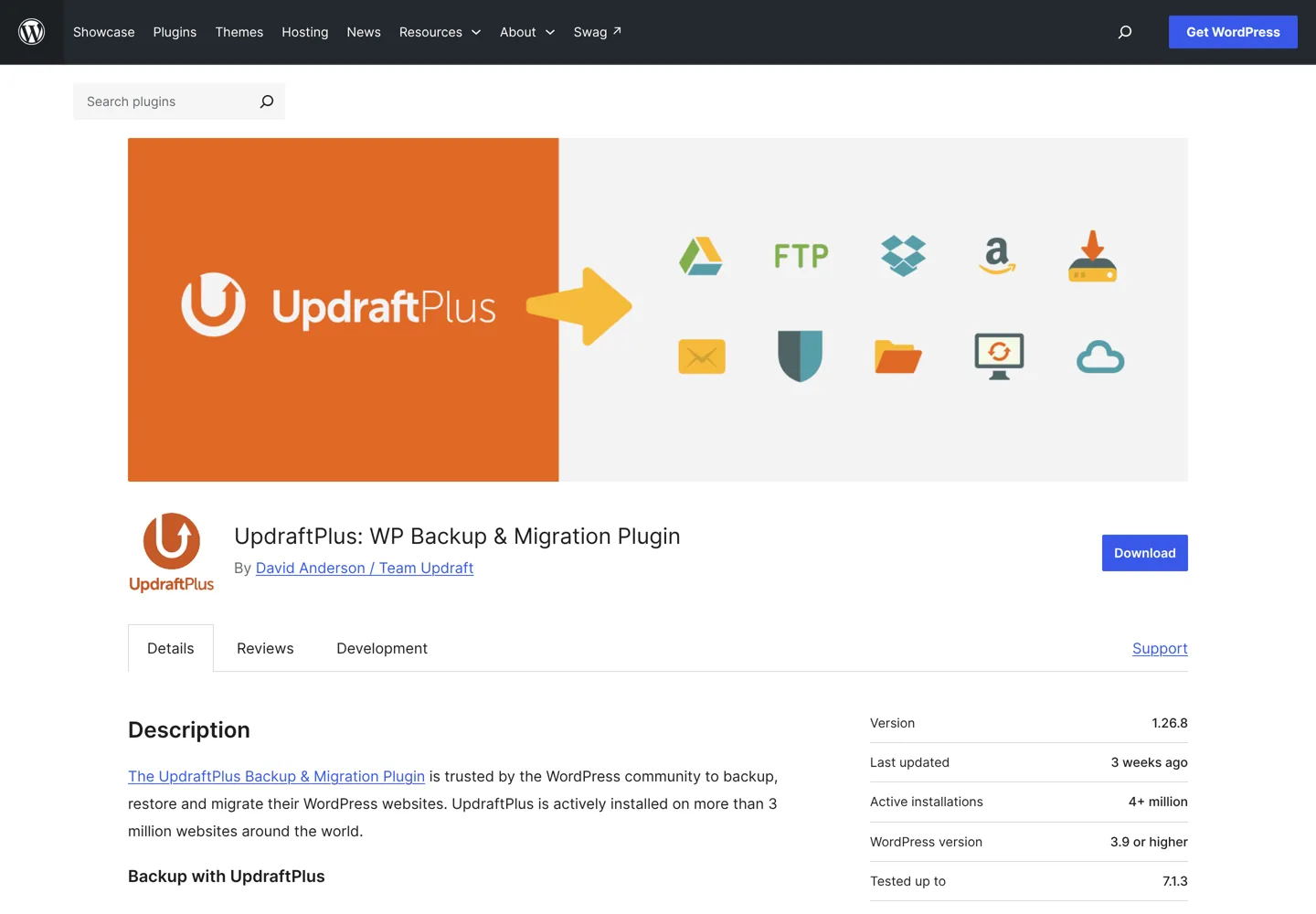
- Backups: UpdraftPlus (free). Why: it saves scheduled backups to Google Drive, Dropbox, Amazon S3 and other places outside your host, so one problem at the host can’t take both the site and its backups.
- Security: Wordfence (free). Why: a firewall, a malware scanner and login security, including two-factor login and passkeys, in one plugin. The free version gets new firewall rules and malware signatures 30 days after Premium users.
- Forms: WPForms Lite or Contact Form 7. Why: you need one contact form, and either does it free. Our Contact Form 7 guide walks through the setup.
- Email list: MailerLite Free. Why: up to 250 subscribers and 2,500 emails a month at no cost, with sign-up forms and automations. Its official WordPress plugin connects your forms to your MailerLite list.
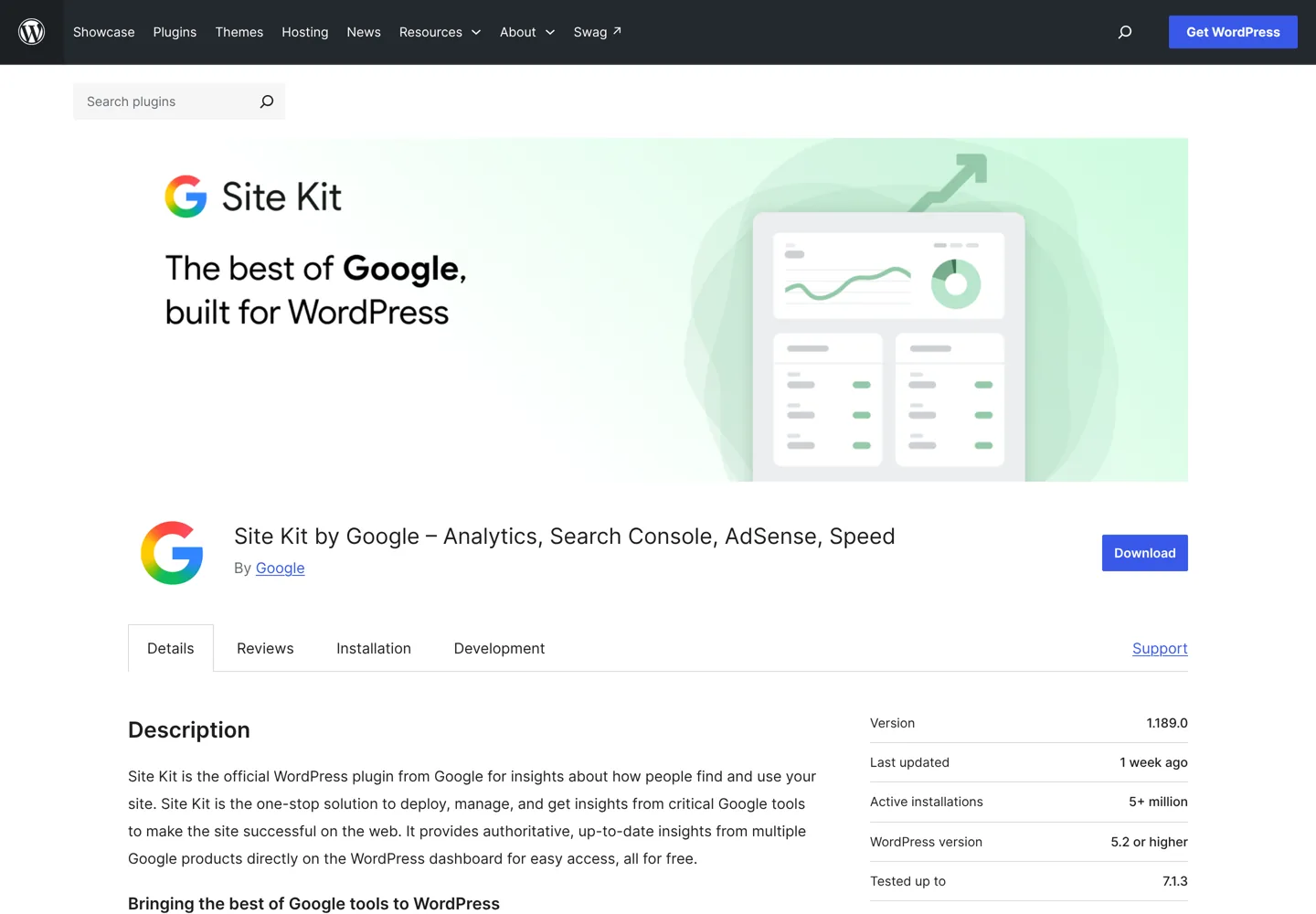
- Analytics: Site Kit by Google + Google Search Console. Why: Google’s own free plugin connects Search Console, Analytics, AdSense and PageSpeed Insights and shows their numbers in your dashboard.
- Images: Imagify Free. Why: it compresses uploads and converts them to WebP and AVIF, free up to 20 MB of images a month (about 200 images, by Imagify’s estimate). For a free tool outside WordPress, see our look at Optimizilla.
- Editorial helper: PublishPress Planner (free). Why: a content calendar, a Kanban board and notifications inside WordPress, so your post plan lives next to your drafts instead of in a separate app.
Cost: $35.88 a year during the first term (paid as $143.52 for 48 months), then $142.96 a year once hosting renews at $10.99 a month and you pay about $11 for the domain.
Stack 2: the starter stack
Move up when the blog earns its first income or you publish several posts a week. The starter stack keeps the free plugins that already do their job well and pays only where money buys back time or protects your work.
- Hosting: Hostinger Unlimited. Why: daily backups with easy restore instead of weekly, unlimited websites (handy for a second blog) and 50 GB of NVMe storage. It is $3.99 a month on a 48-month term ($191.52), renewing at $16.99 a month.
- Theme: GP Premium. Why: $59 a year adds 60+ starter sites, a theme builder and a local font library to GeneratePress, so layout changes stop costing you evenings. If you prefer Astra, Astra Pro + AI is $99 for the first year and renews at $149 (3 sites); our Astra Pro review covers what it adds.
- Images: Imagify Growth. Why: 500 MB a month (about 5,000 images, by Imagify’s estimate) for $4.99 a month billed yearly ($59.88), once you outgrow the free 20 MB.
- Everything else stays. Rank Math, LiteSpeed Cache, UpdraftPlus, Wordfence, your form plugin, MailerLite Free, Site Kit and PublishPress Planner keep doing the same jobs.
Cost: $166.76 in year one ($47.88 hosting share, $59 theme, $59.88 images; domain free). After the hosting term: $333.84 a year ($203.88 hosting, about $11 domain, $59 theme, $59.88 images).
Stack 3: the growth stack
The growth stack is for a blog with steady traffic where an outage or a hack would cost real income. The big change is managed hosting: the host takes over caching, the CDN, the firewall and backups, so you run fewer plugins, not more.
- Hosting: Kinsta Single 20GB. Why: managed WordPress hosting with edge caching and a CDN (125 GB of CDN bandwidth a month on this plan), a firewall with Cloudflare Enterprise DDoS protection, free malware removal and backups kept for 14 days. It’s $35 a month, or $30 a month billed yearly ($350), with the first month free and a 30-day money-back guarantee. Our Kinsta review tests it; best managed WordPress hosting compares the alternatives.
- Domain: Porkbun or Cloudflare Registrar. Why: Kinsta’s pricing page doesn’t list a free domain, so register it where renewals stay low. Porkbun lists .com at $11.08 a year with free WHOIS privacy; Cloudflare Registrar charges what the registry and ICANN charge, with no markup.
- Caching: Kinsta’s own. Why: pages are cached at the server and the edge. Check Kinsta’s documentation before adding a caching plugin; a second cache layer often causes problems instead of solving them.
- Backups: Kinsta + UpdraftPlus. Why: keep an off-site copy in your own cloud storage as well. UpdraftPlus Premium (Personal, $70 a year for 2 sites) adds more destinations and basic staging, but the free version is enough for most blogs.
- Security: Kinsta’s firewall + Wordfence for logins. Why: the host blocks attacks at the network; Wordfence’s free two-factor login protects your admin account.
- Email list: MailerLite Comfort. Why: from $12 a month for unlimited templates, multivariate testing and more once your list passes the free plan’s 250 subscribers. The price rises with your list size.
- Theme, images, forms, analytics and planning stay as in the starter stack.
- Optional: Rank Math PRO. Why: keyword rank tracking for 500 keywords and more schema tools. Rank Math showed us PRO at €7.99 a month billed yearly, renewing at €107.88 a year; it prices in your local currency, so check the page. Yoast SEO Premium is $118.80 a year.
Cost: about $623.96 a year ($350 hosting, $11.08 domain, $59 theme, $59.88 images, $144 email at $12 a month). Kinsta shows one price on its pricing page with no separate renewal rate, so this total doesn’t jump in year two.
What each stack costs per year
Here are the yearly totals side by side. Hosting plans paid for 48 months are shown as a yearly share so the stacks compare fairly, but you pay the whole term at sign-up.

| Item | Free tools: first term | Free tools: after | Starter: first term | Starter: after | Growth: every year |
|---|---|---|---|---|---|
| Hosting | $35.88 ($143.52 for 48 months) | $131.88 | $47.88 ($191.52 for 48 months) | $203.88 | $350 |
| Domain (.com) | $0 in year one | $11.08 | $0 in year one | $11.08 | $11.08 |
| Theme | $0 | $0 | $59 | $59 | $59 |
| Images | $0 | $0 | $59.88 | $59.88 | $59.88 |
| Email list | $0 | $0 | $0 | $0 | $144 |
| SEO, cache, backups, security, forms, analytics, planning | $0 | $0 | $0 | $0 | $0 |
| Total per year | $35.88 | $142.96 | $166.76 | $333.84 | $623.96 |
A few honest notes on these numbers. The domain renewal uses Porkbun’s .com price as a reference, because Hostinger’s renewal price for the free domain isn’t shown on its hosting page. Prices exclude tax. The email line assumes a list of up to 500 subscribers; MailerLite charges more as the list grows. And the theme and image prices are yearly subscriptions: if you stop paying, the features stay but updates and support end, so check each seller’s terms.
Which hosts fit these stacks
The stacks use Hostinger and Kinsta because their prices and features were clear on their own pages when I checked. Other good hosts slot in the same way:
- SiteGround: StartUp is $2.99 a month for the first 12 months (prepaid), renewing at $17.99, with daily backups and its own Speed Optimizer plugin, so use that instead of LiteSpeed Cache.
- Bluehost and Hosting.com (formerly A2 Hosting): popular shared hosts for a first blog; our Bluehost review and Hosting.com review have their current plans.
- Cloudways: cloud hosting between shared and fully managed, for bloggers comfortable choosing a server size.
For the full comparison, read our guide to the best WordPress hosting.
What to add, and when

Pay for a tool when it solves a problem you actually have, not one you might have. These are the signals I look for:
- Your images pass 20 MB a month: Imagify Free stops optimizing for the month. Move to Imagify Growth, or compress images before upload.
- Design work eats your writing time: a premium theme’s starter sites and theme builder pay for themselves quickly. Our guide on how to choose a blog theme helps you pick.
- Your list passes 250 subscribers: MailerLite’s free plan stops there. Move to a paid plan or compare providers in our guide to your first 1,000 email subscribers.
- You publish several posts a week, or work with a writer: PublishPress Planner’s calendar and notifications keep everyone on the same plan.
- The blog earns and downtime costs money: managed hosting. This is the biggest jump in cost, so make it when the income covers it.
- You need to track rankings: Rank Math PRO tracks keywords inside WordPress; dedicated tools are compared in our guide to rank tracking tools.
Tools you use outside WordPress, such as keyword research, writing and design apps, are a separate budget. Our list of blogging tools covers those, and the best keyword research tools compares the research options.
What NOT to install
Most slow or broken blogs I’ve been asked to fix had a plugin problem, not a hosting problem. Leave these out:
- Two SEO plugins. Rank Math and Yoast SEO both write titles, meta tags and sitemaps; running both duplicates them. Pick one. (If you choose Yoast, our Yoast SEO setup guide covers it.)
- Two caching plugins, or a cache plugin on a host that caches for you. Layered caches cause stale pages and odd errors. One cache, chosen to match your server.
- Two security firewalls. They can block each other and slow every page. One security plugin is enough, and on managed hosting the host’s firewall does most of the work.
- “Nulled” premium plugins or themes. Pirated copies come from unofficial sites, can hide malicious code and never get security updates. Use the free version or buy a licence.
- A page builder you don’t need. A modern theme and the block editor handle blog layouts. Add a builder only for a design the editor really can’t do.
- Plugins that repeat what you already have. A separate CDN plugin on Kinsta, a second backup plugin on top of UpdraftPlus, or a social feed you never look at all add weight with no gain.
- Plugins nobody maintains. On each plugin’s WordPress.org page, check “Last updated” and “Tested up to” before you install it.

How to set up the free tools stack in an afternoon
If you’re starting from nothing, our WordPress blog setup guide covers hosting and installation click by click, and how to install WordPress covers other hosts. Once WordPress is running, install the stack in this order:
- Theme first. Install GeneratePress or Astra and set your logo, colours and menu.
- Backups second. Install UpdraftPlus, connect Google Drive or Dropbox, and run one backup before you change anything else.
- Security. Install Wordfence and turn on two-factor login for your admin account.
- SEO. Install Rank Math, run its setup wizard and check that the sitemap loads.
- Analytics. Install Site Kit, sign in with your Google account and connect Search Console and Analytics.
- Speed and images. Install LiteSpeed Cache and Imagify, turn on WebP conversion and test a few pages.
- Forms and email. Add a contact form, then a MailerLite sign-up form at the end of your posts.
- Planning. Install PublishPress Planner and put your next ten post ideas on the calendar.
That’s eight plugins plus a theme, which is a lean, complete blog. Our WordPress guide for beginners explains the dashboard if any of this is new.
A worked example: two years on each stack
Here’s what a new blog started today would pay in cash over its first two years, using the prices above:
- Free tools stack: $154.60. $143.52 at sign-up covers Hostinger Premium for four years, and the domain renews for about $11.08 in year two. Nothing else costs money.
- Starter stack: $440.36. $191.52 at sign-up for Hostinger Unlimited, GP Premium twice ($118), Imagify Growth twice ($119.76) and one domain renewal ($11.08).
- Growth stack: $1,247.92. Two years of $623.96: Kinsta, domain, theme, images and a MailerLite Comfort plan.
The jump from the starter to the growth stack is mostly hosting and email, so I’d make that move only once the blog’s income covers it with room to spare. Until then, the free tools stack with one or two paid upgrades runs a fast, safe blog. If you want to earn from it, our guide to earning money from a blog covers the options.
If you’d rather have the whole stack set up for you, my company A Digital Motive builds and looks after WordPress sites for bloggers and businesses.
Start with the free tools stack, add paid tools only when a real signal appears, and keep one tool per job. That’s how a blog stays fast, safe and affordable while it grows.
Questions people ask
What are the best WordPress tools for bloggers on a budget?
Budget hosting such as Hostinger Premium plus free tools: GeneratePress or Astra for the theme, Rank Math for SEO, LiteSpeed Cache for speed, UpdraftPlus for backups, Wordfence for security, WPForms Lite for forms, Site Kit for analytics, MailerLite Free for email and Imagify Free for images.
How much does a WordPress blog cost per year?
With the free tools stack, about $35.88 a year on Hostinger's 48-month first term (paid as $143.52 up front), rising to about $142.96 a year once hosting and the domain renew. A managed-hosting stack on Kinsta with paid email is about $624 a year.
How many plugins should a WordPress blog have?
As few as cover every job. The free tools stack here uses eight plugins plus a theme. The number matters less than avoiding duplicates and abandoned plugins.
Do I need WP Rocket if my host uses LiteSpeed?
Usually not. On LiteSpeed servers, the free LiteSpeed Cache plugin uses the server-level cache. WP Rocket ($59.95 a year for one site) makes more sense on hosts without their own caching tool.
Should I use Rank Math and Yoast SEO together?
No. Both write titles, meta tags and sitemaps, so running both duplicates them. Pick one; the free version of either is enough for a new blog.
When should a blogger move to managed WordPress hosting?
When the blog earns steady income and downtime or a hack would cost money. Managed hosts such as Kinsta take over caching, CDN, firewall and backups, but cost far more than shared hosting, so move when income covers it.
Sources
- Hostinger: WordPress hosting plans www.hostinger.com · checked October 12, 2026
- Kinsta: pricing kinsta.com · checked October 12, 2026
- SiteGround: WordPress hosting www.siteground.com · checked October 12, 2026
- Porkbun: domain pricing porkbun.com · checked October 12, 2026
- Cloudflare Registrar www.cloudflare.com · checked October 12, 2026
- GeneratePress: pricing generatepress.com · checked October 12, 2026
- Astra: pricing wpastra.com · checked October 12, 2026
- Rank Math: pricing rankmath.com · checked October 12, 2026
- Yoast SEO Premium yoast.com · checked October 12, 2026
- WP Rocket: pricing wp-rocket.me · checked October 12, 2026
- UpdraftPlus Premium updraftplus.com · checked October 12, 2026
- Imagify: pricing imagify.io · checked October 12, 2026
- MailerLite: pricing www.mailerlite.com · checked October 12, 2026
- WordPress.org: Site Kit by Google wordpress.org · checked October 12, 2026
- WordPress.org: LiteSpeed Cache wordpress.org · checked October 12, 2026

Building websites since 2006: 500+ web projects of every size and $300K+ in website deals sold or brokered. Founder of A Digital Motive and DigiFlippers. I share the whole process here, plainly.
Founder of A Digital Motive and DigiFlippers